© Microhard Systems Inc. CONFIDENTIAL 42
IP9xx Series
6.0 Configuration
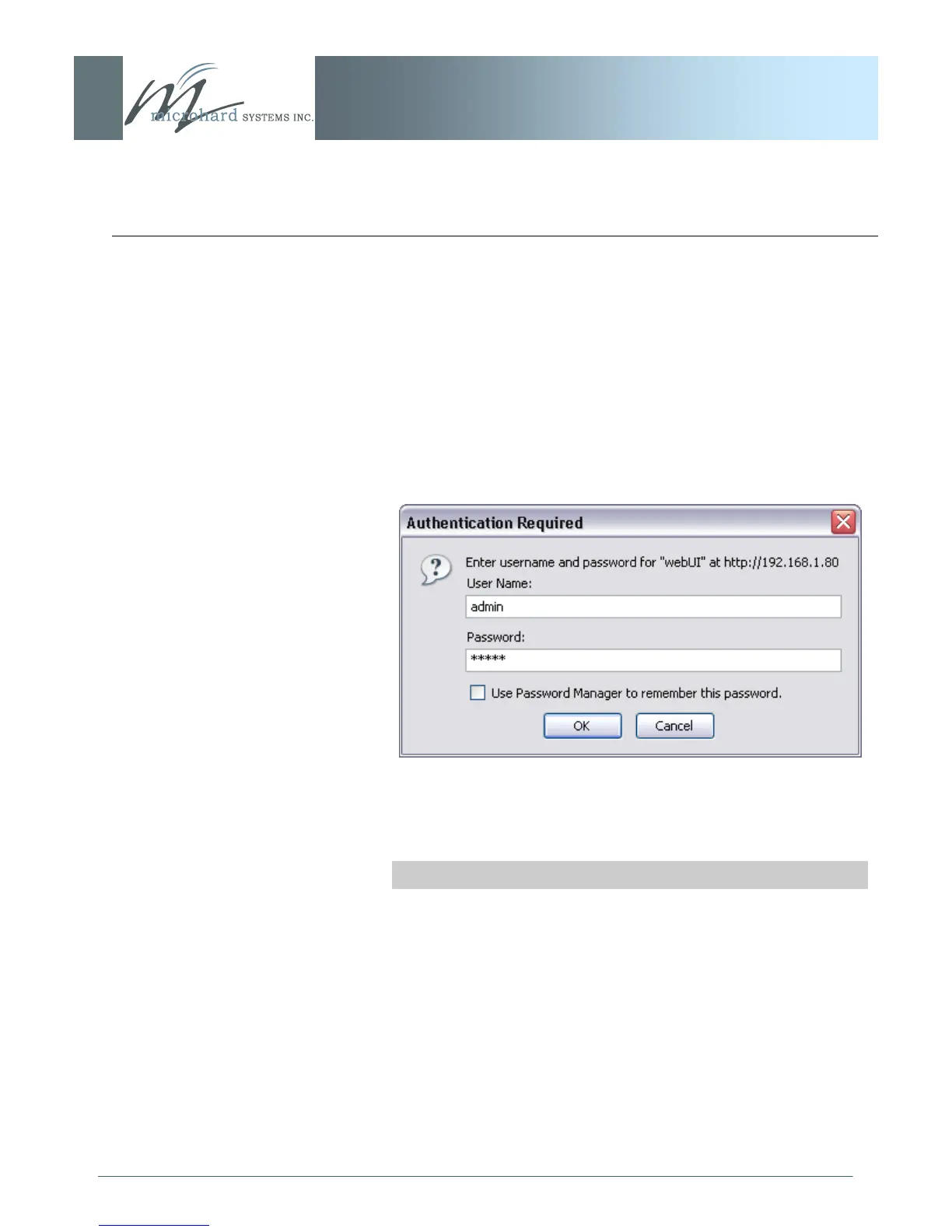
When entered, the password appears as ‘dots‘ as shown in the
image below. This display format prohibits others from viewing the
password.
The ‗Remember my password‘ checkbox may be selected for
purposes of convenience, however it is recommended to ensure it
is deselected - particularly once the unit is deployed in the field -
for one primary reason: security.
Image 6B: Logon Window With Password Input
Soft Buttons
OK
Inputs the selected values into the IP Series for processing.
Cancel
Cancels the logon process.



 To Next Page