© Microhard Systems Inc. CONFIDENTIAL 96
IP9xx Series
6.0 Configuration
Port Status
Enable
Disable
Values
Select operational status of port. Enabled by default.
*COM2 is Disabled by default. If COM2 is Enabled and there is a
desire to switch it back to Disabled (console mode) via the serial
connection to it, the escape sequence of ‗+++‘ may be entered at
the Data Baud Rate for which the port is configured.
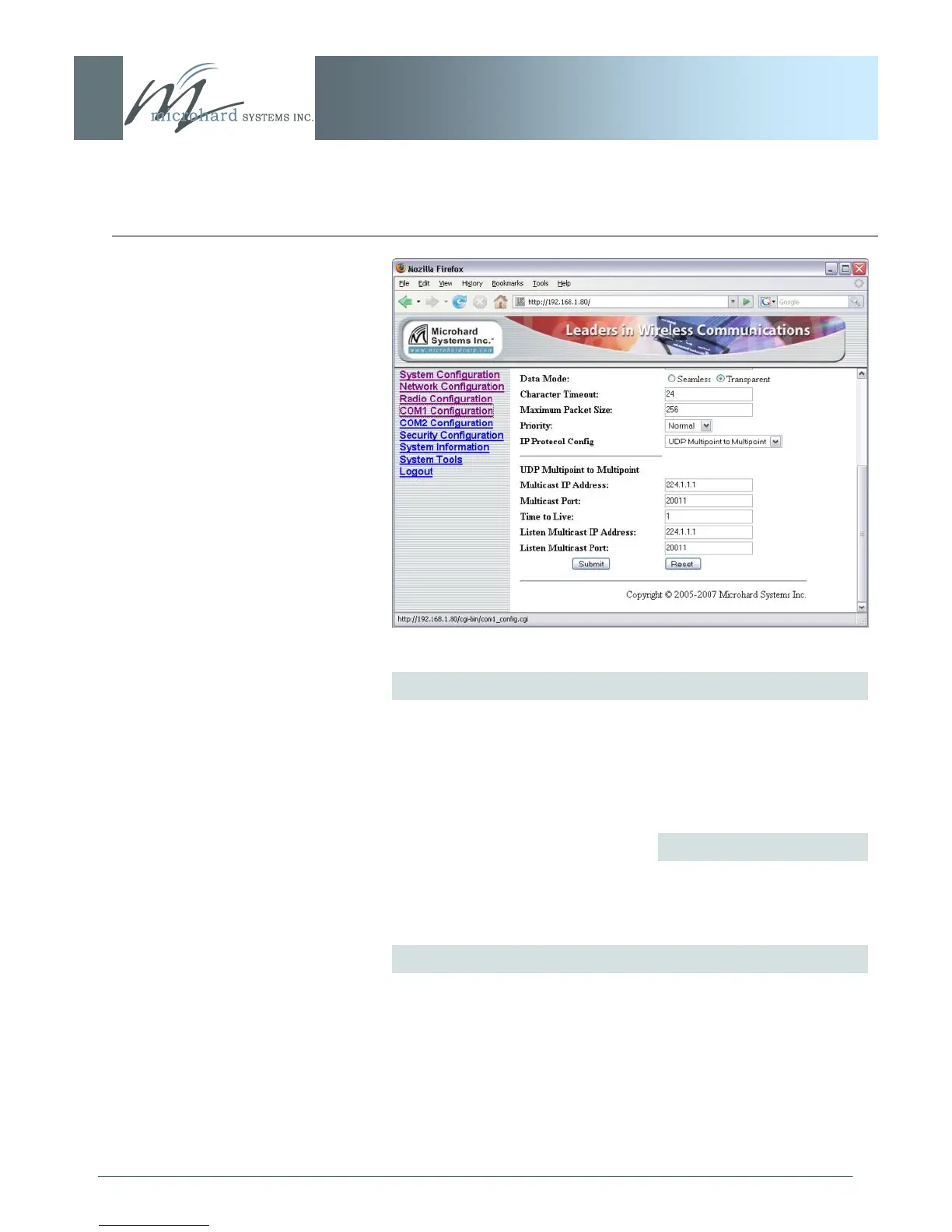
Image 6V: COM1 Configuration Menu (lower portion)
Channel Mode
Determines which (rear of unit) serial interface shall be used to
connect to external devices: RS232, RS485, or RS422. This
option applies only to COM1. When an interface other than RS232
is selected, the DE9 port will be inactive.
*COM2 is RS232 only, 3-wire (TxD, RxD, and SG).
...continued



 To Next Page