42 IP920 Operating Manual: Chapter 4 Configuration
Parameter Change through Command Line FTP
This section describes the procedure to download system configuration file
through FTP and upload system configuration parameter file.
The system settings can be changed through FTP session rather than
navigating through textUI or webUI.
Start up a command line window from the system;
Change current directory to where the system configuration file
needs to be;
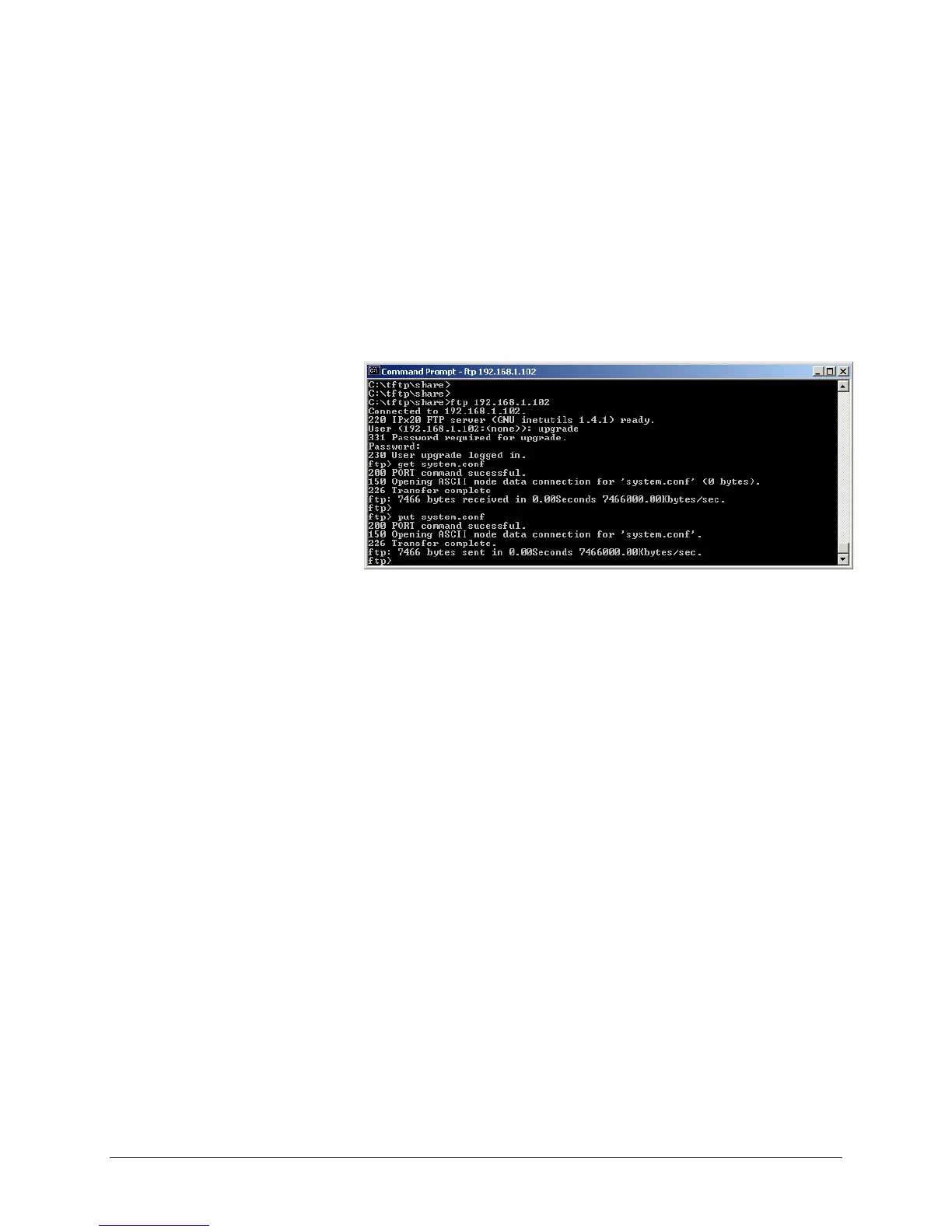
Start a FTP session as shown below;
Figure 22 Command Line Parameter Loading
Provide proper user name (upgrade) and password (admin by
default) to login;
Download “system.conf”;
Make necessary changes in “system.conf”. Comments can be
found inside the file.
Push “system.conf” file into the system with “put” command;
The system applies new parameters and reboots itself.



 To Next Page