Operation tips
19
Operation
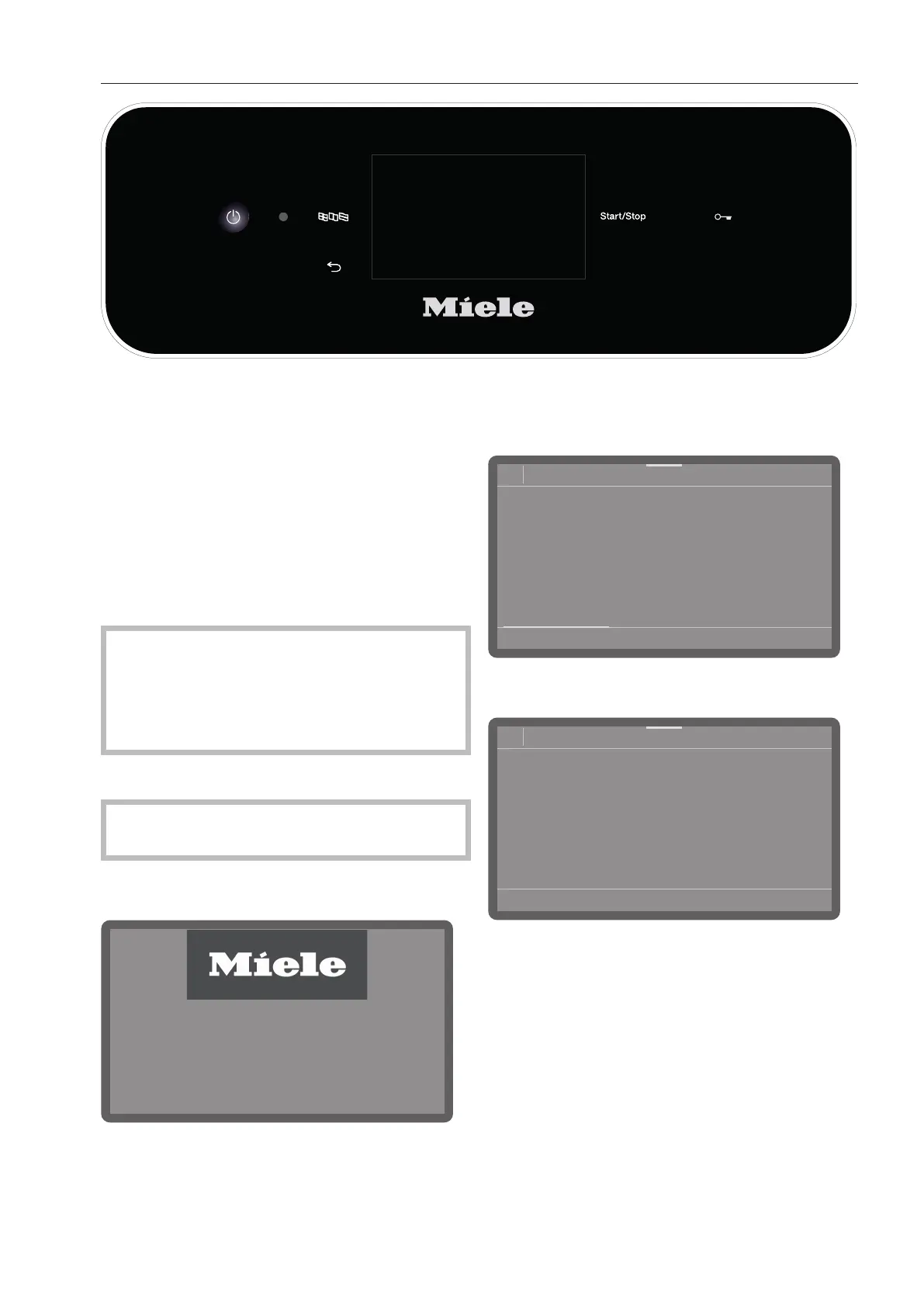
Operation is carried out via the touch dis-
play as well as via the buttons on the con-
trol panel.
The sensor controls on the control panel
and the buttons on the display react to fin-
ger tip contact. Every touch on the sensor
controls is confirmed by a keypad tone. You
can adjust the volume of the keypad tone or
switch it off (see “Settings/Volume”).
The control panel with sensor controls
and the touch display can be scratched
by pointed or sharp objects, e.g., pens.
Only touch the control field with your fin-
gers.
Switching on
The dishwasher needs to be connected to
the electricity supply.
Press and hold the button until the fol-
lowing appears on the display:
As soon as the dishwasher is ready for op-
eration, the display message changes to
show the program selection screen, e.g.:
08:15
Programs
Normal
66°C
0:13 h
Normal plus
66°C
0:19 h
Intensive
66°C
0:21 h
Rapid
55°C
0:05 h
If the Memory function is activated, the most
recently started program is displayed, e.g.:
08:15
Program
Normal plus
66°C
AutoOpen
0:19 h
Timer
Dry+
Switching off
Press the button.
The dishwasher remains in standby mode
for about one minute before it switches off
completely.



 To Next Page