Operation
48
Canceling a program
Only cancel a program which has already
started if strictly necessary, e.g., if you want
to change the program.
In the event of a fault, the program will be
canceled automatically.
Risk of scalding and burning due to
hot wash items.
The wash items and the wash cabinet
may be very hot.
Open the door slowly, taking care not to
touch the wash items or the interior cabi-
net.
Press the Start/Stopbutton.
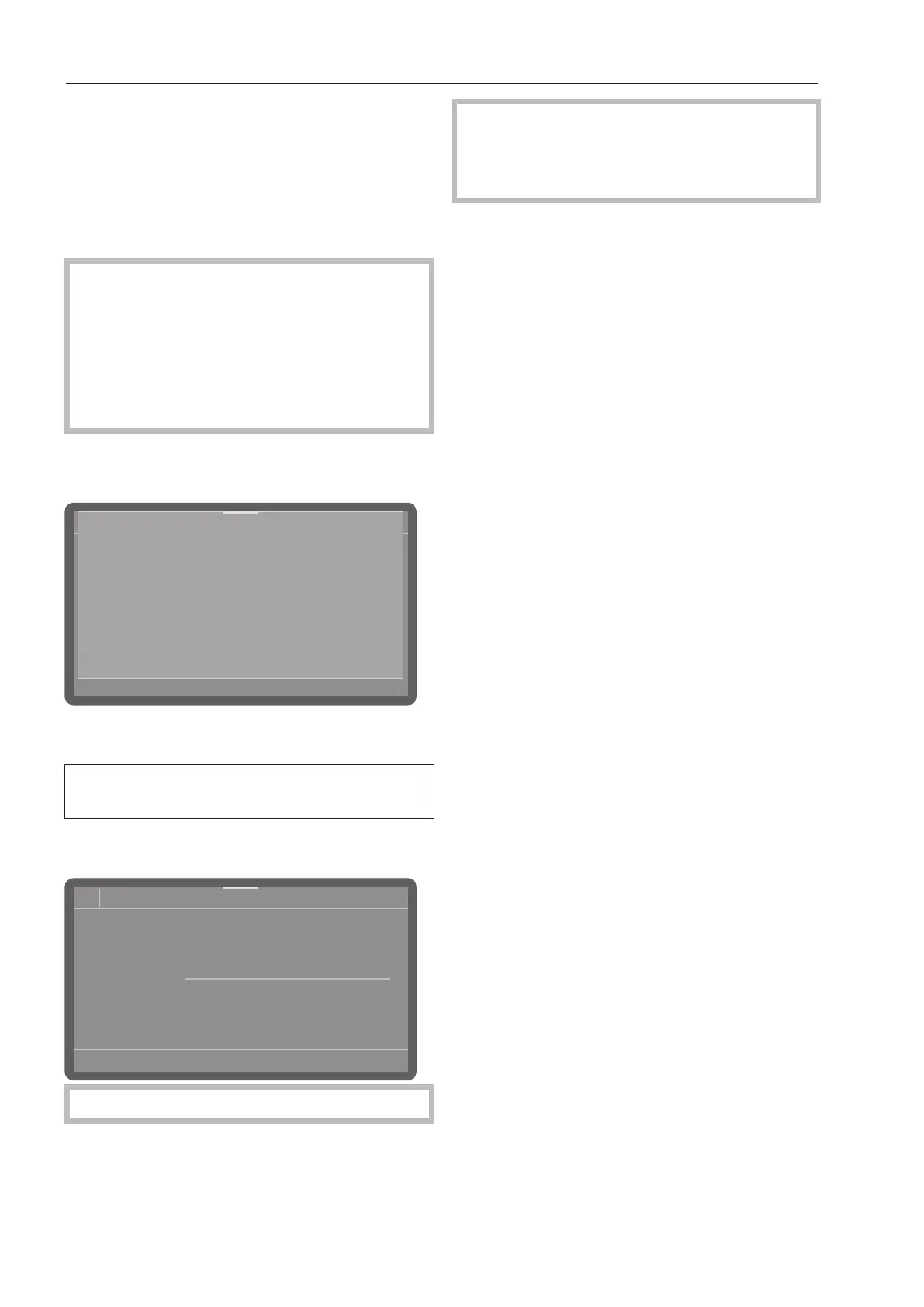
The following will appear in the display:
Cancel the program?
Yes No
Select Yes and confirm your choice with
the OKbutton.
The program will only be canceled when
Yes is confirmed.
The following message will appear in the
display:
08:15
66°C
Normal plus
Status
Program cancelled
Close
The door needs to be opened.
If you change the program and the clean-
ing agent dispenser flap has already
opened, add more cleaning agent as
needed.



 To Next Page