Machine functions
52
Dry+
Dry+ active drying is only available on
dishwashers with a drying fan (depending
on the model).
Dry+ active drying accelerates and improves
the drying process at the end of the pro-
gram. When the door is closed, a fan con-
veys filtered fresh air into the wash cabinet
for active drying.
You can subsequently activate or deactivate
active drying for all programs that support
Dry+, as well as extend the fan cycle time
and in turn adjust the drying phase for indi-
vidual programs. You can find out which
programs support Dry+ in “Program param-
eters”.
Program selection
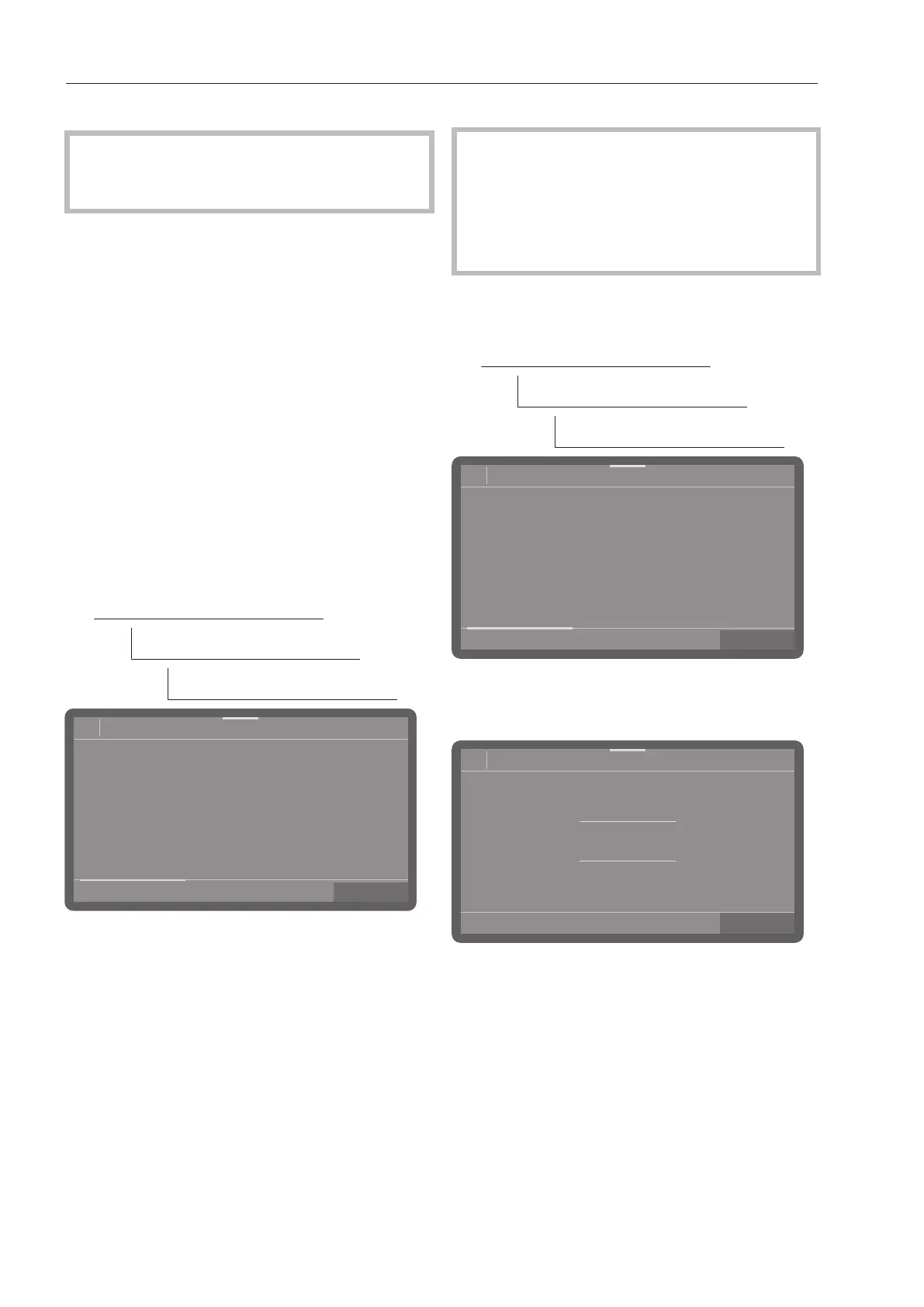
The menu is saved under the following input
path.
Machine functions
Dry+
Program selection
OK
08:15
Normal
Normal plus
Selection
66°C
66°C
70°C
Sanitize plus
50°C
China & Crystal
Intensive
66°C
SaniWash
60°C
All programs
Select the programs for which you want to
activate Dry+. Activated programs are
highlighted in color.
If you want to activate Dry+ for all pro-
grams, tap on All programs.
Press OK to save the selection.
Extension
The fan cycle time is preset for each pro-
gram and it is only possible to extend this
cycle time or to cancel an extension. It is
not possible at this point in time to
shorten the preset cycle time or to switch
off the fan.
The menu is saved under the following input
path.
Machine functions
Dry+
Extend Dry+ time
OK
08:15Extend Dry+ time
66°C
66°C
70°C
66°C 60°C
50°C
Normal
Intensive SaniWash
China & CrystalSanitize plusNormal plus
Scroll through the program list and select
the program for which you want to extend
the fan cycle time.
OK
08:15
2
1
0
30
29
Normal plus
min
The program cycle time can be extended by
up to 30minutes in 1-minute increments.
Set the program cycle time. In the lowest
setting, the program cycle time corre-
sponds to the preset baseline value.
Press OK to save the setting.



 To Next Page