Additional settings
73
PIN code
Access to relevant system settings and ma-
chine functions that require advanced
knowledge of the machine and its pro-
cesses can be protected by PIN codes. A
PIN code consists of 3 numbers from 0–9 in
any order.
The factory-assigned PIN code is 800.
If a PIN code is lost, a new code must
be issued by Miele Customer Service.
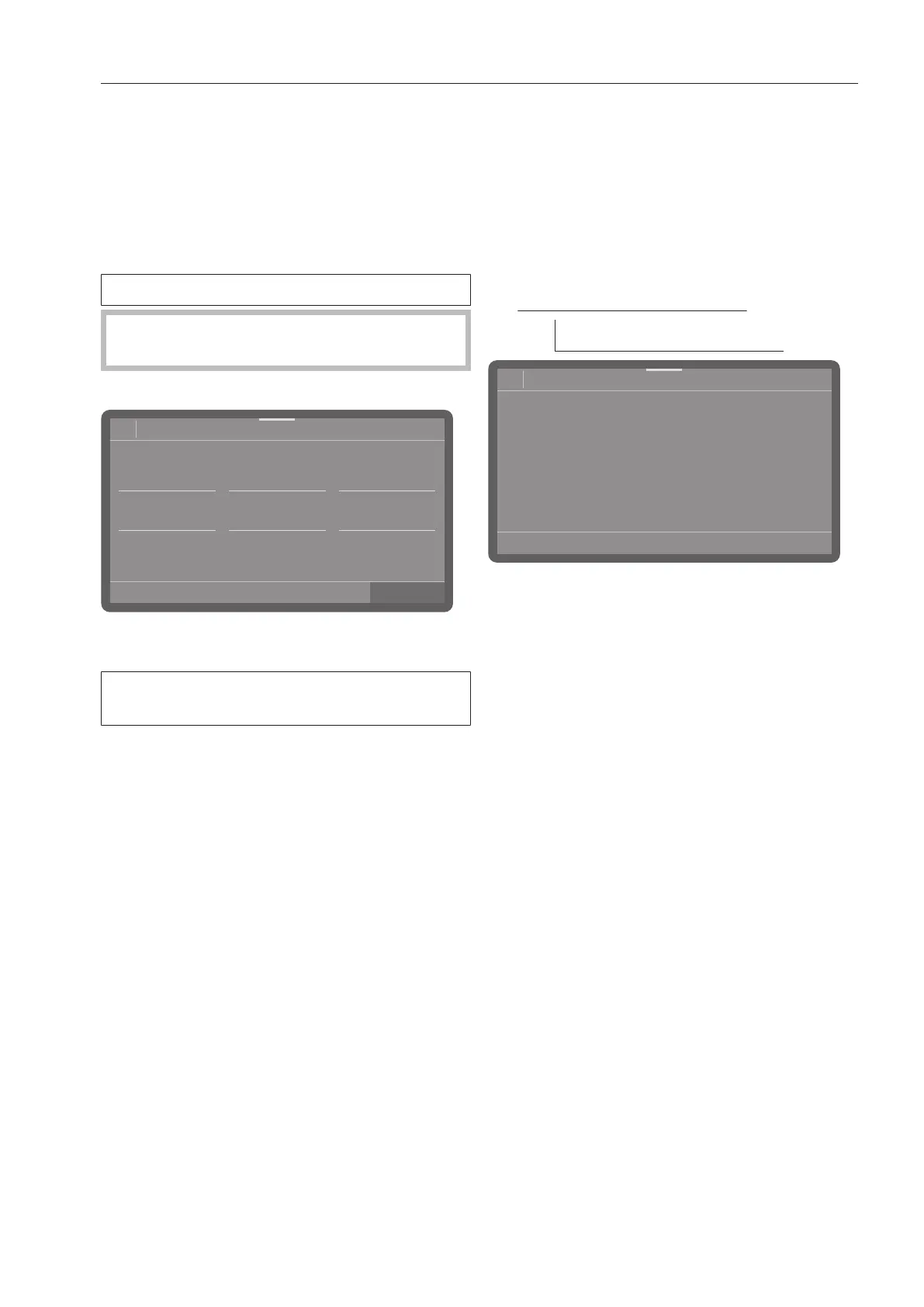
Entering a PIN code
OK
08:15
2
1
0
9
8
PIN code
8
9
0
1
2
8
9
0
1
2
Set the relevant numerical values and
confirm your input with the OKbutton.
You can cancel the process at any time by
pressing the button.
If the PIN code was entered correctly, the
protected area is made available for further
use.
If it is entered incorrectly, a corresponding
message is displayed and the process is
canceled.
Blocking further settings or making them
available
Access to the menu can be protected by a
PIN code or can be made available to all
users. A new code can also be assigned.
The menu is saved under the following input
path.
Extended settings
PIN code
08:15
Change PIN
code
Release exte.
settings?
PIN code
- Change PIN code
Assign a new PIN code (see “Changing a
PIN code”).
- Release exte. settings?
The Extended settings menu is avail-
able to all users.
Select an option.



 To Next Page