Process documentation
113
Process documentation using a report printer
Process reports are printed via a directly connected report printer and
archived on paper. Graphic representations are not included. An XKM
RS232 10 Med communication module is required for direct connec-
tion.
Report formats
You can choose from two different report formats for paper archiving:
- Long format: includes all recorded data.
- Short format: includes only selected parameters.
The report format has no effect on the data stored in the machine. All
data required for a long report is stored, so the report format can be
changed for each new cycle.
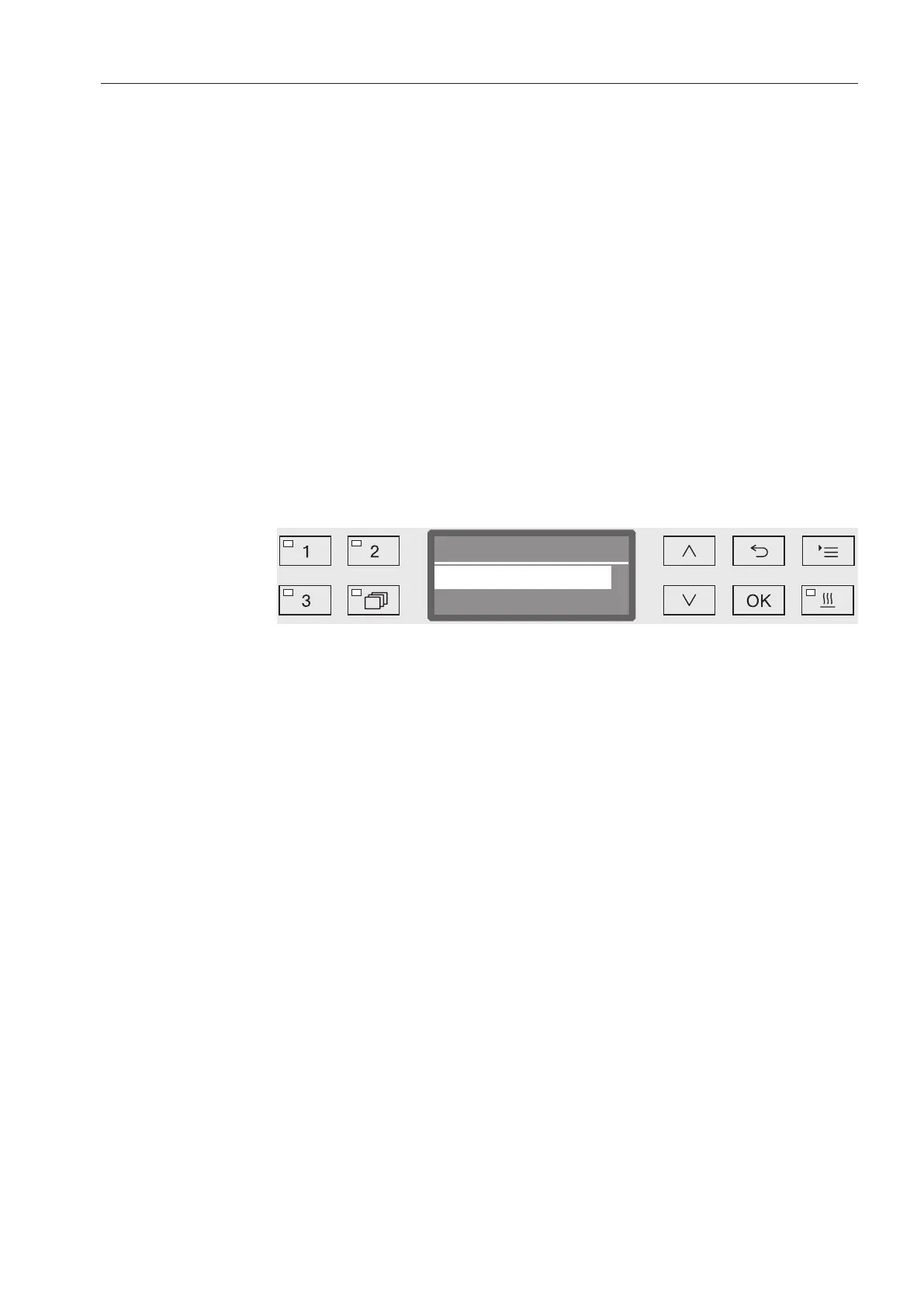
Open the menu as follows:
button
Additional settings
Report
- Short
Print in short format
- Long
Print in long format
Select an option using the and arrow buttons.
Press OK to save the setting.


 To Next Page