Operation
23
Settings in the menu
All menu descriptions in these operating instructions are structured
as follows:
Input procedure
The input procedure describes the complete sequence required to
reach a particular menu level. The menu options shown must be se-
lected individually using the arrow buttons and then confirmed with
OK.
Example:
Button
Settings
Time of day
Time format
If a menu level is already displayed, the path does not need to be fol-
lowed completely. If, for example, the Settings menu is already dis-
played, you do not need to press the button again. In this case,
simply follow the sequence from Settings onwards.
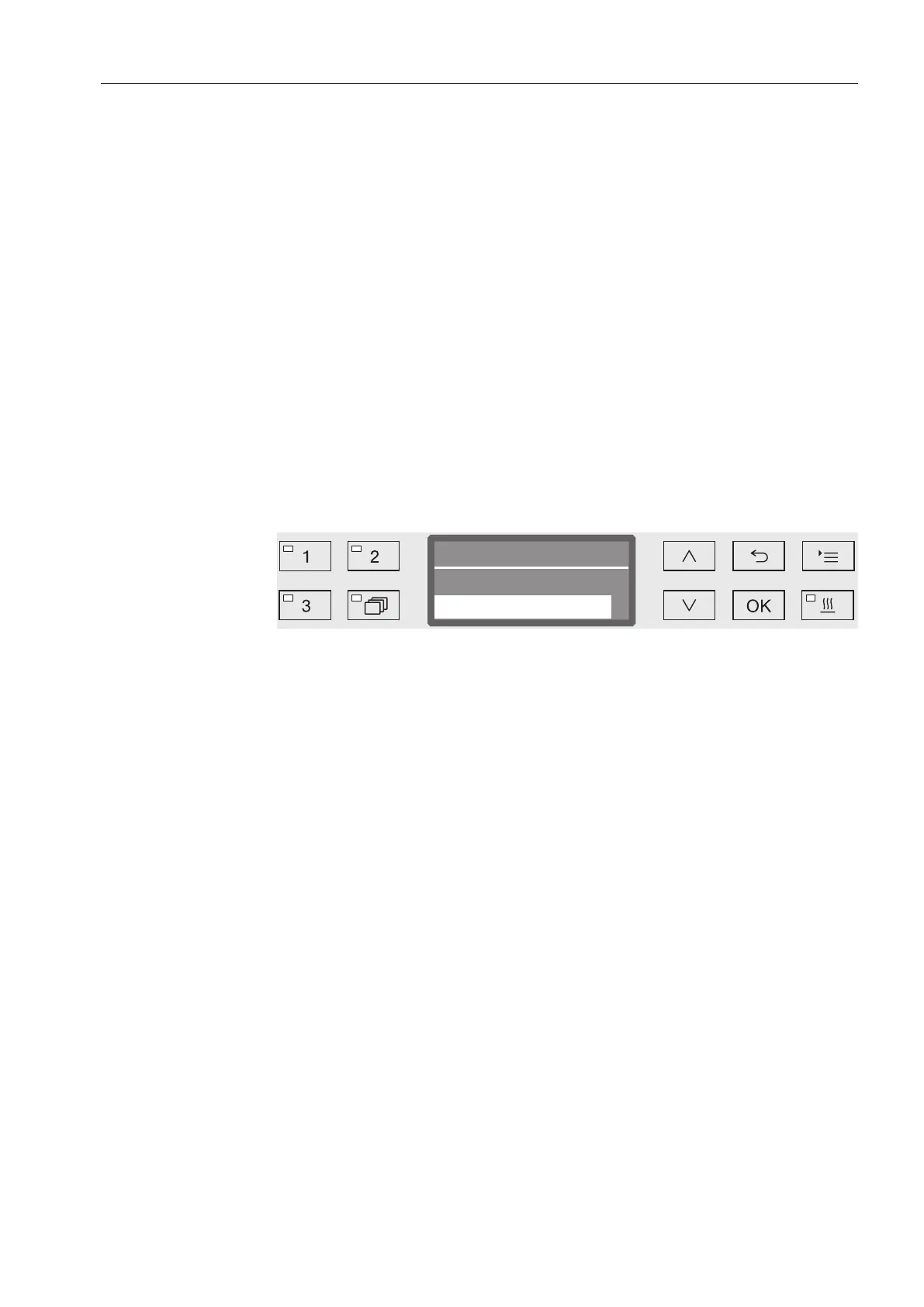
Display view
When selecting a menu, the last menu used is generally pre-selected.
Example:
Options
All available setting options are listed with a short description.
Example:
- 12 h
Time of day display in 12-hour format (am/pm).
- 24 h
Time of day display in 24-hour format.
Method
After that, further instructions are provided.
Example:
Select an option using the and arrow buttons.
Press OK to save the setting.


 To Next Page