Settings
72
Display
If necessary, the machine can set to standby for use during breaks in
operation.
- An option to display the time of day must be selected for this pur-
pose.
- Additionally, automatic shutdown must be activated and a standby
duration set in “Additional settings/Switch off after”.
Once the set standby time elapses, the machine is activated for use.
During standby, the machine remains switched on and the time is
shown on the display. Pressing any button reactivates the machine.
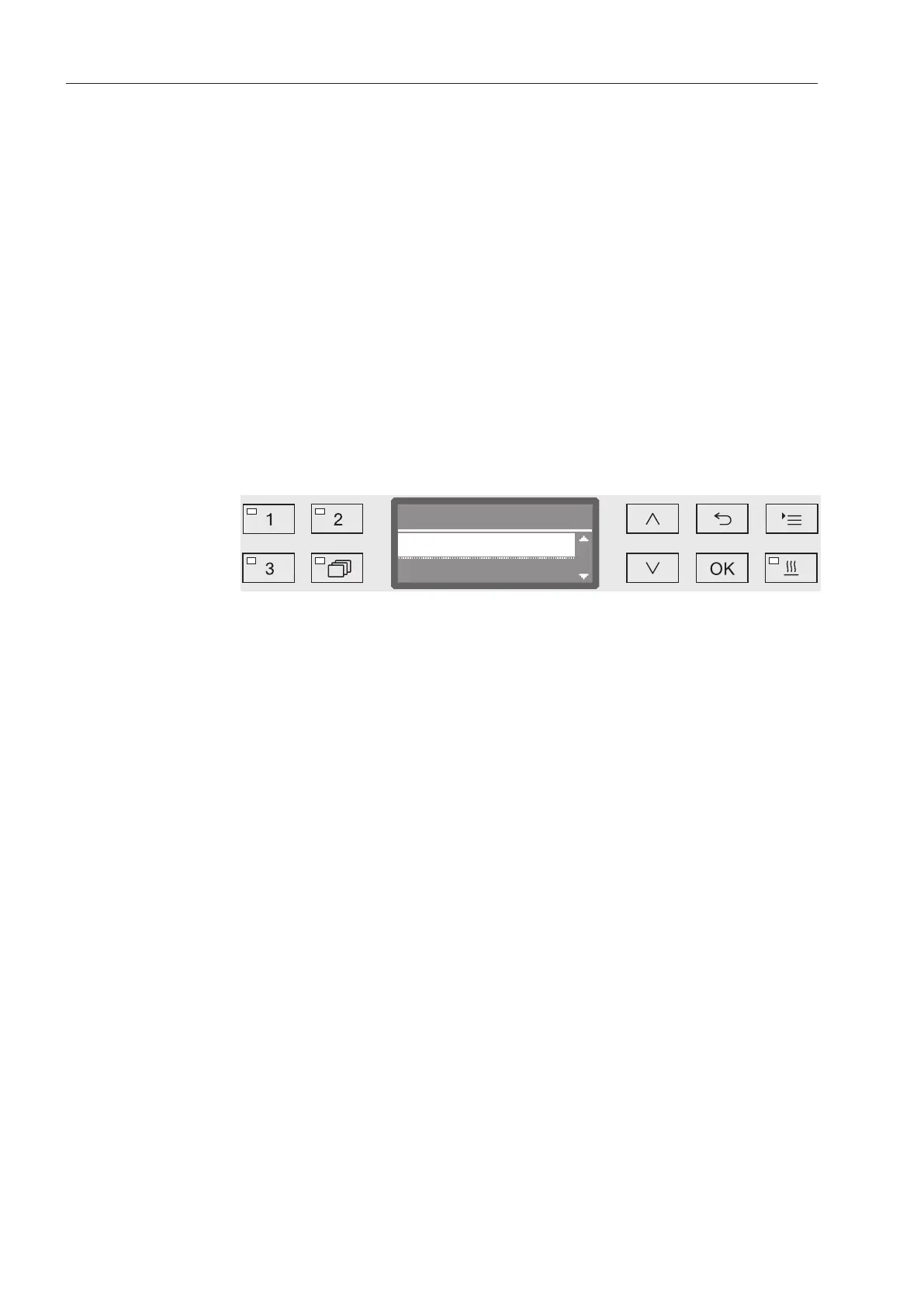
Open the menu as follows:
button
Settings
Time of day
Display
- On
Once the set standby time elapses, the machine is permanently ac-
tivated for use and the time appears on the display.
- On for 60 seconds
Once the set standby time elapses, the machine is activated for
use for 60seconds. After the 60seconds have elapsed, the ma-
chine switches off. The time appears on the display while the ma-
chine is in standby.
- Do not display
After the standby time has elapsed, the machine switches off. The
time no longer appears on the display.
Use the and arrow buttons to select an option.
Press OK to save the setting.


 To Next Page