Operation
63
System messages
After the machine is switched on or a program sequence is com-
pleted, a series of system messages may be shown on the display.
These indicate e.g., low fill levels in the containers or required mainte-
nance.
Cleaning the filter
combination
The filters in the wash cabinet must be checked daily and cleaned
regularly; see “Maintenance/Cleaning the filters in the wash cabinet”.
A counter in the controls can be activated to remind you of the re-
quired cleaning at regular intervals.
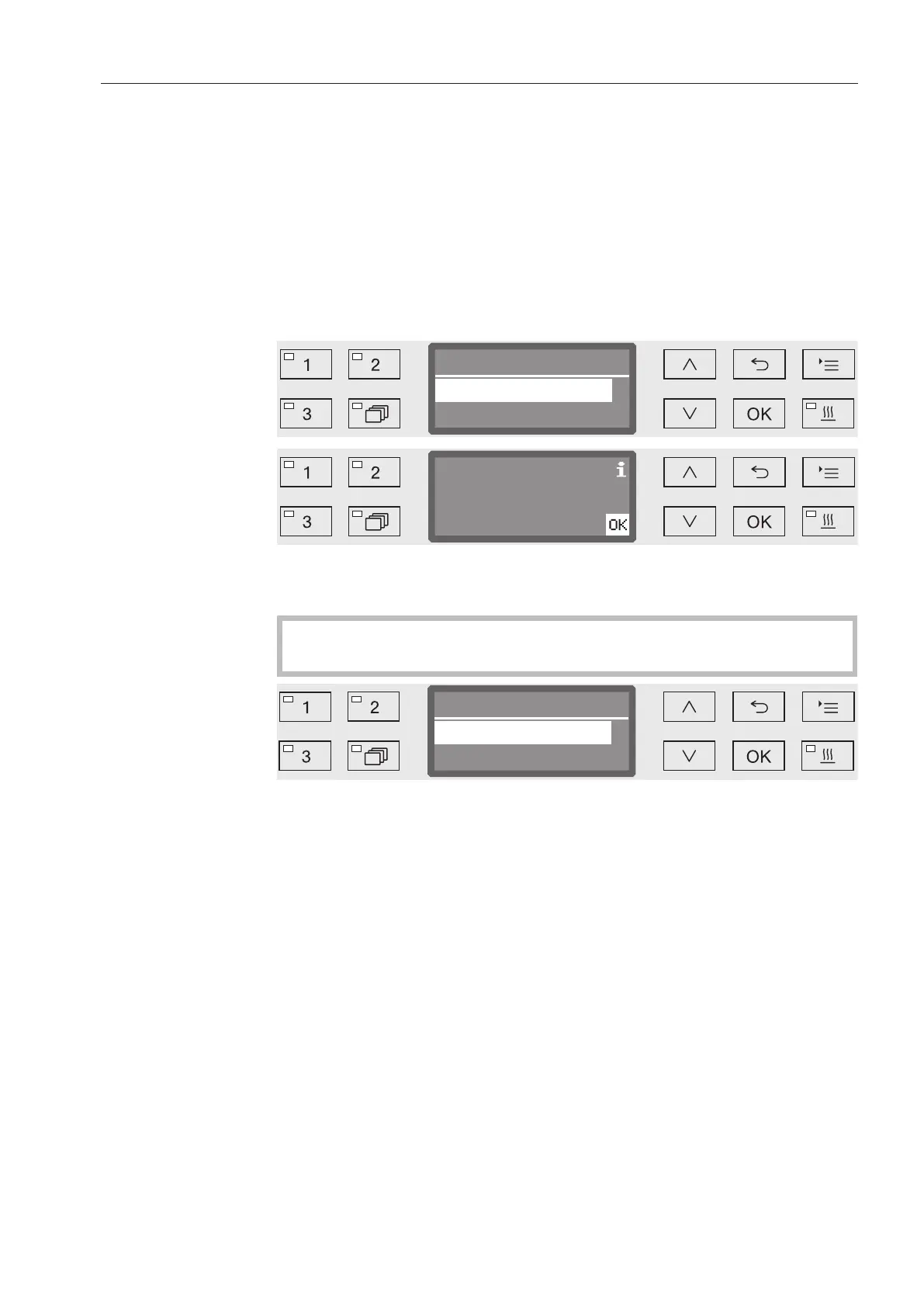
Now
Clean filter comb.?
Later ( Programmes)
Clean filter combination!
Follow the instructions in the “Maintenance” section for cleaning the
filters.
Resetting the
counter
The counter for the cleaning interval may be reset only after clean-
ing has been completed.
Filter comb. cleaned?
No
Yes
- Yes
The counter is reset.
- No
The counter will not be reset.
Select an option using the and arrow buttons and confirm your
choice with OK.


 To Next Page