Operating the washing machine
17
Examples on how to operate
the appliance
Option lists
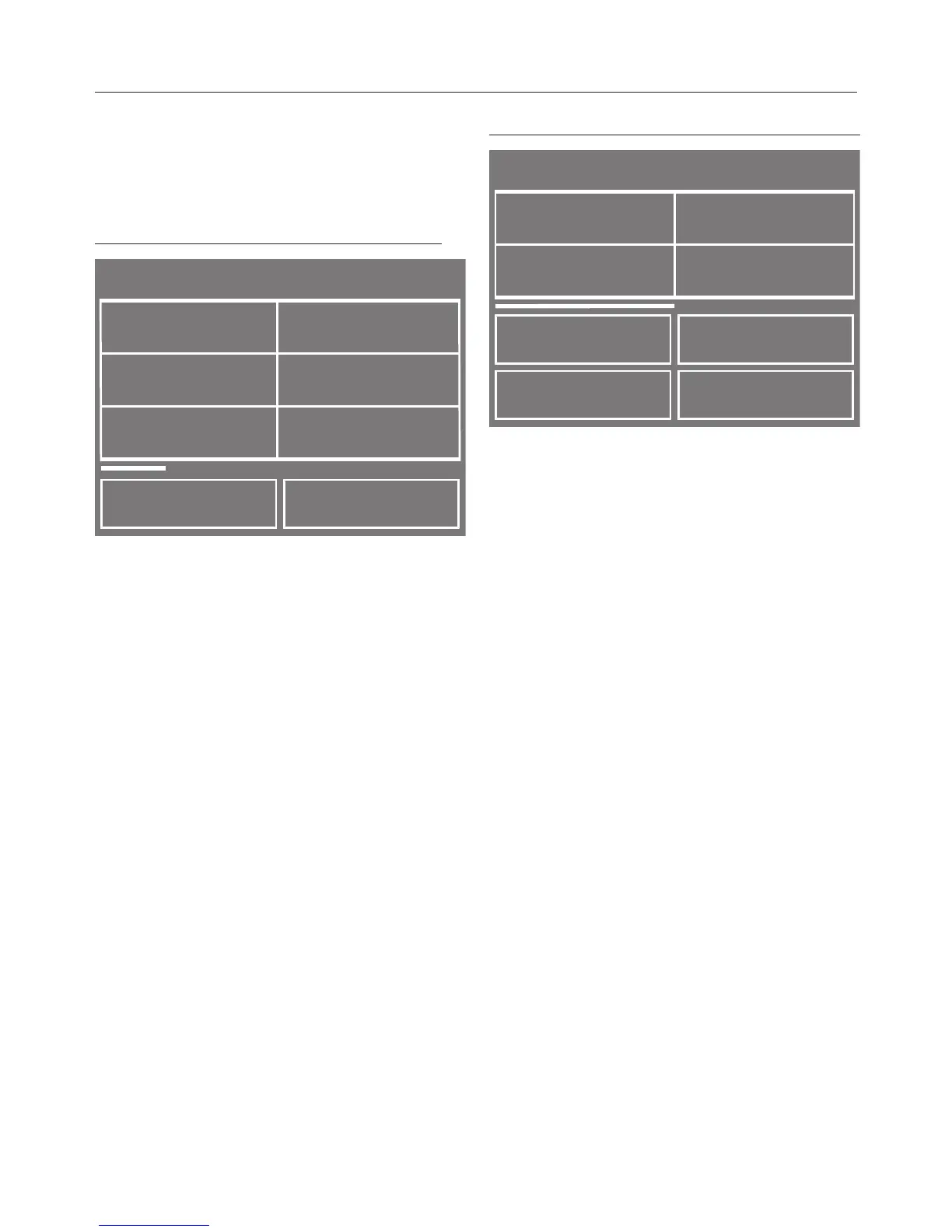
Programmes menu (single option list):
Programmes
Cottons
Delicates
Denim
< >
Minimum iron
Woollens
Cottons
Touching the < or > sensor scrolls to
the left or right of the list.
The scroll bar indicates that further
options follow.
Touch a programme name to select the
wash programme.
The load for the programme selected
will appear in the display.
After a few seconds or if you confirm
with the OK sensor, the display will
change to show the standard menu for
the programme selected.
Extra options menu (multiple option list):
Extras
< >
Rinse hold
Short
Soak
Steam
smoothing
OK
Touching the < or > sensor scrolls to
the left or right of the list.
The sensor takes you back a menu
level.
The scroll bar indicates that further
Extra options follow.
Touch one or several Extra options to
select it/them.
The Extra option currently selected will
be marked with a .
Touch the Extra option again to
deselect it.
The OK sensor activates or saves the
marked Extra option.


 To Next Page