2. Selecting a programme
31
Switching on the washing
machine
In order for the load display to function
correctly, the drum must be empty
before the washing machine is
switched on.
Press the button.
The interior drum lighting will come on.
The drum lighting will go out
automatically after five minutes.
The main menu will appear in the
display.
Selecting a programme
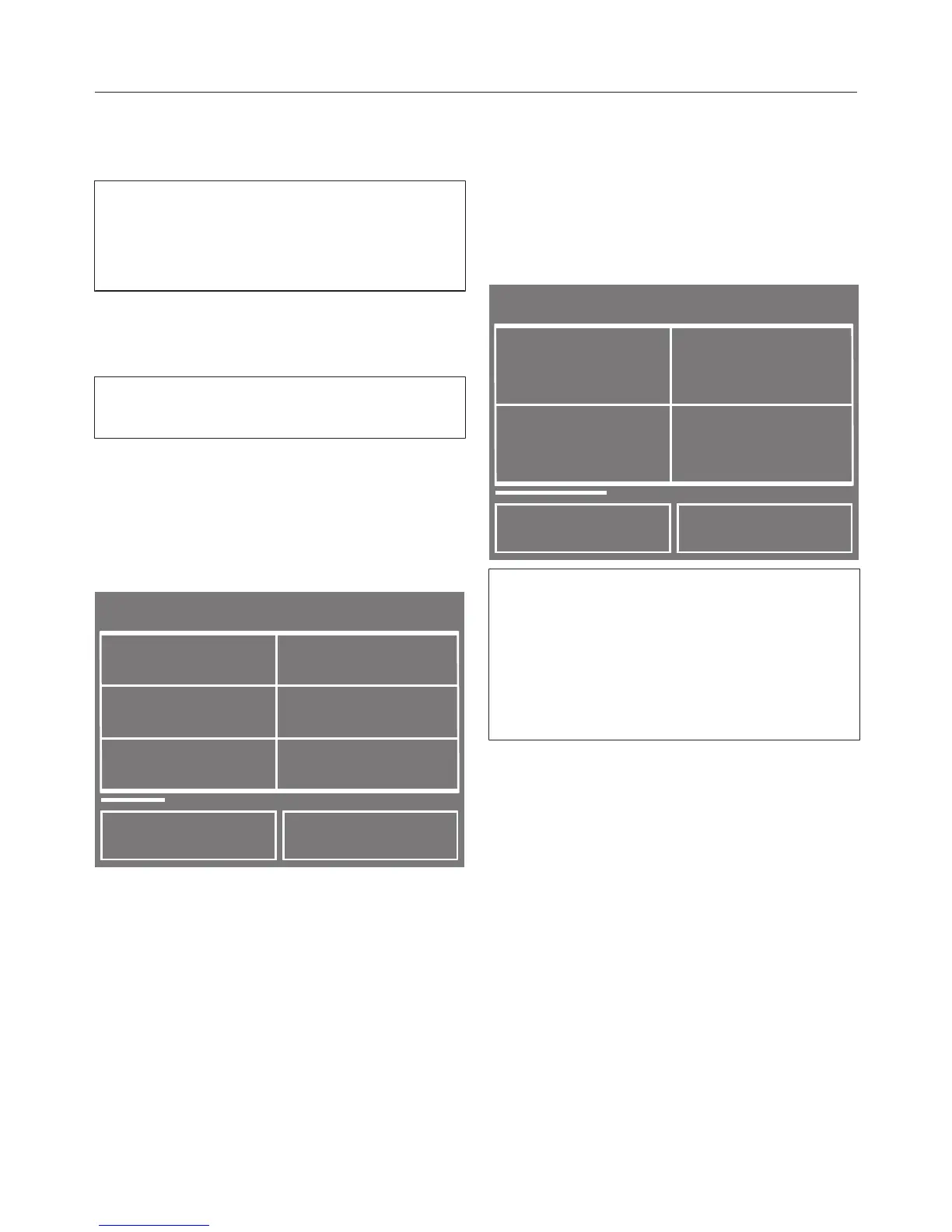
Touch the Programmes sensor.
Programmes
Cottons
Delicates
Denim
< >
Minimum iron
Woollens
Cottons
Scroll with the < or > sensor until
the programme you want appears in
the display.
Touch the sensor for the programme.
The load for the programme selected
will appear in the display.
Confirm with the OK sensor or wait a
few seconds until the display
changes to show the standard menu
for the programme.
Cottons
Temperature
TwinDos
< >
Spin speed
rpm
Prog. manager
1:59 h
10:30
1600
60
°C
Alternatively you can select a
programme via
– Favourite programmes,
– the Washing assistant,
– Mixed items.


 To Next Page