TwinDos
25
Settings for UltraPhase1 and
UltraPhase2
The dosage amounts for UltraPhase1
and UltraPhase2 are preset for normal
soiling and need only be confirmed.
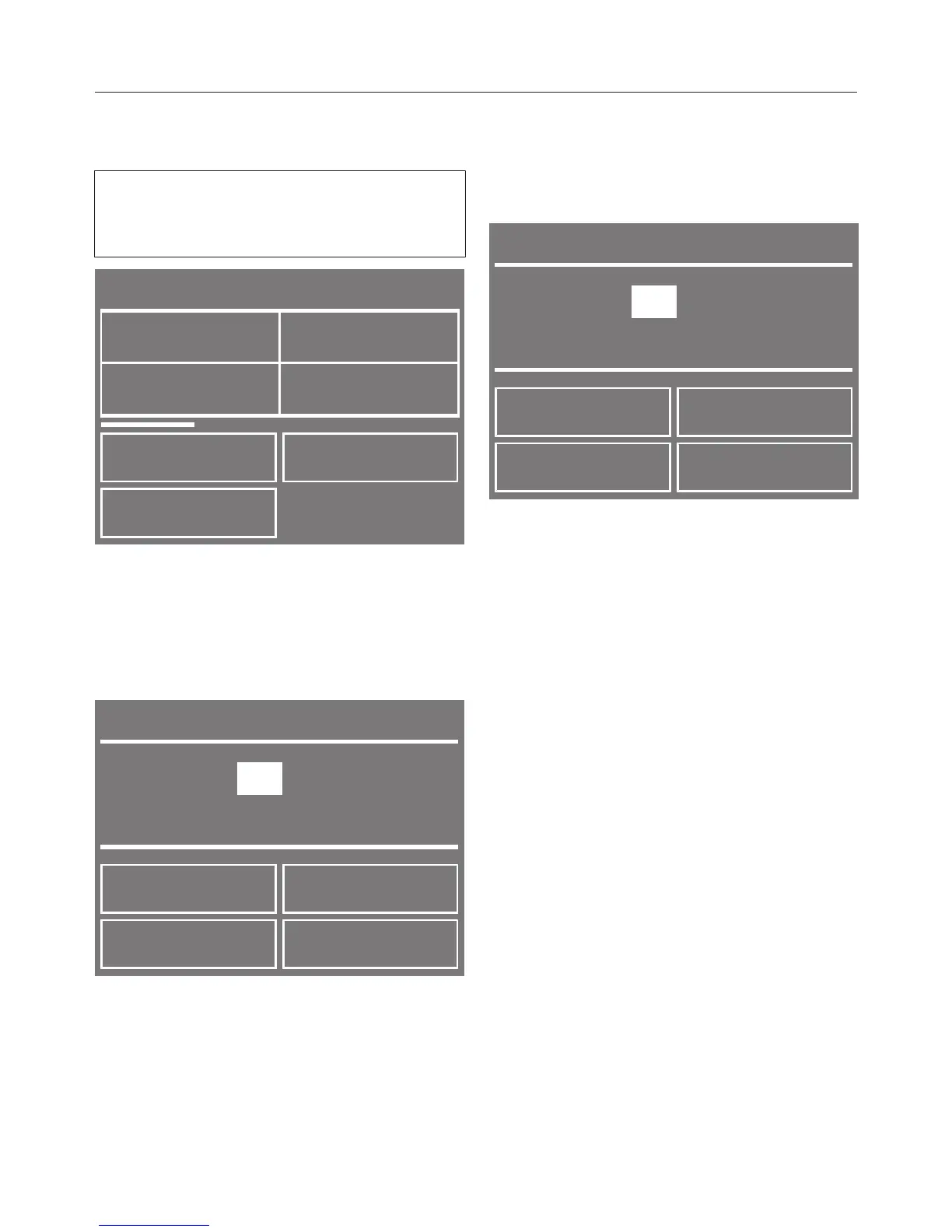
Compartment 1
< >
No entry
Miele
UltraColor
Miele
UltraPhase 1
Miele
WoolCare
Touch the Miele UltraPhase 1 sensor.
The detergent type selected will be
marked with a tick and the display
will change to the screen for setting the
Dosage amount.
Dosage amount
OK
48
ml
Normal soiling
–
+
Use the OK sensor to confirm the
preset dosage amount or use the –
and + sensors to change the amount.
Then confirm the new amount.
The washing machine will automatically
assign UltraPhase2 to compartment2.
You just need to confirm or change the
dosage amount.
Dosage amount
OK
36
ml
Normal soiling
–
+
Use the OK sensor to confirm the
preset dosage amount or use the –
and + sensors to change the amount.
Then confirm the new amount.
Touch the sensor to return to the
main menu.


 To Next Page