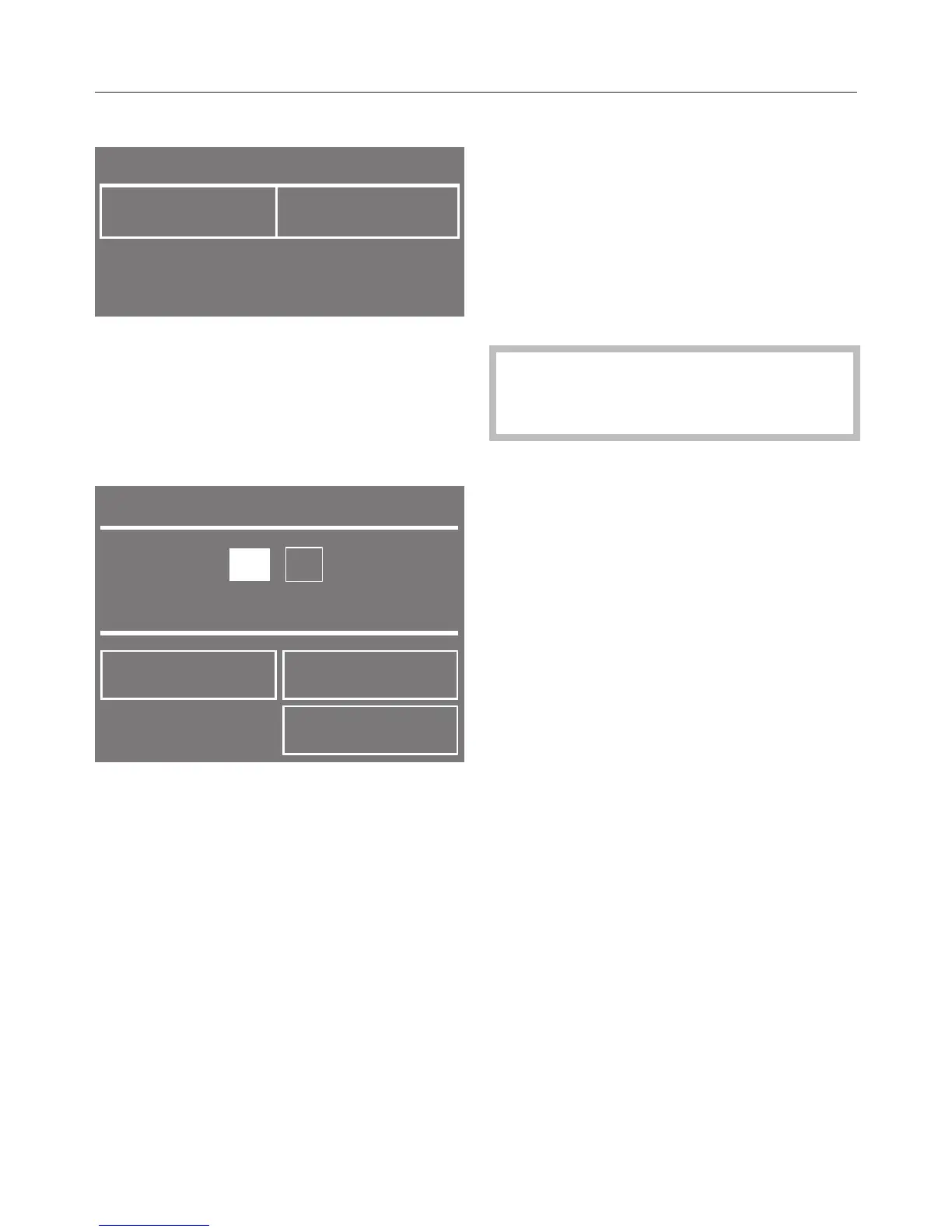
Select the clock format you want.
The clock format selected will be
marked with a tick and the display for
setting the Time will appear.
Setting the time of day
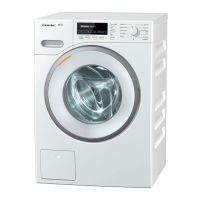
Use the – and + sensors to set the
current hour and confirm with OK.
Set the minutes in the same way and
confirm with OK.
Useful tip: If you have selected the 12-
hour clock format, you can then select
am or pm.
The display will change to show Setting
up.
Setting up the machine
More information will appear.
Follow the instructions and confirm
the information with OK.
The display will change to show the
main menu.
Running the first programme
The TwinDos unit needs to be
activated before running the first
programme.
Please see "TwinDos".


 To Next Page