Mixed items
65
Use this programme if you do not have
enough laundry to run a standard
programme but you want to wash a few
lightly soiled items with different
garment care instructions.
The washing machine will use the list of
items to put together a suitable wash
programme.
Selecting items
Touch the Mixed items sensor in the
main menu.
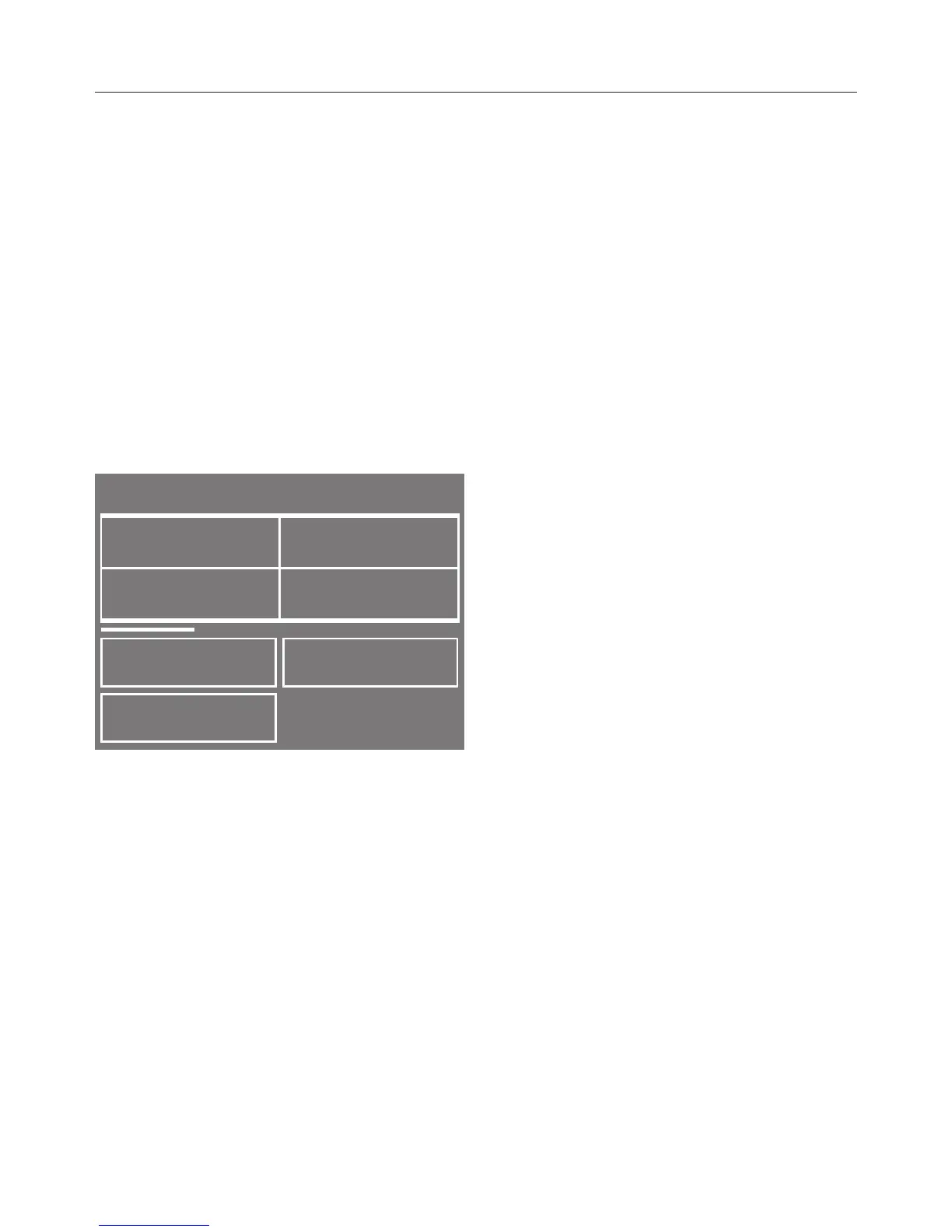
A list of items will appear.
Touch the appropriate sensor for your
item of laundry.
The item selected will be marked with
. You can select several items.
Confirm with the OK sensor.
Information regarding the programme
may appear in the display, e.g. use of
detergent.
Confirm the information with OK.
The washing machine has put together
the optimum programme for these
items.
Useful tip: You can add individual
programme settings, e.g. TwinDos,
before you start the programme.
The list of items selected will be deleted
at the end of the programme and you
will need to select a new list the next
time you use this programme.
Changing / Deleting /
Displaying the list of items
selected
The Item sensor will show how many
articles have been selected.
By touching the Item sensor you can
display the items again, delete or
change them.
Making changes
Confirm an item which you have
already selected in order to deselect
it.
The tick will go out.
Select more items.
Confirm with the OK sensor.
You can also change other
programme settings, e.g.
temperature, spin speed or Delay
start.


 To Next Page