Delay start
60
With Delay start you can choose when
you want the programme to start. You
can delay the start of the programme
from 15 minutes up to a maximum of 24
hours, allowing you to make use of
night-time economy electricity rates, for
example.
Selecting Delay start
The current time of day needs to be
set for Delay start to work correctly.
After selecting the programme, touch
the Finish at sensor.
Useful tip: Via Settings you can select
a start time for the programme instead
of a finish time. In this case Start at will
light up in the display.
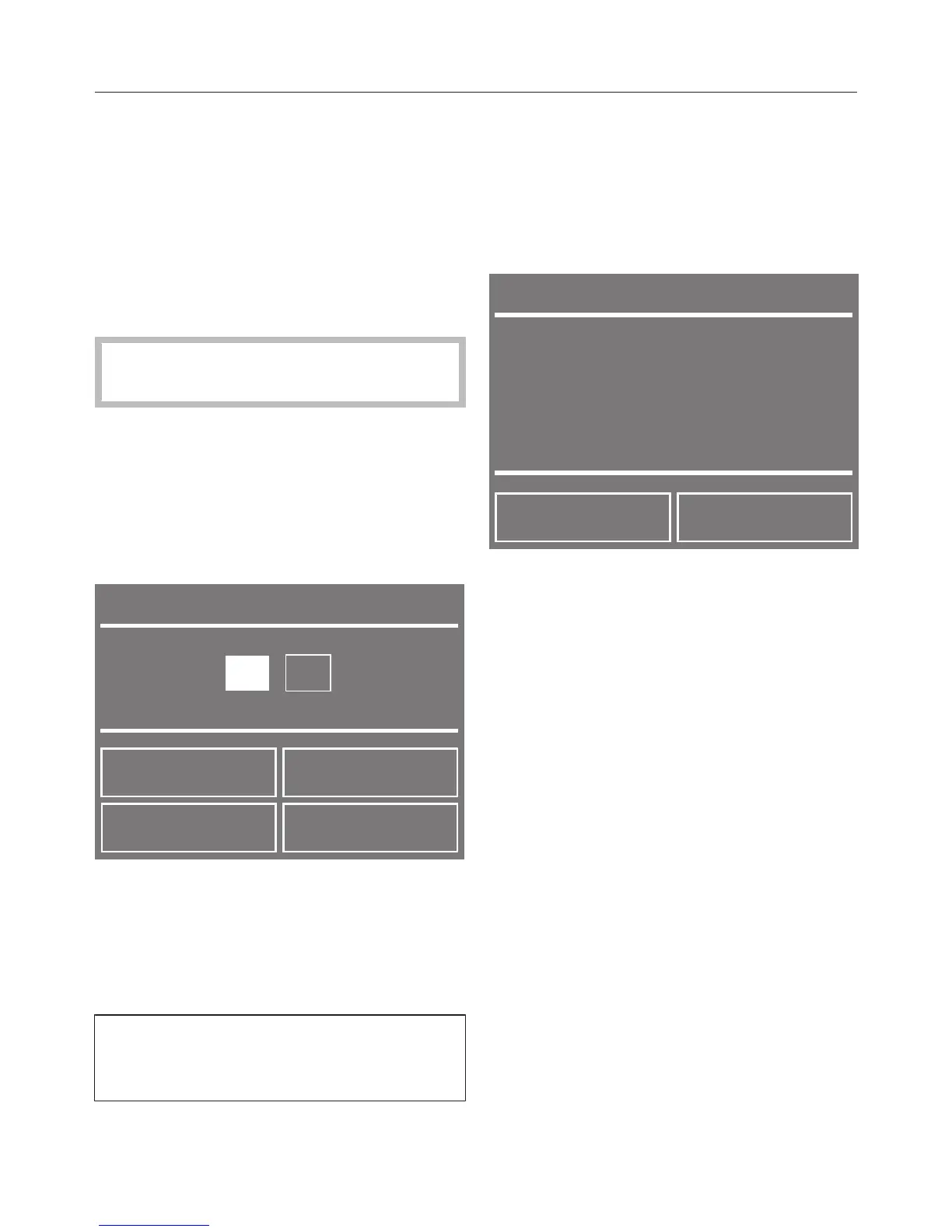
Use the + and - sensors to enter the
hour and confirm your entry with the
OK sensor.
The minutes are now highlighted in
white and can be set.
The minutes entry moves to 00 and
can then be adjusted in 15-minute
increments.
Confirm with the OK sensor.
Beginning Delay start
Touch the Start/Stop sensor to begin
Delay start.
The door will lock and the following will
appear in the display:
Changing Delay start
Touch the Change sensor.
Select Finish at.
Select Change the time.
Now set the time you want and
confirm with OK.
Start now
Touch the Change sensor.
Select Finish at.
Select Start now.
The programme will start.


 To Next Page