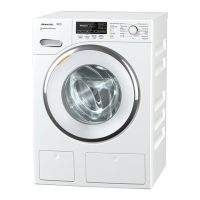
TwinDos
24
Setting the electronic unit to
liquid detergent and/or fabric
softener
Switch on the washing machine and
wait until the main menu appears in
the display.
Use the > sensor to scroll to the
second page of the main menu.
10:30
Mixed items
Settings
< >
Touch the Settings sensor.
The display will change to show the
Settings menu.
Settings
Language
Time
Buzzer volume
< >
Degree of soiling
Keypad tone
TwinDos
Touch the TwinDos sensor.
The display will change to the TwinDos
setting.
TwinDos
Detergent type/
amount
Maintenance
Touch the Detergent type/ amount
sensor.
The display will change to show the
Detergent type menu.
Detergent type
Compartment 1
Compartment 2
Touch the Compartment 1 sensor.
The display will change to the screen
for selecting the type of detergent.


 To Next Page