TwinDos
26
Settings for other types of detergent
The dosage amounts for Miele
products (UltraColor liquid, WoolCare
etc.) are preset for normal soiling and
need only be confirmed.
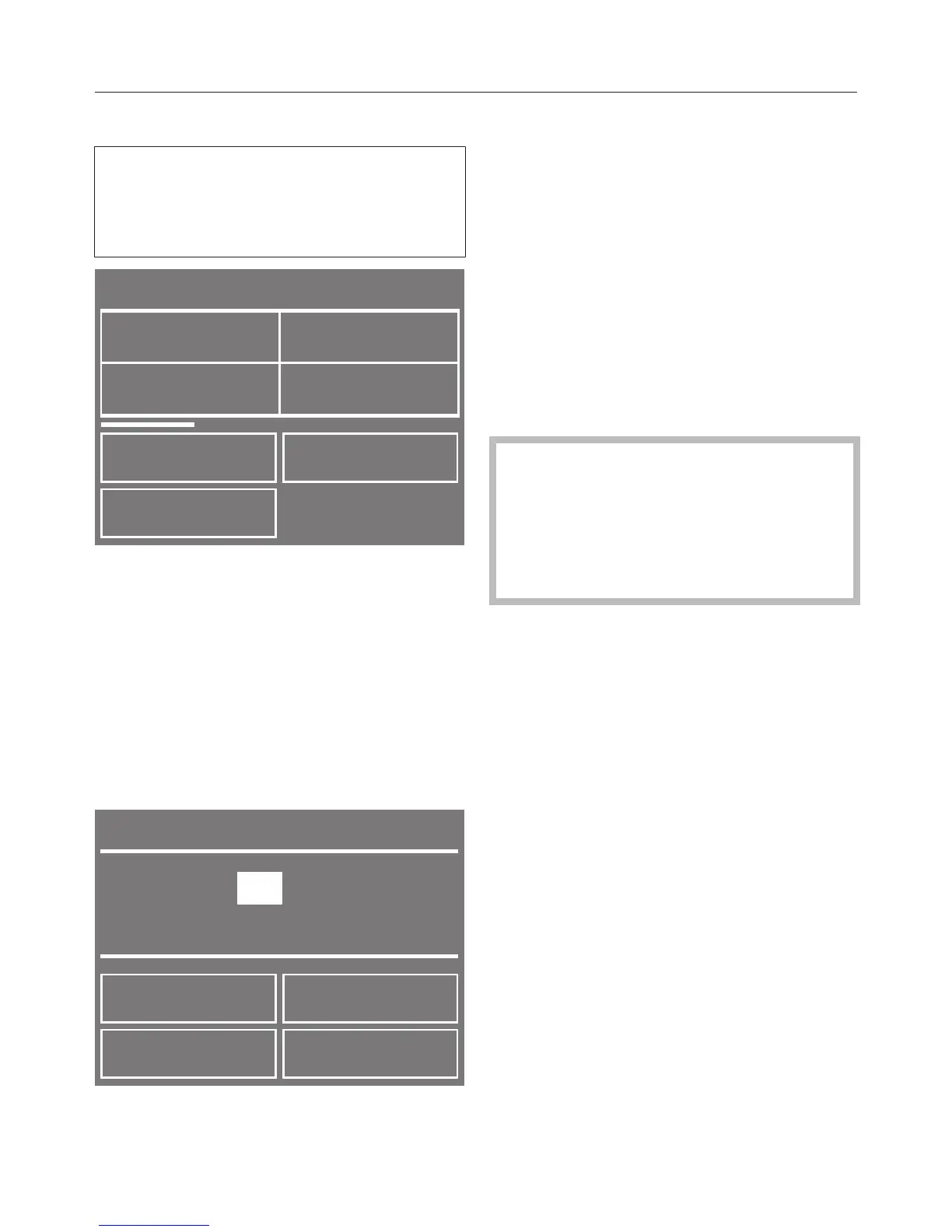
Use the < or > sensor to scroll
through the display until the type of
detergent you want appears.
Touch the sensor for the detergent
type you want.
The detergent type selected will be
marked with a tick and the display
will change to the screen for setting the
Dosage amount.
Useful tip: If you need to set a different
dosage amount for Miele products due
to lighter or heavier soiling, refer to the
label on the Miele detergent bottle.
Please note that one cap is equal to
40ml.
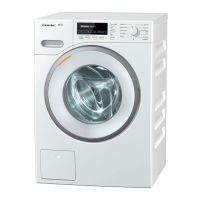
Use the OK sensor to confirm the
preset dosage amount or use the –
and + sensors to change the amount.
Then confirm the new amount.
Set compartment 2 as described
above.
When adding universal liquid
detergent or liquid colour detergent,
do not load more than 9kg of
laundry, and when adding liquid
detergent for wool and delicates, do
not load more than 3 kg of laundry.
Touch the sensor to return to the
main menu.


 To Next Page