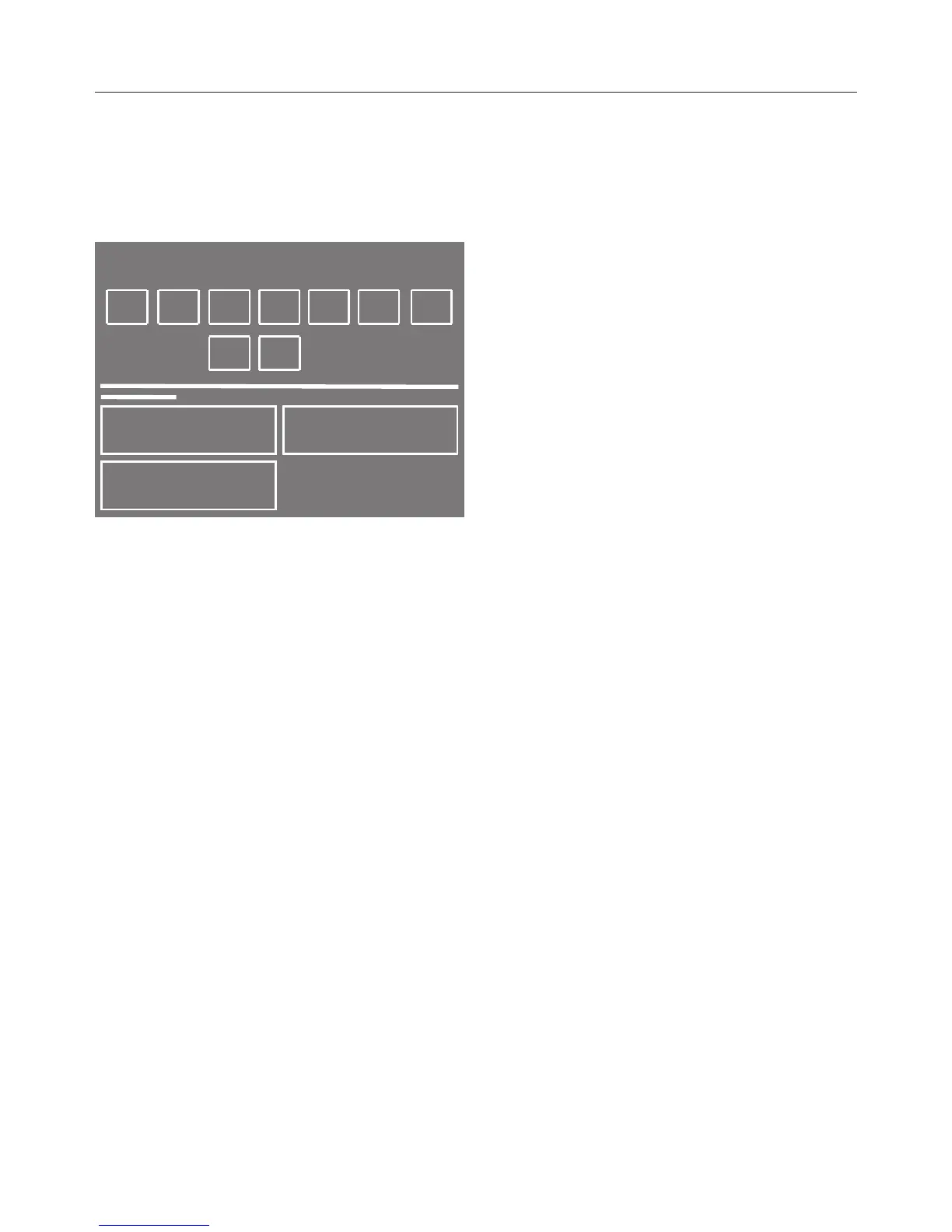
Touch the sensor of the first letter of
the word you want to enter.
Add the next characters in exactly the
same way.
By selecting one of the following
symbols you can select upper or lower
case and also delete or change
characters:
– = Enter a space
– 123 = Enter numbers
– abc/ABC = Enter letters as lower/
upper case
– = Delete all characters
– = Delete the last character
Touch Save to confirm.
The programme will be saved as a
favourite.
Changing a favourite
programme
You can change a saved favourite
programme and then save it again
under the same or a different name.
Select Favourite programmes from the
main menu.
Select the Change sensor.
Select the favourite programme you
want to change.
Select the same programme in order
to change a few programme settings
or select a new programme.
The display will guide you through all
the further programme settings.
Deleting a Favourite
programme
If you have already saved ten favourite
programmes, you will need to delete
one of these before you can save a new
one.
Select Favourite programmes from the
main menu.
Select the Delete sensor.
Select the Favourite programme that
you want to delete.
Confirm with the Delete sensor and
then with the OK sensor.
The Favourite programme is now
deleted.


 To Next Page