User Manual
www.milesight.com 13
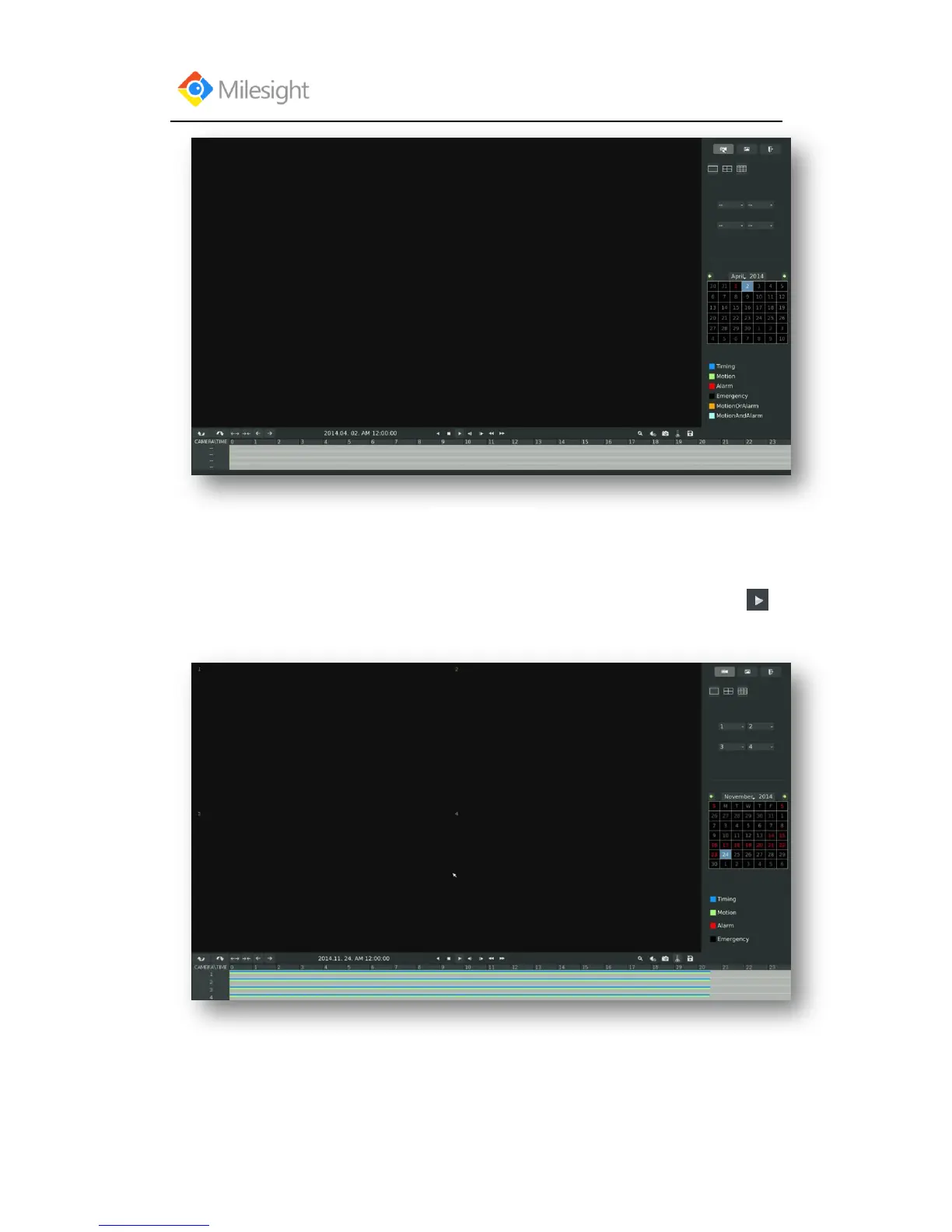
Step2. Select a desired channel and date
Select playback layout and channel. Click the date in red when there are recorded files of the
selected channels, the record type with recording data will be show as below, and then click to
playback.
Note:
1. The day in red has recording files; please select the date in red to playback.
2. 16 channels can be selected to playback synchronously.



 To Next Page