User Manual
www.milesight.com 14
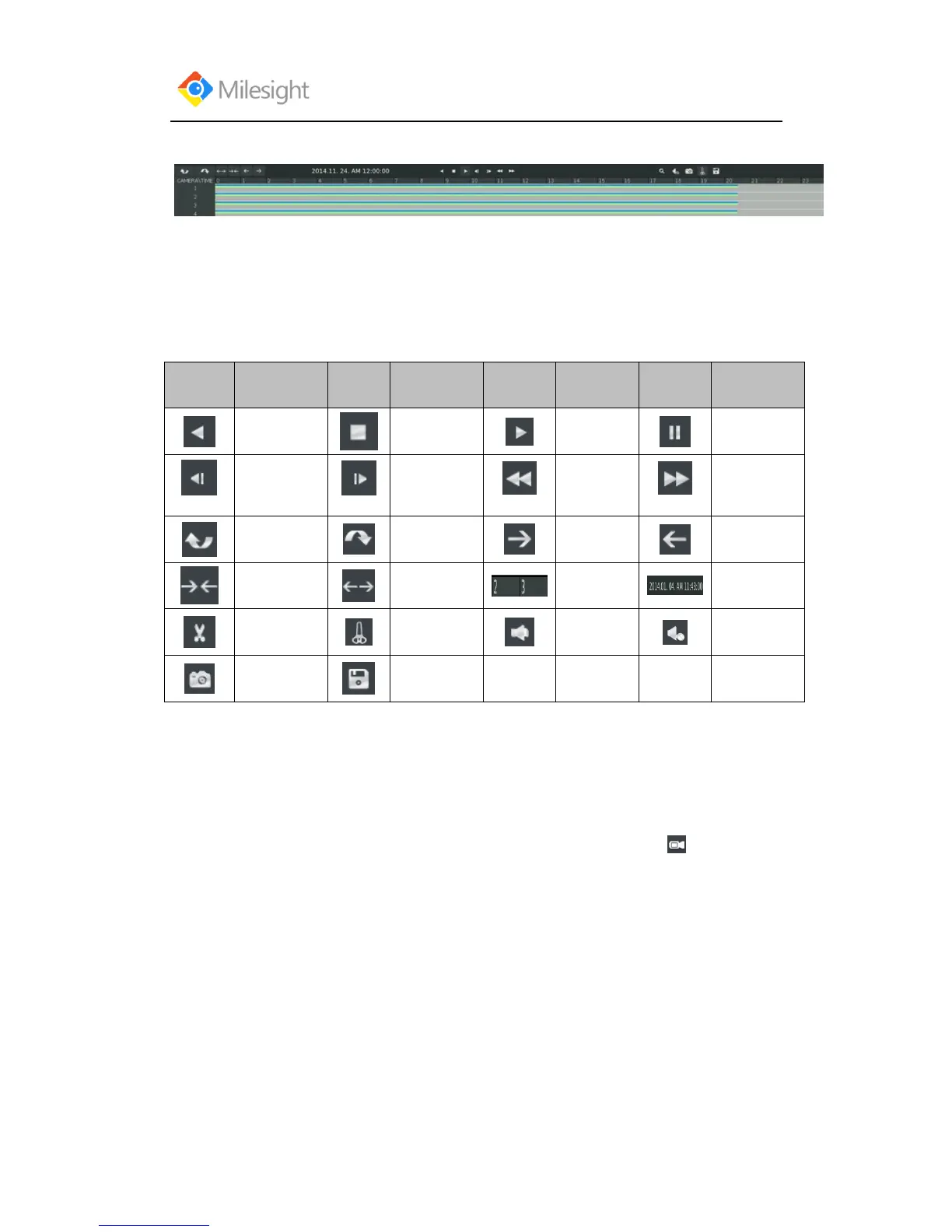
Video Playback Tool Bar Description
The tool bar can display multi-event record. It shows that in this record period what kind of event
has happened. The symbolic meaning of each color is as showed bellow:
Blue—Timing Green --- Motion
Red --- Alarm Black --- Emergency
And take this bar above for example, it means in this recording period there are motion and timing
event which have triggered.
3.2.1.1 Video Files Backup
Regular recorded files can be backed up by various devices, such as USB flash drives (USB flash
disk, USB HDDs, USB writer), CD/DVD writer and eSATA, etc.
Satep1.Enter video playback interface by clicking Main menu→Playback→



 To Next Page