User Manual
www.milesight.com 15
Step2.Select Recorded files for Backup
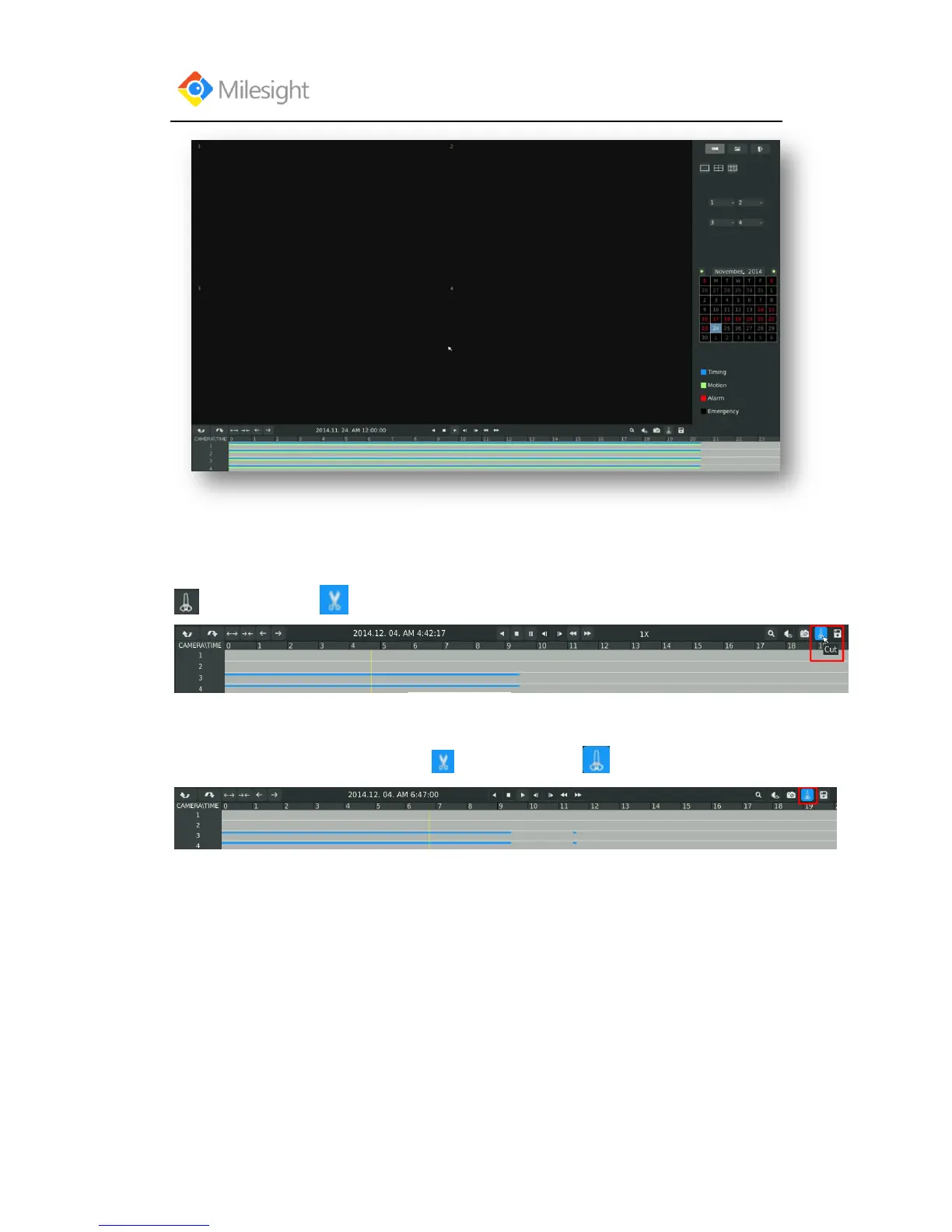
Select the channel and date you want to backup, then select the start time at time line and click
, it will change into which means cut begins.
Select the end time at time line and click , it will change into ,which means cut ends.



 To Next Page