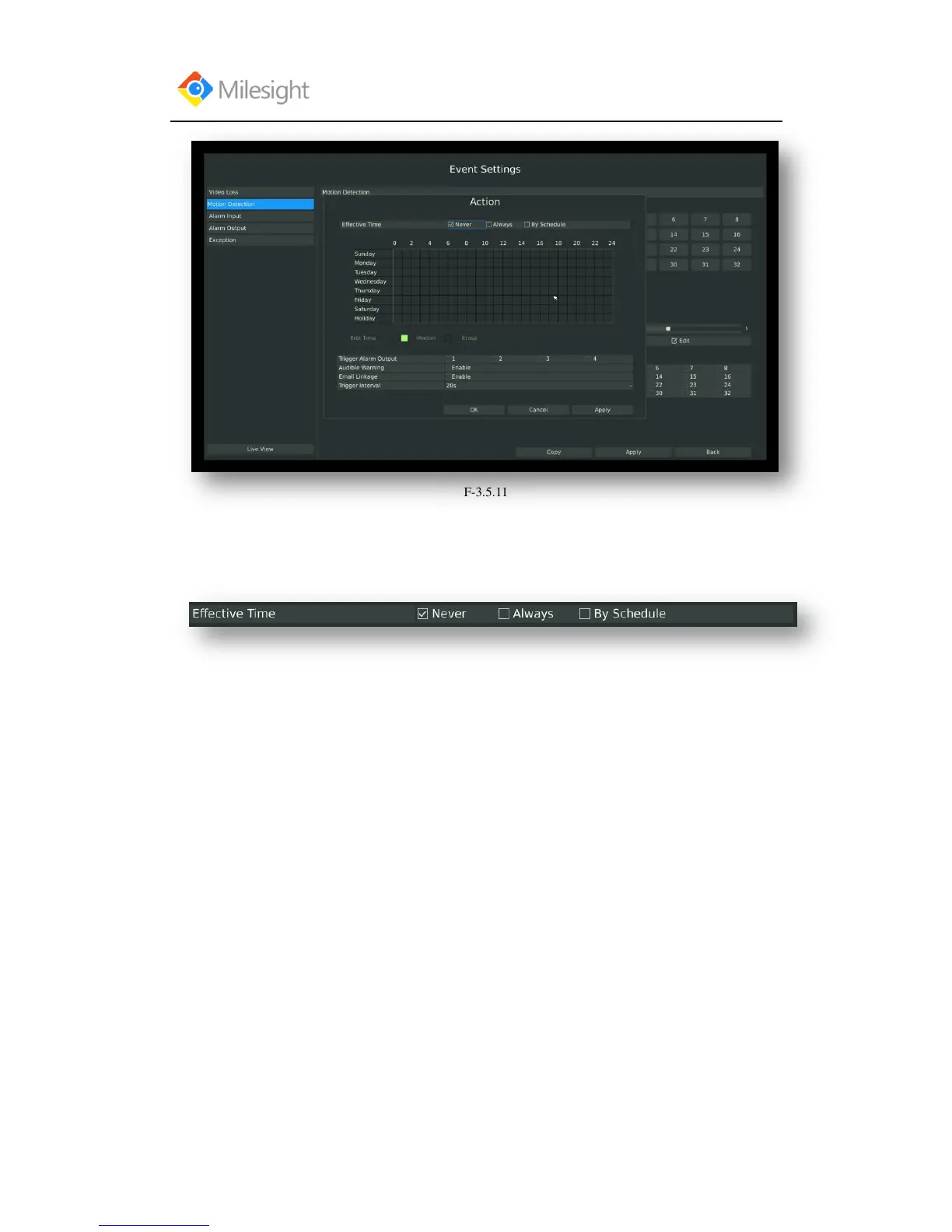
Step4. Select effective time to setup when you want to trigger actions once motion is
detected.
[Never]: Your NVR will not trigger any actions when [Never] button is checked. No matter the
[Audible Warning] or [Email Linkage] checkboxes are checked or not.
[Always]: Your NVR will always trigger actions when [Always] button is checked. Please make
sure [Audible Warning] or [Email Linkage] is checked.
[By Schedule]: You can drag the mouse to draw certain area in schedule setting zone, show as
below:



 To Next Page