User Manual
www.milesight.com 60
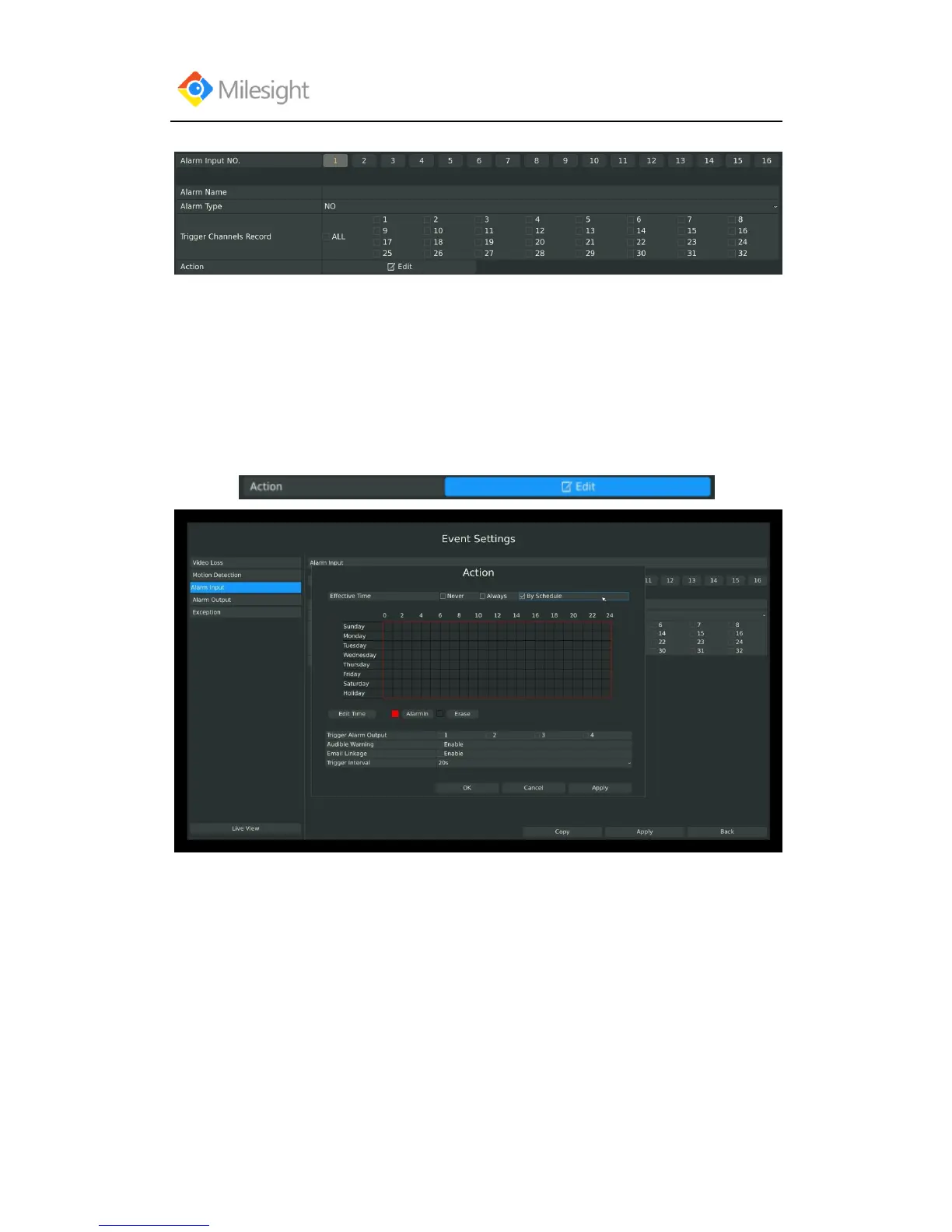
Step 2: Set Alarm input channel, Alarm Name, Alarm Type and Record Channels:
[Alarm Input NO]: The channel which has input signal;
[Alarm Name]: Set a name for the alarm;
[Alarm Type]: Select alarm type: NO or NC;
[Trigger Channels Record]: Once the channel in the [Alarm Input No] has alarm input, which
channels will be triggered to record. Refer to 3.4 Record Settings;
Step3: Set action for alarm input by click:
You need to set 1.Effective time and 2.Action on this Action Interface:
1. Effective time:



 To Next Page