User Manual
www.milesight.com 75
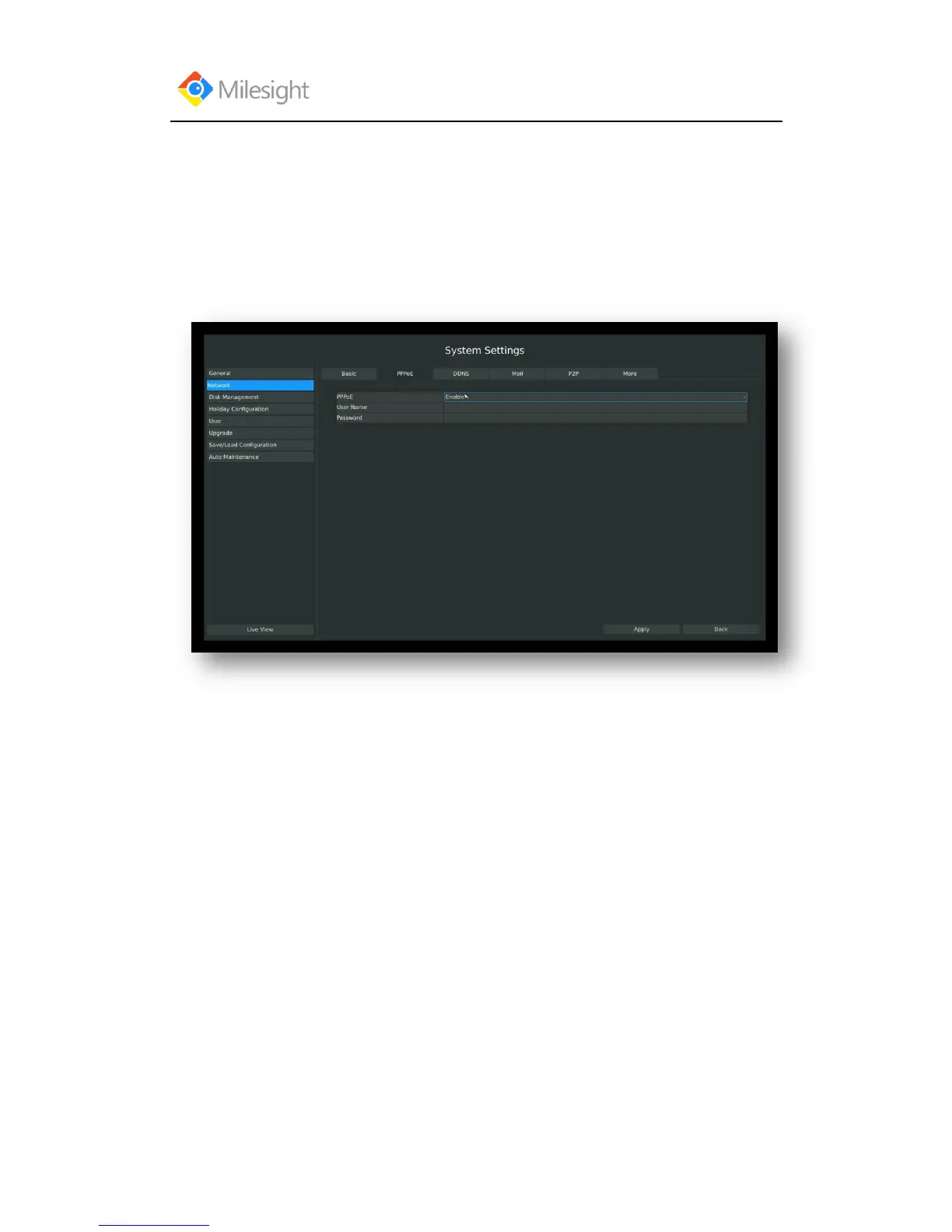
3.8.2.2 PPPOE Configuration
Step: Enter PPPOE menu by clicking Main MenuSystem SettingsNetwork. Select
“PPPOE” page
Check the PPPoE checkbox to enable the feature, and then input user name, password and confirm
password for PPPoE access.
F-3.8.3
Note:
PPPoE user name and password can be obtained from your service provider. Once the setup
is completed, a connected status will be shown.



 To Next Page