User Manual
www.milesight.com 76
3.8.2.3 DDNS Configuration
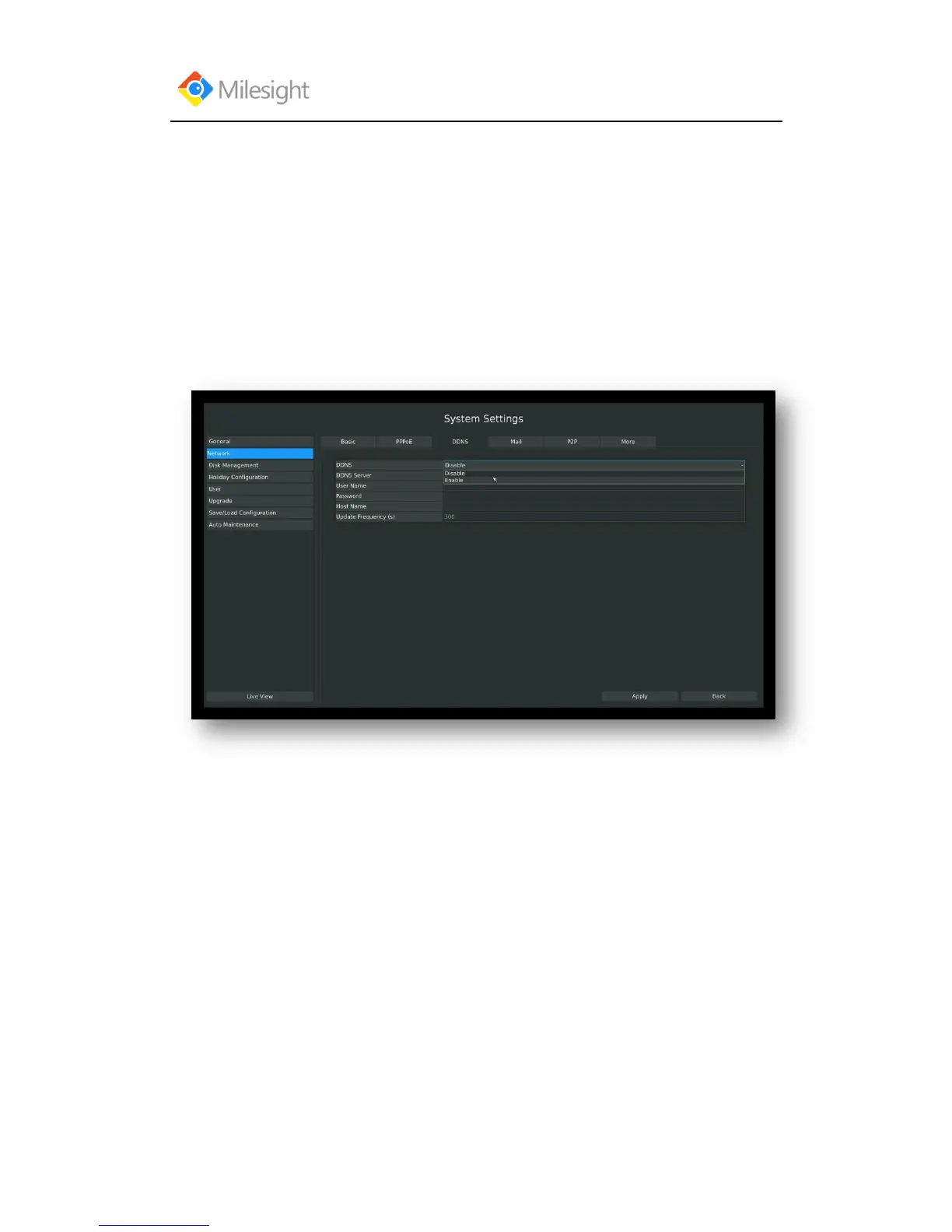
If your NVR is setup to use PPPoE to connect public network, you may need to use DDNS
(Dynamic Domain Name System) to solve the problems from dynamic IP address.
Steps: Enter DDNS configuration menu by clicking Main MenuSystem SettingsNetwork,
Select “DDNS” page
Check the DDNS checkbox to enable the feature. Select “DDNS Server”, and input username,
password and host name, and then confirm.
Click [Apply] for application.
Note: “host name” can use letters, figures and hyphen (-), and must begin with letters.
F-3.8.4
3.8.2.4 MAIL Configuration
Check if the SMTP port can be set or not. Please enable SSL/TLS according to actual mailbox.
(Some SMTP server needs to secure connection)
Steps: Enter Mail configuration page by clicking Main MenuSystem SettingsNetwork→
Mail
Set the Sender E-mail Address, User Name, Password, and SMTP Server:



 To Next Page