OM-230693 Page 31
F
Complete Parts List is available at www.MillerWelds.com
6-5. Set Up Push Motor Torque (SUP) Or Reset (rES)
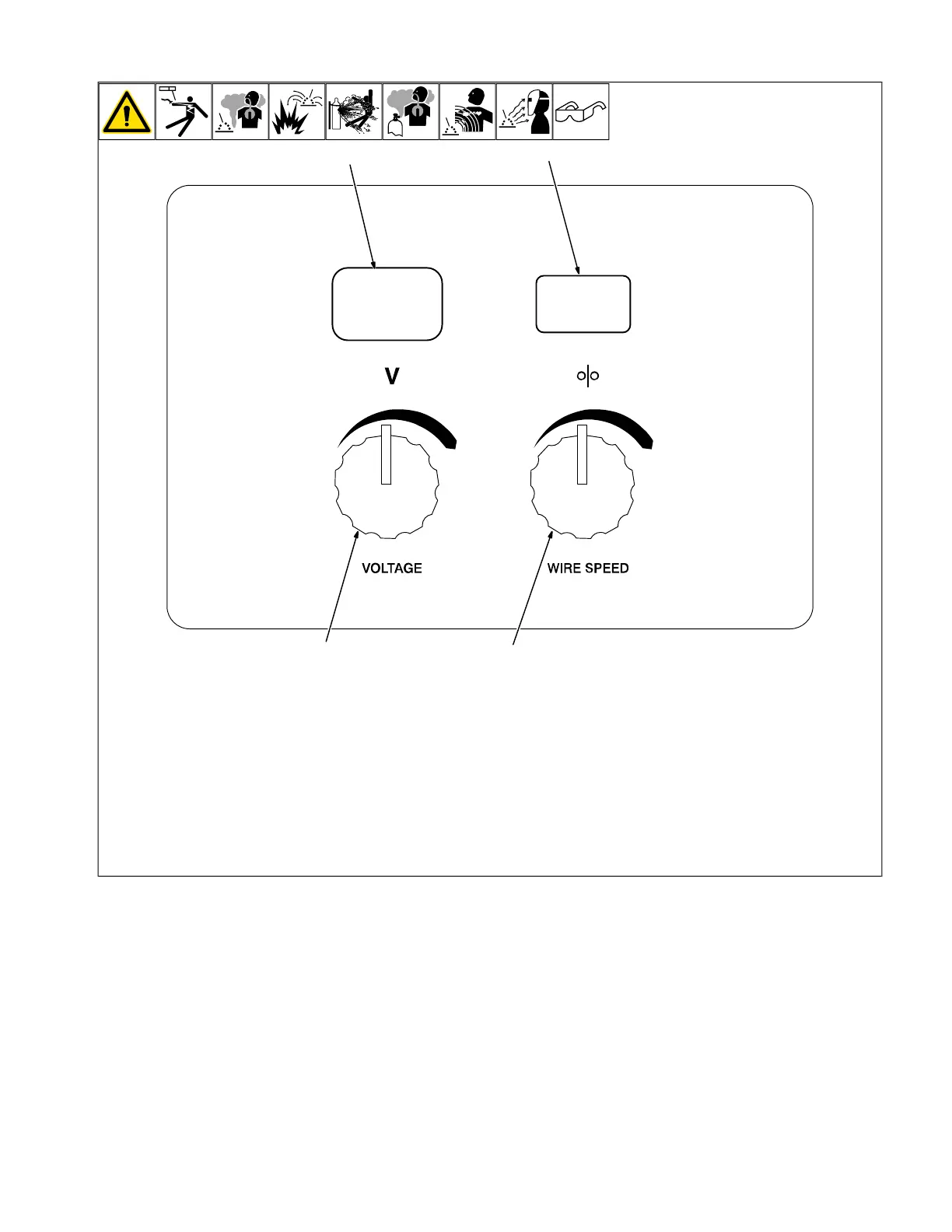
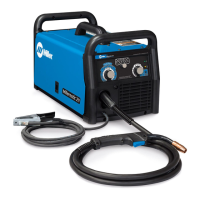
1 Voltage Control
2 Wire Speed Control
3 Voltmeter
4 Wire Feed Speed Meter
Depress the gun trigger while turning on the
power switch until the left meter displays
(run).
Rotate the left knob counterclockwise
(CCW) to find the particular item, and rotate
the right knob to change the setting.
The following items can be adjusted by ro-
tating the left knob counterclockwise (CCW):
Set up Push Motor Torque (SUP) − This
feature is only active when a push/pull gun
is connected to the welding power source.
The (SUP) setting will adjust the over-torque
limit of the push motor inside the welding
power source. The range is 0-250 and the
default value is 130. Increasing this setting
will increase the over-torque limit and speed
up the remote wire feed speed motor.
F
If Aluma-Pro push/pull gun has a listed
SUP value, set the power source to
match the SUP value.
To save settings and exit the (SUP) menu,
depress the gun trigger.
Reset (rES) − Rotate the right knob to select
ON. Press and release gun trigger to reset
system to factory default values.





 To Next Page