Error messages
38 Elix® Essential 3, 5, 10, 15 (UV) / RiOs™ Essential 5, 8, 16, 24
Error codes
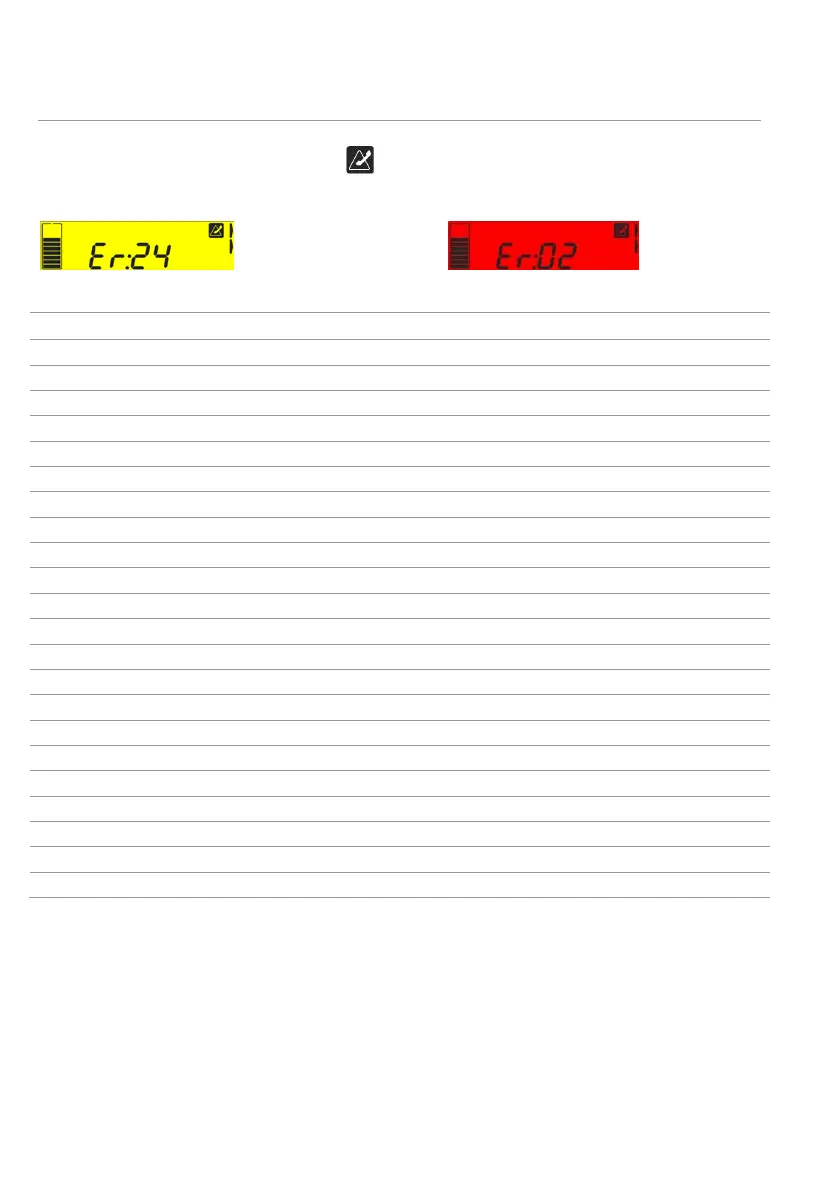
An error code is always displayed with and can be displayed in two different ways:
Yellow alert error:
Red alarm error:
The list of error codes is presented below.
Code Meaning What to do?
Er:01 Tap feed water conductivity > set point Contact your service representative.
Er:02 Feed water temperature > set point See next page.
Er:03 RO permeate conductivity > set point Contact your service representative.
Er:04 RO % rejection < set point Contact your service representative.
Er:05 RO Feed water conductivity < min Contact your service representative.
Er:06 RO Feed water conductivity > max Contact your service representative.
Er:07 RO permeate temperature < min Contact your service representative.
Er:08 RO permeate temperature > max Contact your service representative.
Er:09 RO permeate conductivity < min Contact your service representative.
Er:10 RO permeate conductivity > max Contact your service representative.
Er:11 EDI product temperature < min (Elix®) Contact your service representative.
Er:12 EDI product temperature > max (Elix®) Contact your service representative.
Er:13 EDI product resistivity < min (Elix®) Contact your service representative.
Er:14 EDI product resistivity > max (Elix®) Contact your service representative.
Er:20 Network cable is unplugged See next page.
Er:21 No response from DHCP server Contact your network administrator.
Er:22 Incorrect IP address Contact your network administrator.
Er:24 Replace UV lamp 254 nm (Elix®) See next page.
Er:25 Check UV lamp 254 nm (Elix®) Contact your service representative.
Er:26 Replace UV lamp ASM See next page.
Er:27 Check UV lamp ASM Contact your service representative.
Er:30 No response from cold fire microprocessor
Contact your service representative.






 To Next Page