File System
11-5
(2) Move the cursor onto the item you want in the directory list and then press
<Set> twice successively to enter the directory. If you want to return to the
parent directory, move the cursor onto [..] and then press <Set> twice
successively.
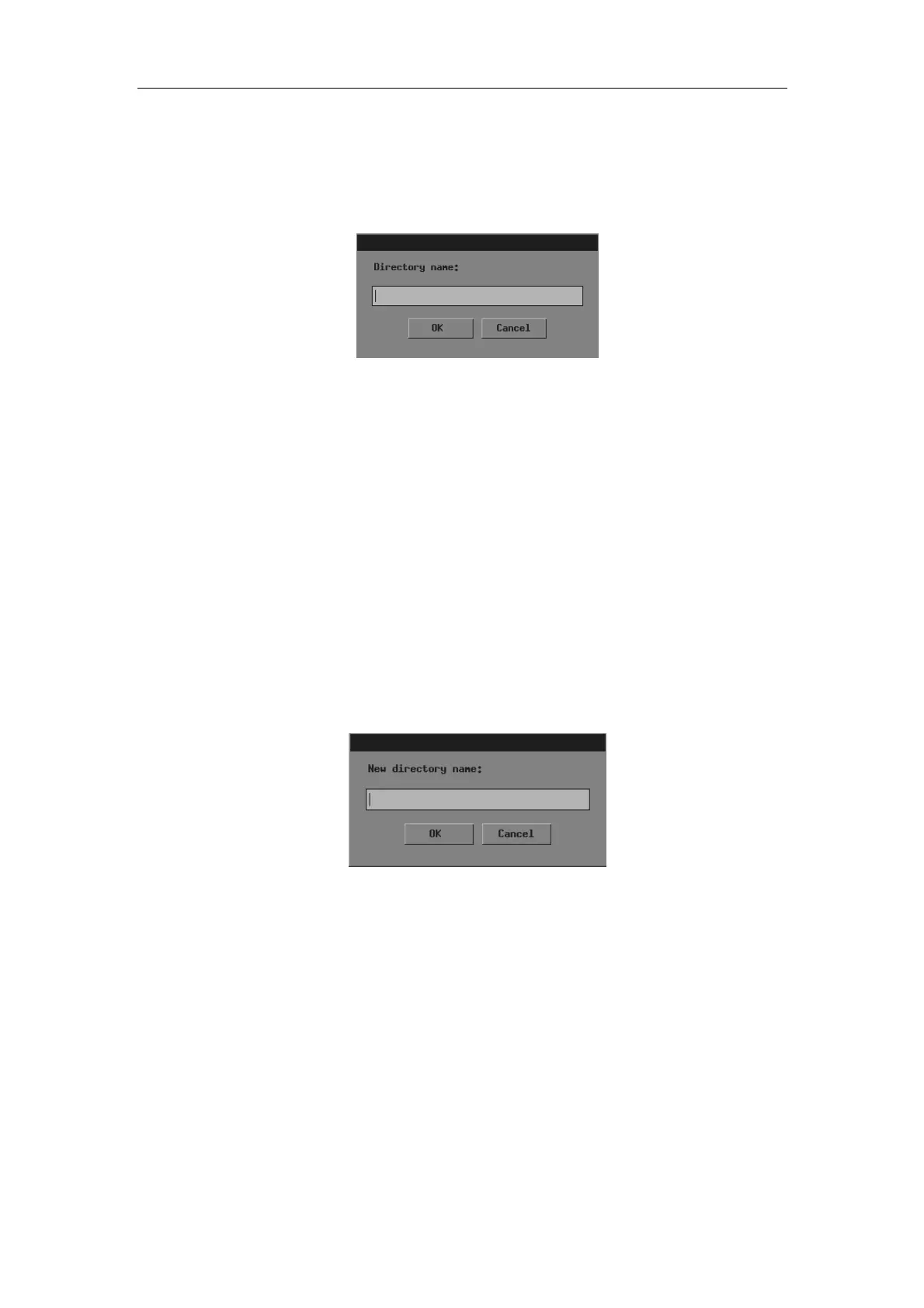
2 Click [Make] and the following dialog box pops up.
3 Input the directory name in the dialog box.
4 If you want to create the directory, click [OK]; if you do not want to create any directory,
click [Cancel] or press <Exit>.
To rename a directory
1 If the directory to be renamed is not in the current directory, perform the following steps
in the [File/Disk Manager] dialog box.
(1) Select the driver (except the driver C) in [Driver:].
(2) Move the cursor onto the item you want in the directory list and then press
<Set> twice successively to enter the directory. If you want to return to the
parent directory, move the cursor onto [..] and then press <Set> twice
successively.
2 Select the directory to be renamed in the directory list.
3 Click [Rename] in the left part of dialog box and the following dialog box pops up.
4 Input the new directory name in the dialog box.
5 If you want to rename the directory with the new name, click [OK]; if you do not want to
modify the directory name, click [Cancel] or press <Exit>.
To delete a directory
1 If the directory to be deleted is not in the current directory, perform the following steps
in the [File/Disk Manager] dialog box.
(1) Select the driver (except the driver C) in [Driver:].
(2) Move the cursor onto the item you want in the directory list and then press
<Set> twice successively to enter the directory. If you want to return to the
parent directory, move the cursor onto [..] and then press <Set> twice
successively.



 To Next Page