File System
11-4
Note that during the steps above, you can click [Cancel] in the [Load File] dialog box or press
<Esc> to close the dialog box and open none of files.
11.4 File/Directory Management
You can manage directories and files in the Flash memory and USB storage device.
1 Enter the [FILE MENU] menu.
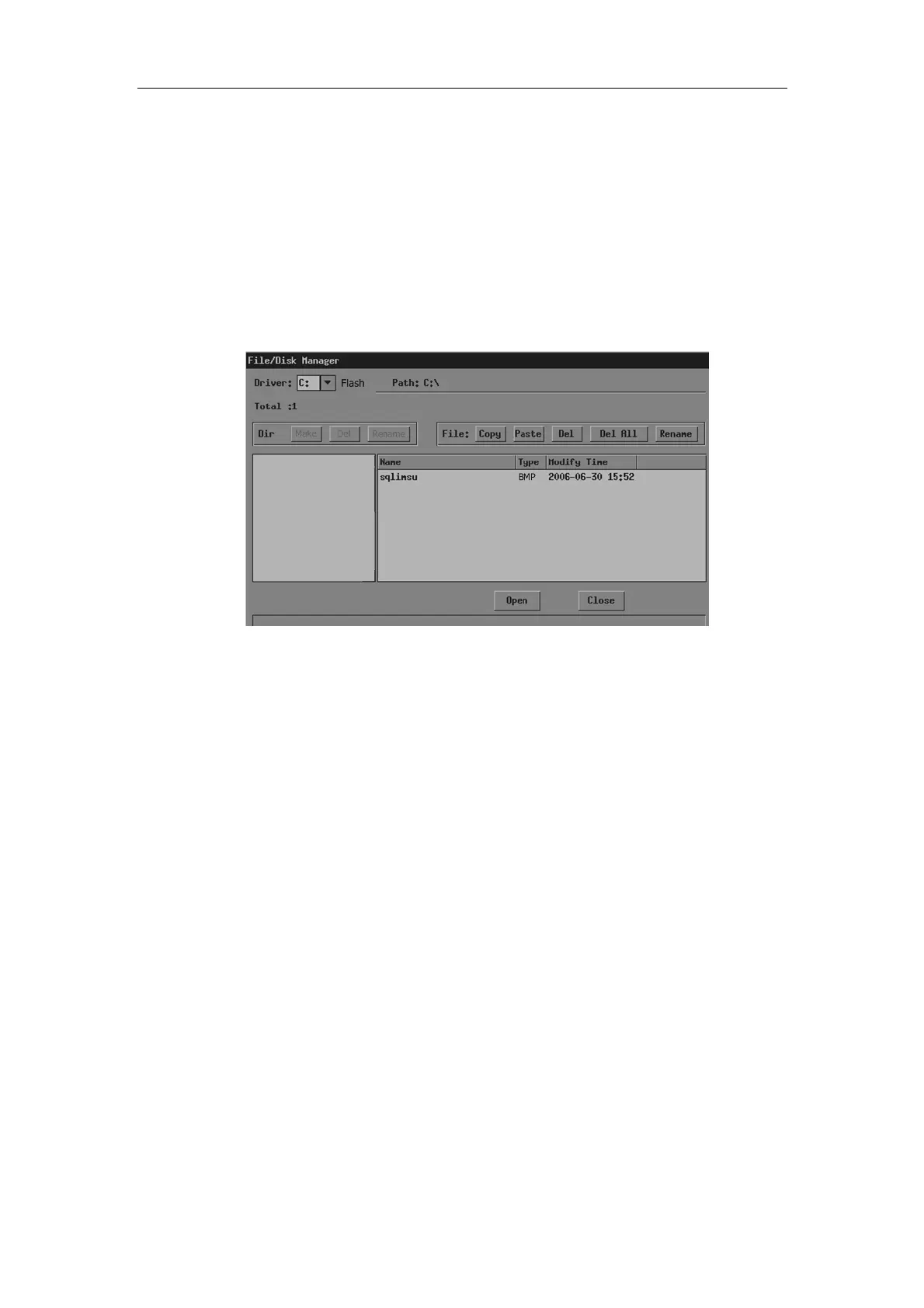
2 In the [FILE MENU] menu, click [File Manager]. The [File/Disk Manager] dialog box
pops up.
In the dialog box, the default directory is displayed.
3 You can manage files and directories in the [File/Disk Manager] dialog box. See
“11.4.1 File Management” for details.
4 You can follow the steps below to open files in the [File/Disk Manager] dialog box.
(1) Follow the step 3 in “11.3 Opening Files” to operate.
(2) Select the file to be opened in the file list.
(3) Click [Open].
5 After all operations are completed, click [Close] or press <Esc> to close the [File/Disk
Manager] dialog box.
11.4.1 Directory Management
You can create, rename and delete directories only in the USB storage device.
Note that the Flash memory has no directories.
To create a directory
1 If the directory to be created is not in the current directory, perform the following steps
in the [File/Disk Manager] dialog box.
(1) Select the driver (except the driver C) in [Driver:].



 To Next Page