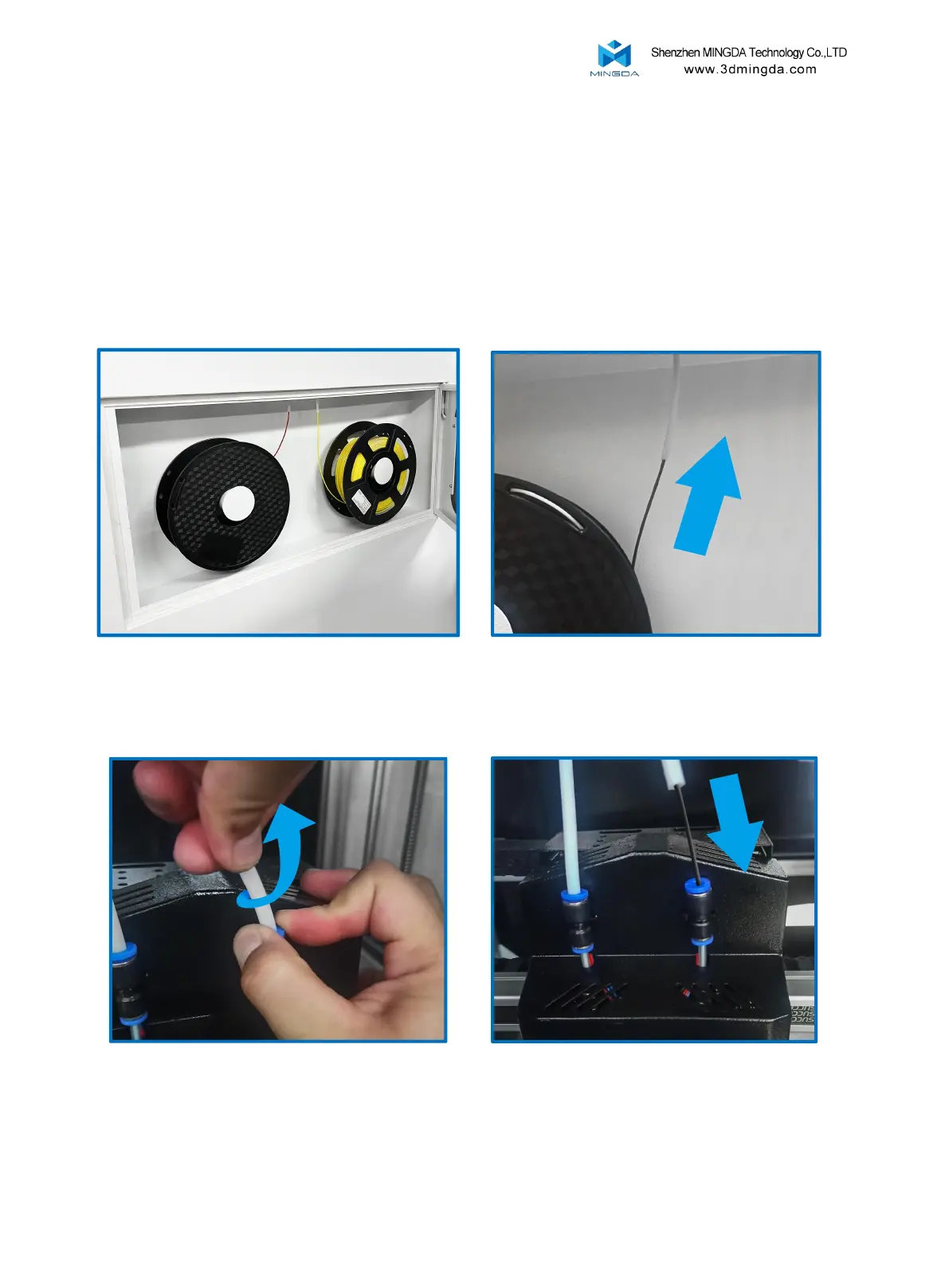
Install the filament
(Take PLA filament as an example )
1. Hang two volumes of PLA Filament on the scraping pole in the left and right Filament box, and
insert the Filament from the inlet port until the Filament are exposed to the printed head along the
guide pipe.
2. Press the gas joint , pull out the guide tube, pull the handle of the inlet port, insert the Filament
into the squeeze machine into the material mouth.
15



 To Next Page