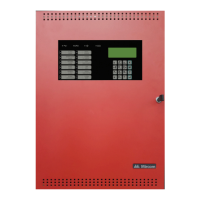
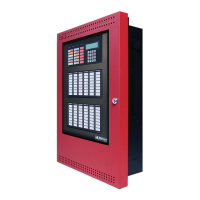
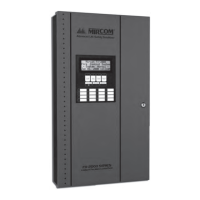
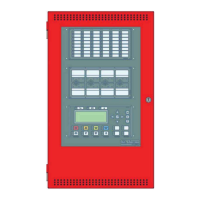
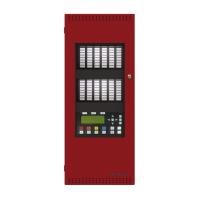
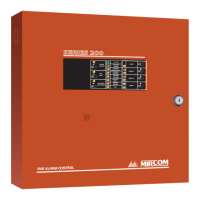
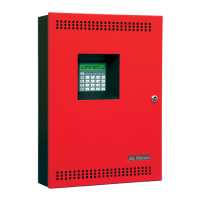
FX-350/351 Series Installation and Operation Manual
i
Table of Contents
System Configuration.............................................................................................................. 1
Panel Configuration .............................................................................................................. 1
Auto Configuration ................................................................................................................ 6
Default Configuration ............................................................................................................ 6
Dialer configuration ............................................................................................................... 7
Time Configuration................................................................................................................ 7
After Hours Configuration ..................................................................................................... 7
Configuration............................................................................................................................ 8
Command Mode - Configuration & Operation....................................................................... 10
Menu Operation .................................................................................................................... 10
CONFIGURATION MENU ......................................................................................................... 11
PANEL CONFIGURATION/1. FEATURES........................................................................... 11
PANEL CONFIGURATION/2. DEVICES CONFIGURATION ............................................... 15
PANEL CONFIGURATION/3. CORRELATION .................................................................... 17
PANEL CONFIGURATION/4. GROUPS .............................................................................. 18
PANEL CONFIGURATION/5. REMOTE SWITCHES........................................................... 22
CONFIGURATION MENU/2. AUTO CONFIGURATION ...................................................... 22
CONFIGURATION MENU/3. DEFAULT CONFIGURATION................................................ 23
CONFIGURATION MENU/4. DIALER CONFIGURATION ................................................... 23
Configuration Menu/Dialer Config/1. Account Info................................................................ 23
Configuration Menu/Dialer Configuration/2. Telephone Line ................................................ 25
configuration Menu/Dialer Configuration/3. Report Options ................................................. 25
Configuration Menu/Dialer Configuration/Report Options/5. Dialer Operation Mode ........... 26
Configuration Menu/Dialer Configuration/4. Time Parameters ............................................ 26
Configuration Menu/Dialer Configuration/Time Parameter/1. AC Loss delay....................... 26
Configuration Menu/Dialer Configuration/Time Parameters/2. Cell phone date ................... 26
Configuration Menu/Dialer Configuration/5. Enable/Disable dialer...................................... 27
Configuration Menu/Dialer Configuration/6. Ring Detect ..................................................... 27
CONFIGURATION MENU/5. TIME CONFIGURATION ....................................................... 27
CONFIGURATION MENU/6. AFTER HOURS TIME CONFIGURATION............................. 28
OPERATION MENU .................................................................................................................. 29
Operation Menu/3. Reports................................................................................................... 30
Operation Menu/4. Clear Logs.............................................................................................. 31
Operation Menu/5. Walk Test ............................................................................................... 31
Operation Menu/6. Bypass ................................................................................................... 32
Operation Menu/7. Aux Disc ................................................................................................. 35
Operation Menu/8. Test Dialer.............................................................................................. 35
Operation Menu/9. After Hours ............................................................................................. 35
Operation Menu/10. Clear Verify Count................................................................................ 36
Operation Menu/11. Exit ....................................................................................................... 36
Reports...................................................................................................................................... 36
Warranty & Warning Information............................................................................................ 38



 To Next Page
 Loading...