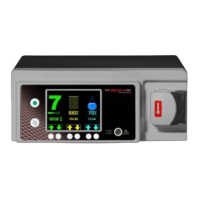
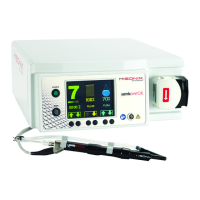
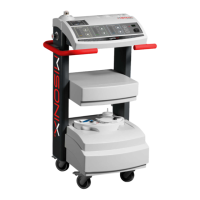
Instructions for Use SonaStar
®
Ultrasonic Surgical Aspiration System
IFU-601 Rev T March 2023 Page 63 of 73
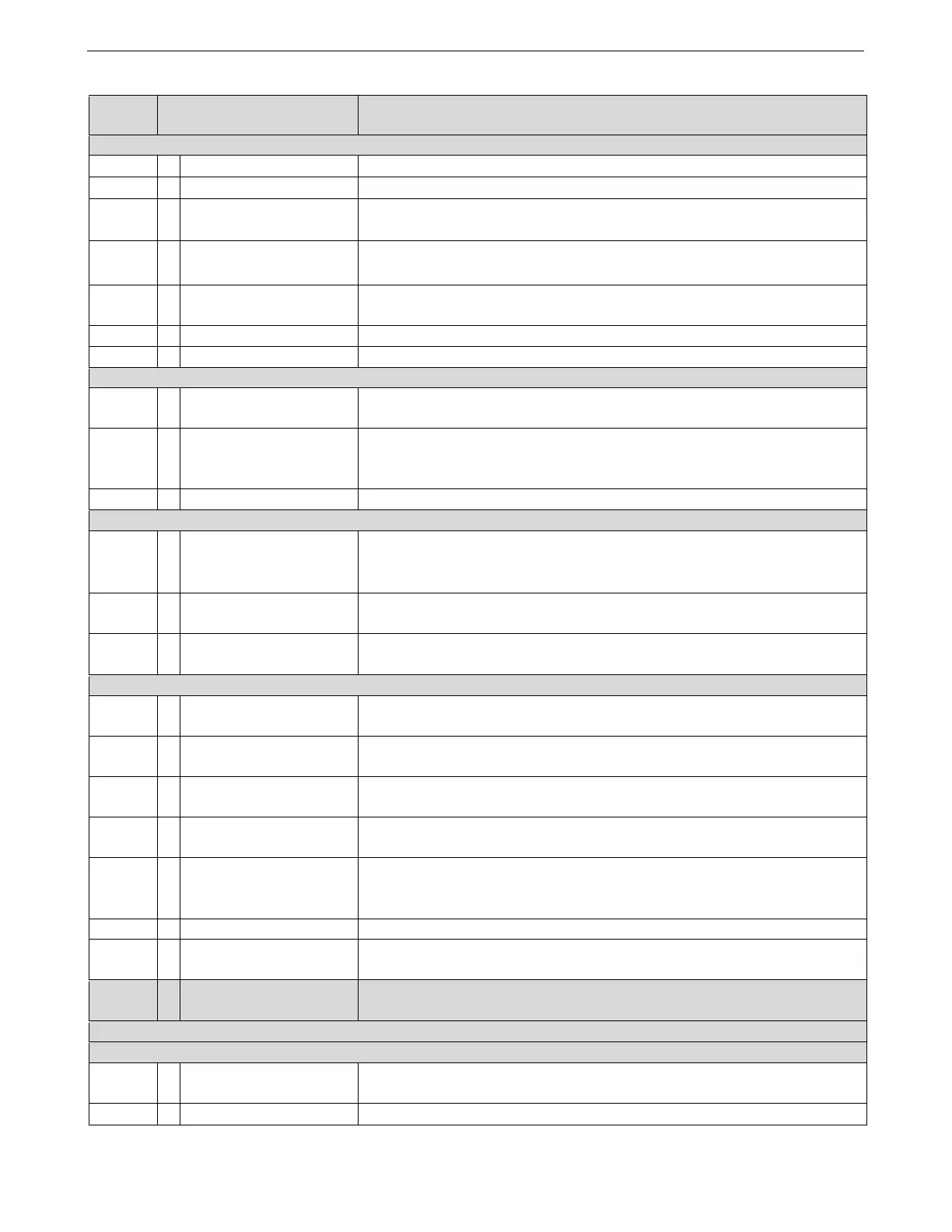
Table 9-1: Error Code Messages
Error
Code
Possible Cause Corrective Action
E1 Tip Problem
1 No water at tip. Point handpiece down, depress flush pedal until water emerges from the tip.
2 Overloaded tip. Avoid applying excessive pressure to the tip.
3 Clogged tip.
Check system for clogs and dislodge using wire stylet.
Immerse tip in fluid and check if irrigation fluid collects in the canister.
4 Tip not torqued properly.
Re-torque tip.
Check for debris or wear at the connection between tip and handpiece.
5
Handpiece housing
improperly assembled
Assemble according to section 5.3
6 Damaged tip. Replace tip.
7 Handpiece problem. Replace handpiece.
E2 Handpiece Problem
1
Handpiece not properly
connected.
Ensure that handpiece is properly connected.
2
Leakage current detected
by handpiece circuit.
Could occur if using electrosurgery. Confirm electrosurgical unit settings
below 70.
In case of repeated failures replace handpiece.
3 Handpiece problem. Replace handpiece.
E3 Handpiece / Irrigation / Electronics Problem
1
Handpiece Tip Excursion
Problem.
Re-torque tip.
Change tip.
Change handpiece.
2 Low / High Irrigation Flow
Check irrigation tubing for proper loading into pump, jams, and kinks. Ensure
pump is rotating.
3 Electronics Problem
Press Fault Override button on rear panel.
If error re-occurs contact your Misonix, LLC service representative.
E4 Vacuum Problem
1 Suction Problem
Make sure unused ports on suction canister are capped, and that the canister
is not cracked.
Check tubing and connections to and from suction canister for secure fitting.
Make sure there are no kinks in tubing. Check cuff end of tubing at connection
to aspirator canister.
Check vacuum coming out of vacuum filter. If weak, change aspiration filter
assembly.
Ascertain that “tissue release” valve functions (opens and closes) properly
during system test.
Check that silicone section of tubing is inserted.
Canister overflow (hydrophobic filter clogged or blocked).
2
Solenoid or pump
malfunction
Press Fault Override button on the rear panel. Contact your Misonix,LLC
service representative.
*****N/A
Aspiration Display not
matching Pre-set level
See Page 31 for explanation of Aspiration Display function; no action needed –
this is a normal system function.
E5 Not Used
E6 Handpiece Connection Fault
1
Handpiece not properly
connected
Check handpiece connection.
2 Handpiece problem. Replace handpiece.


 To Next Page