121
LCD PC E
LCD PC E
-
-
8590 MAINTENANCE
8590 MAINTENANCE
Reassembly
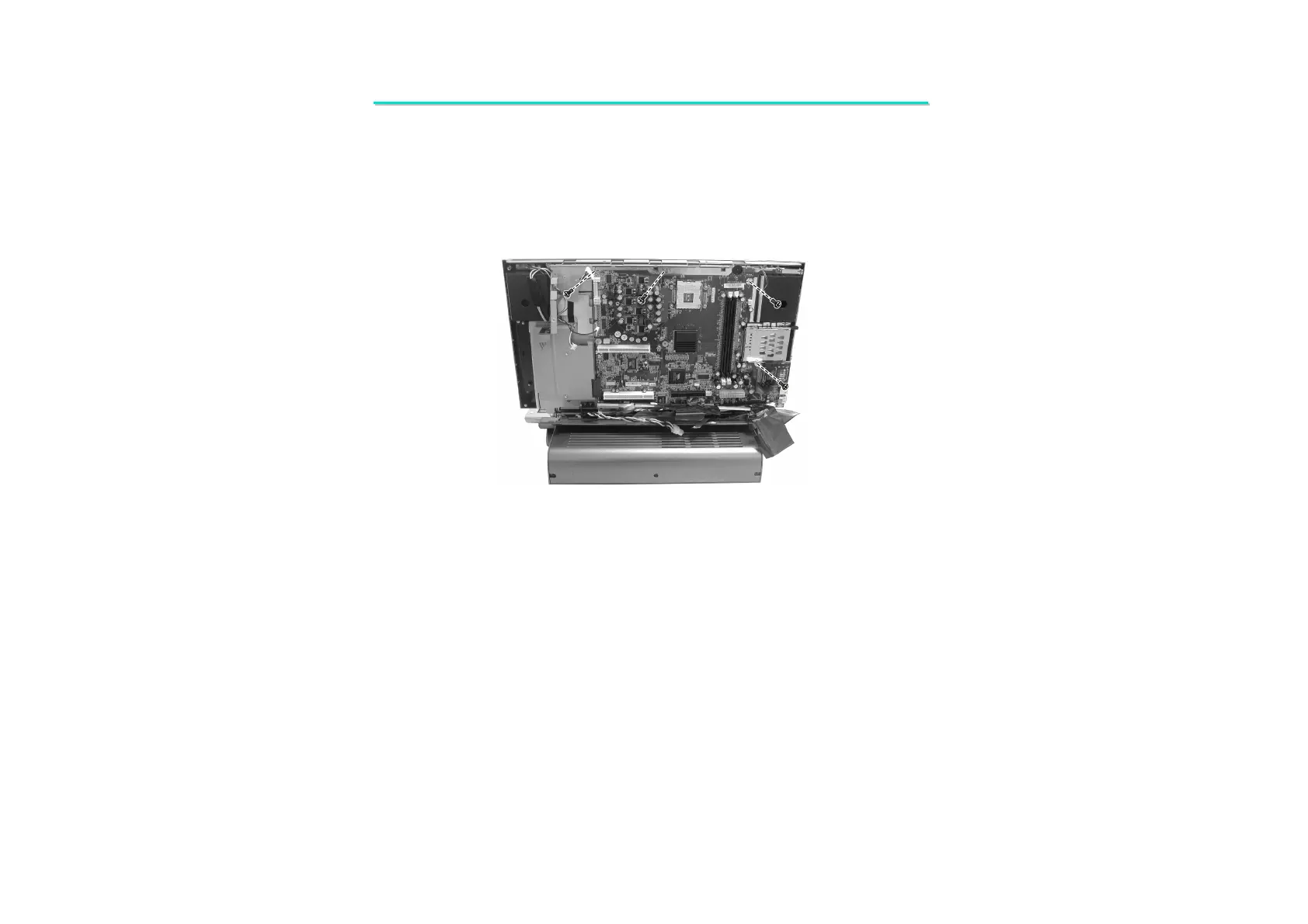
1. Fit the system board and secure with four screws.
2. Disconnect the IR sensor’s cable (); inverter board’s cable (); stereo speaker set(L,R) (); LCD’s cable ()
and keyboard’ cable ().
3. Replace the PCMCIA bracket and secure with one screw.
4. Replace the system board’s upper bracket and secure with five screws.
5. Fit the housing back to system, then secure eight screws with
6. Fit two hinge covers and secure with two screws.
10. Unscrew four screws fastening the system board. Then you can separate the system board. (Figure 2-22)
Figure 2-22 Remove the system board



 To Next Page