130
LCD PC E
LCD PC E
-
-
8590 MAINTENANCE
8590 MAINTENANCE
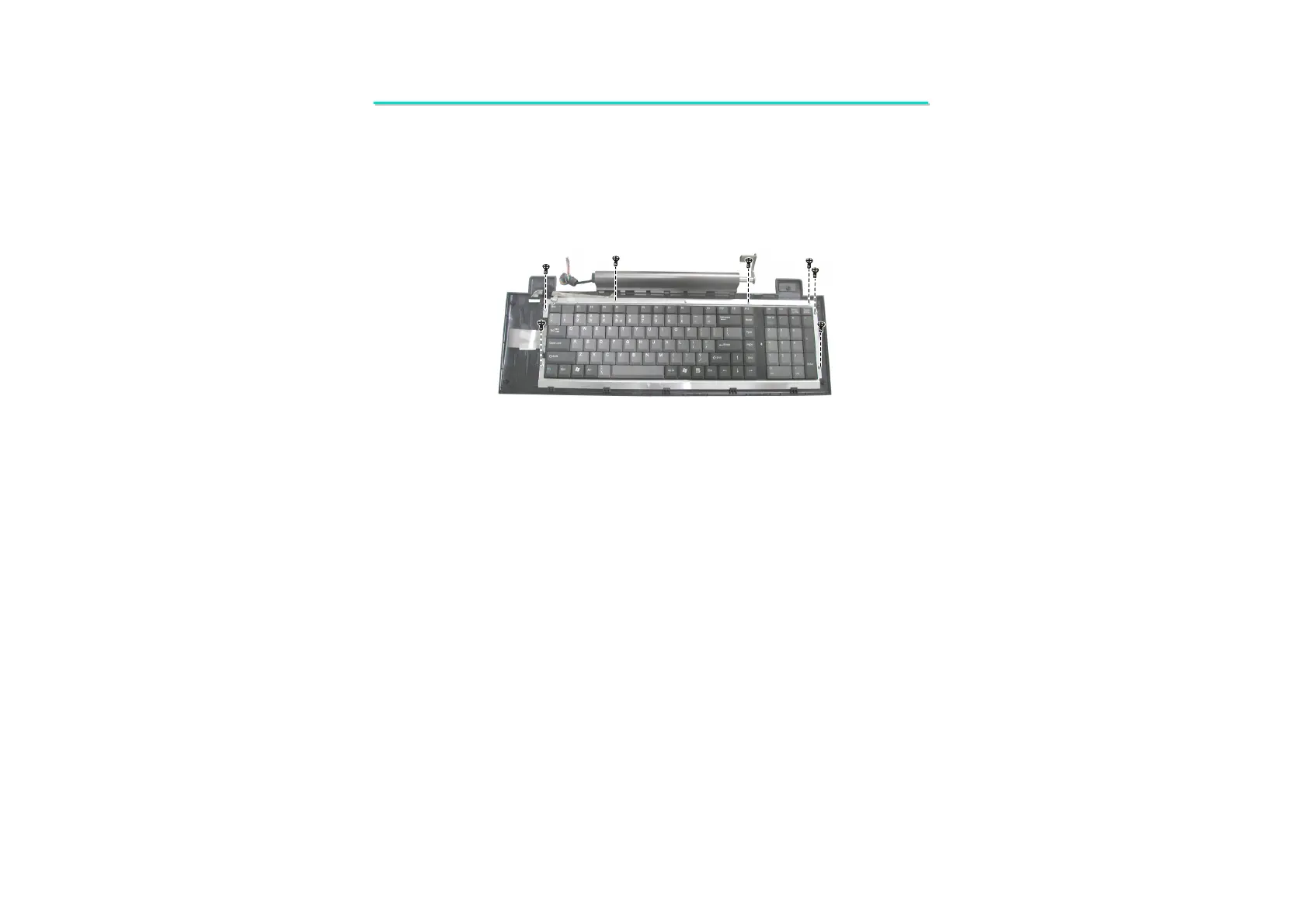
12. To separate the keyboard remove seven screws. (Figure 2-36)
Figure 2-36 Remove seven screws to separate
the keyboard
Reassembly
1. Fit the keyboard back into the keyboard’s housing and secure with seven screws.
2. Reconnect the wire and cable to keyboard board. Then fit keyboard board and secure with three screws.
3. Fit the keyboard cover and replace four screws; four rubber pads on the top of keyboard cover.
4. Put the keyboard ASSY upside down. Replace two screws and two rubber foots.
5. Fit the keyboard ASSY to the base unit and secure with two screws. Then replace two hinge cover
6. Replace the system bracket and secure with eight screws.
7. Assemble the system. (See instructions in previous sections)



 To Next Page