172
LCD PC E
LCD PC E
-
-
8590 MAINTENANCE
8590 MAINTENANCE
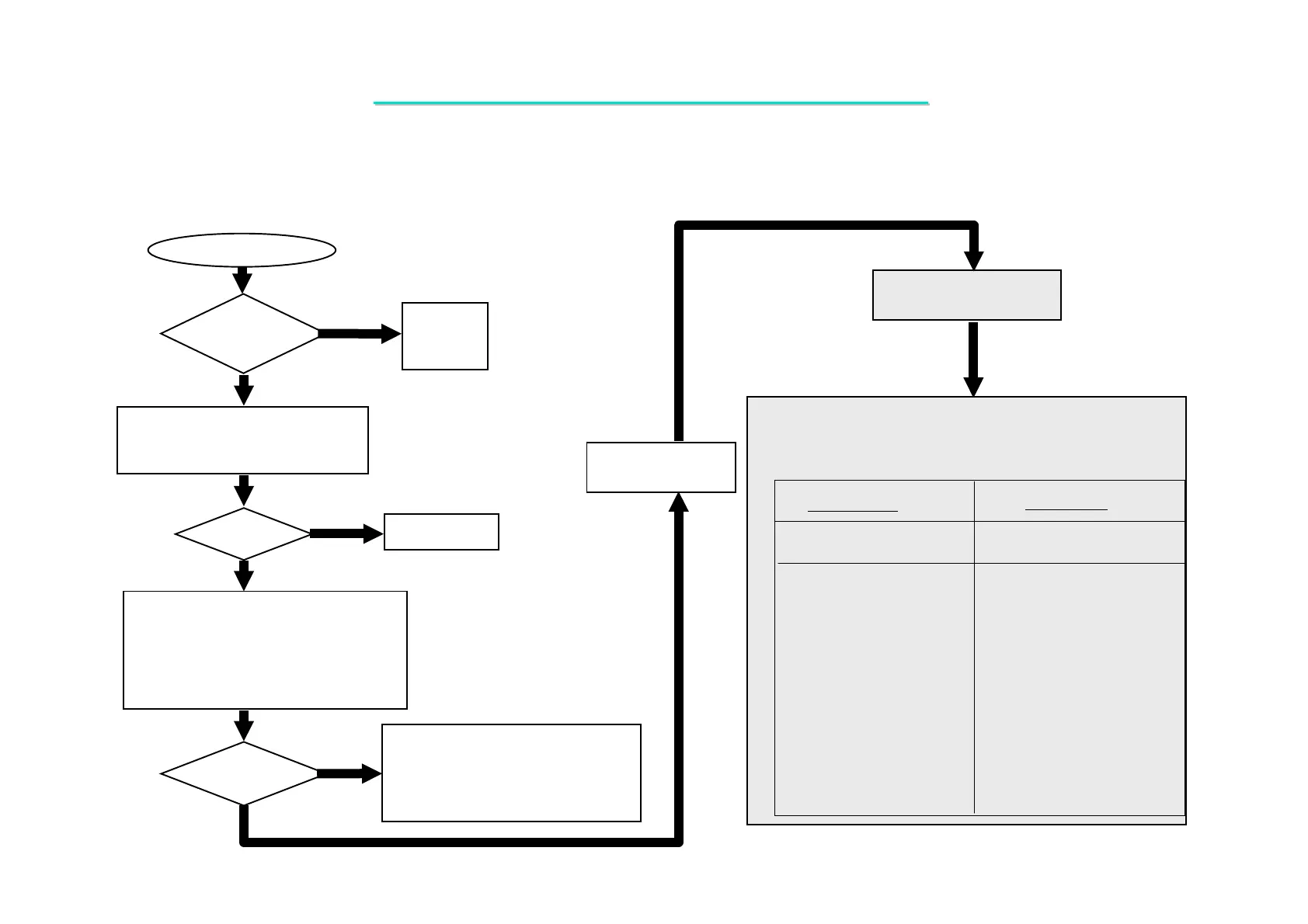
Replace
LCD.
Board-level
Troubleshooting
Yes
NO
LCD module
OK?
Make sure that CPU module,
DIMM memory are installed
Properly.
Display
OK?
Yes
No
Correct it.
Replace
Motherboard
1.Try another known good CPU
module, DIMM module and BIOS.
2.Remove all of I/O device (HDD,
CD-ROM…….) from
motherboard except LCD
Display
OK?
1. Replace faulty part.
2. Connect the I/O device to the
M/B one at a time to find out
which part is causing the problem.
Yes
No
No Display
One of the following parts on the mother-board may be
defective, use an oscilloscope to check the following signal or
replace the parts one at a time and test after each replacement.
Parts: Signals:
+3VS
CPUCLK
CPUCLK#
NB_MCLK0
NB_MCLK1
NB_14.318
HCLK_NB
SB_14.318
PCI_SB_CLK
USB_CLK
PCI_SLOT_CLK
PCI_CARD_CLK
PCI_1394CLK
PCI_LPC_SUPIO
PWROK
PWRGDCPU
SB_PWRGOOD
NB_PWRGD
CPURST#
VDD5
RSMRST#
PCIRST#
IDE_RST
CDROM_RST
AC97_REST
PCI_1394_ RESET
CARD_RESET#
PCI_NB_RESET#
LPC_SPIO_RESET#
U509
U3
U5
U18
U6
U14
U27
U509
X4
R283
R226
R230
R262
R249
R241
SW1
R185
U22
U3
C11
Q24
U26
Q27
J22
U18
Q28
Q25
U18
X5
U9
D4
System Clock
Reset Signal
Parts: Signals:
R234
R179
R272
R277
R285
R17
R304
R281
R279
R280
R278
8.2 No Display (System Failure)



 To Next Page