© MOBATIME 28 / 120 800652.11
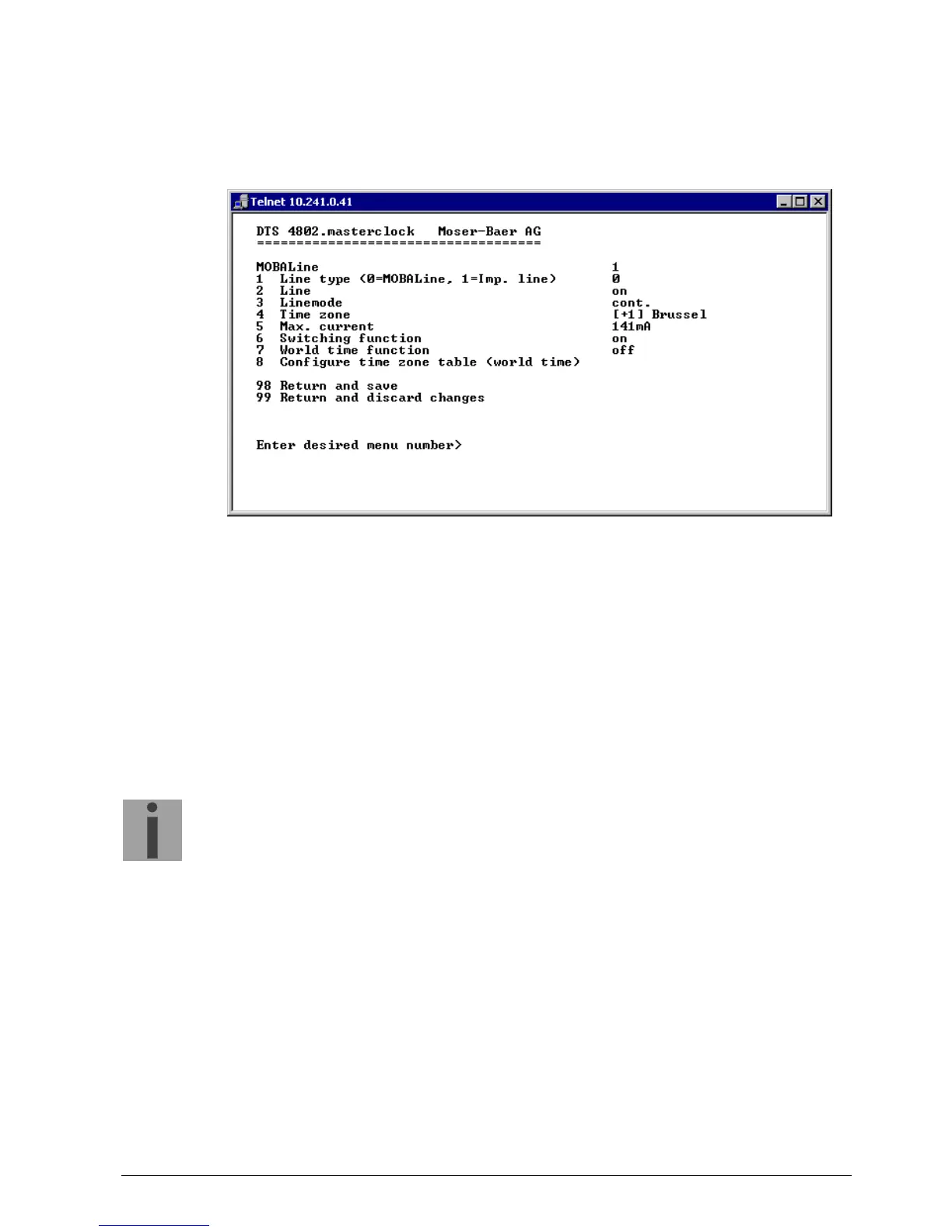
6.5.2 MOBALine
MOBALine clock line with switch function for clock illumination, switch program and
world time function. Display of line 1 or 2
1. Select line type: 0 = MOBALine, 1 = Impulse line, 2 = DCF active code line
2. Select line function: Line switched off, line switched on, let clocks run to 12:00.
3. Select MOBALine mode: Minute steps, 30 second steps or cont. (10 sec. steps)
4. Select time zone (see chapter “6.5.28 Time zone selection“)
5. Select maximum current (0-700mA) on the line. The line will be switched off for as
long as the overcurrent is connected.
DTS 4802: The maximum current is divided between both lines, i.e. it can always
only be the remainder at the most that can be set as the maximum amount.
6. Switch function on or off
7. World time function on or off
8. Configure time zone table for world time
Important:
Changes can only be undertaken when the clock line is switched off!



 To Next Page