© MOBATIME 61 / 120 800652.11
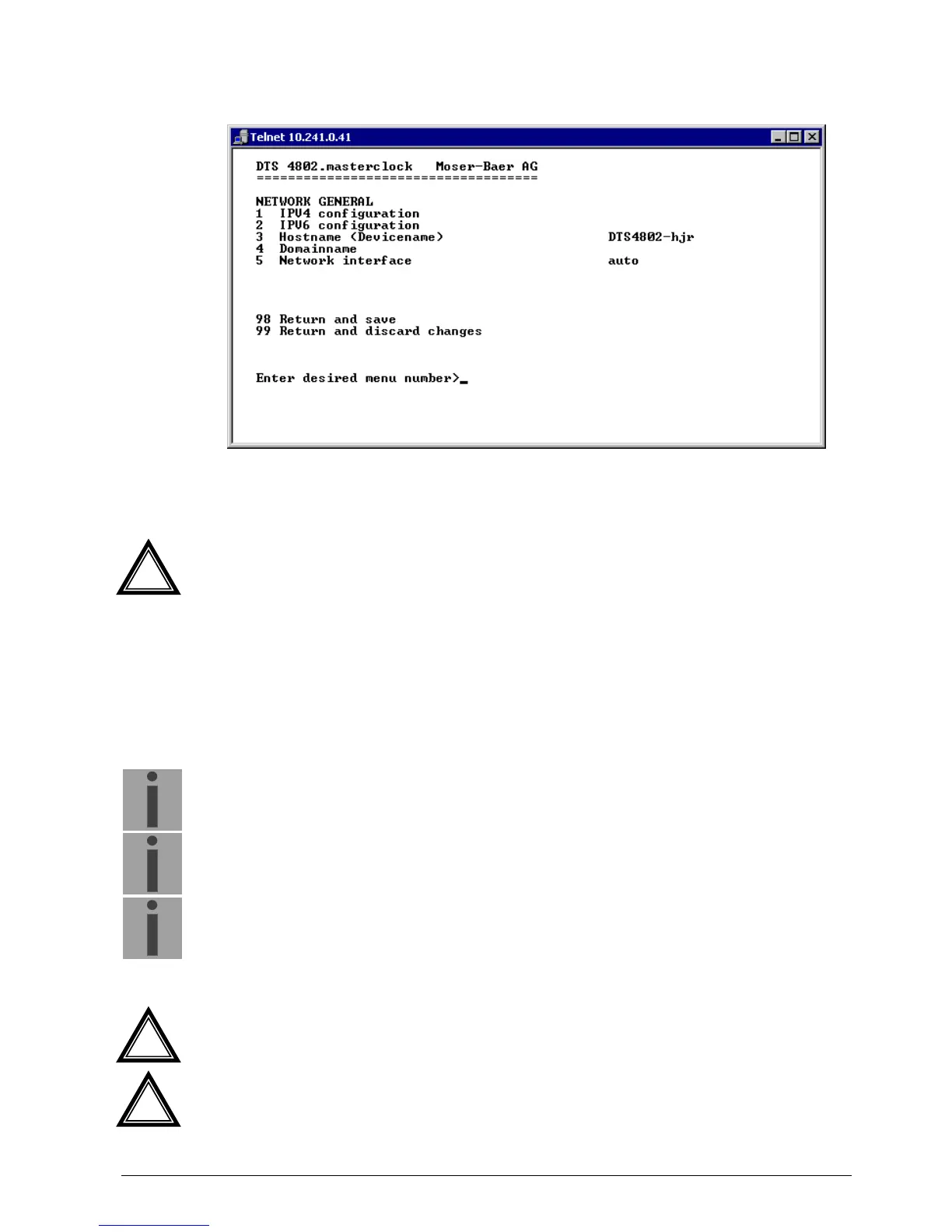
6.5.23 Network
1. Configuration of IPV4 parameters
2. Configuration of IPv6 parameters
3. Set hostname.
Attention:
A host name must always be configured.
Host names and their format are described in the Internet standards RFC
952 and RFC 1123: Domains and host names may only contain letters
(capitals or small letters) and numerals ("0-9"). In addition, the minus sign
("-") may also be used, as long as it is not at the end.
Everything else is not permitted!
4. Set domain e.g. test.org
5. Set network interface: Auto, 100/10Mbit, half-, full duplex.
View of the current network state in Menu: ‘1 Status’ ‘6 Info network config.'
Important:
The menu is closed upon modifying the IP or the DHCP mode.
Important:
DHCP on/off, each change of this setting will result in a restart of the NTP
server!
Important:
For the operation of a Multicast communication (NTP and Time Zone
Server) the configuration of a gateway is mandatory. The gateway can
be set manually or by using DHCP. If no gateway is available, the own IP
address can be used.
Attention:
Only one DNS server should be configured (IPv4 or IPv6).
Attention:
Settings to the network must be agreed with the network administrator!
!
!
!



 To Next Page