© MOBATIME 45 / 120 800652.11
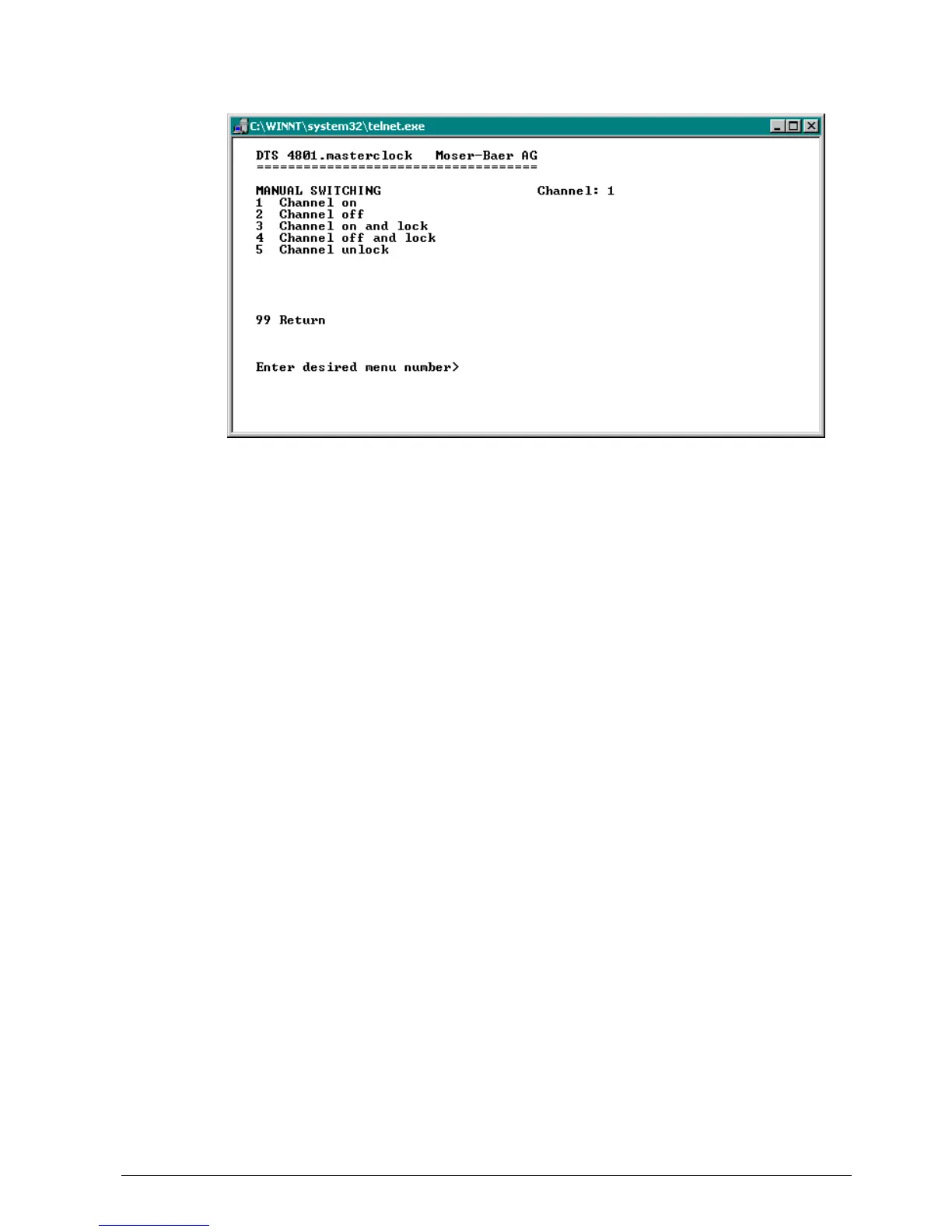
Manual switching:
1. Channel on: The channel is switched on immediately. The channel then takes over
the state of the switch programs , switch function or switch inputs again. It can take
up to 2 minutes to adopt.
2. Channel off: The channel is switched off immediately. The channel then takes over
the state of the switch programs, switch function or switch inputs again. It can take
up to 2 minutes to adopt.
3. Channel on and lock: The channel is switched on immediately and locked in this
state.
4. Channel off and lock: The channel is switched off immediately and locked in this
state.
5. Unlock channel: The channel takes over the state of the switch programs, switch
function or switch inputs again. It can take up to 2 minutes to adopt.
6.5.11 Time handling
In the menu '2 Configuration 2 Time handling', settings can be undertaken for the
following functions:
General settings See Chapter 6.5.12
Configuration of the local time source See Chapter 6.5.13
NTP Server / NTP Sources See Chapter 6.5.14
CAN (MTC) See Chapter 6.5.15
Manual time set See Chapter 6.5.16



 To Next Page