43
EN
TECHNICAL MANUAL - B CLASSIC / B FUTURA / S CLASSIC
SYSTEM RESET
3.2 CLASSIC SYSTEM RESET
The system can be reset in two alternative ways depending on the type of alarm that has occurred (see the List of
alarm codes further on in this appendix):
1. Pressing the OK button.
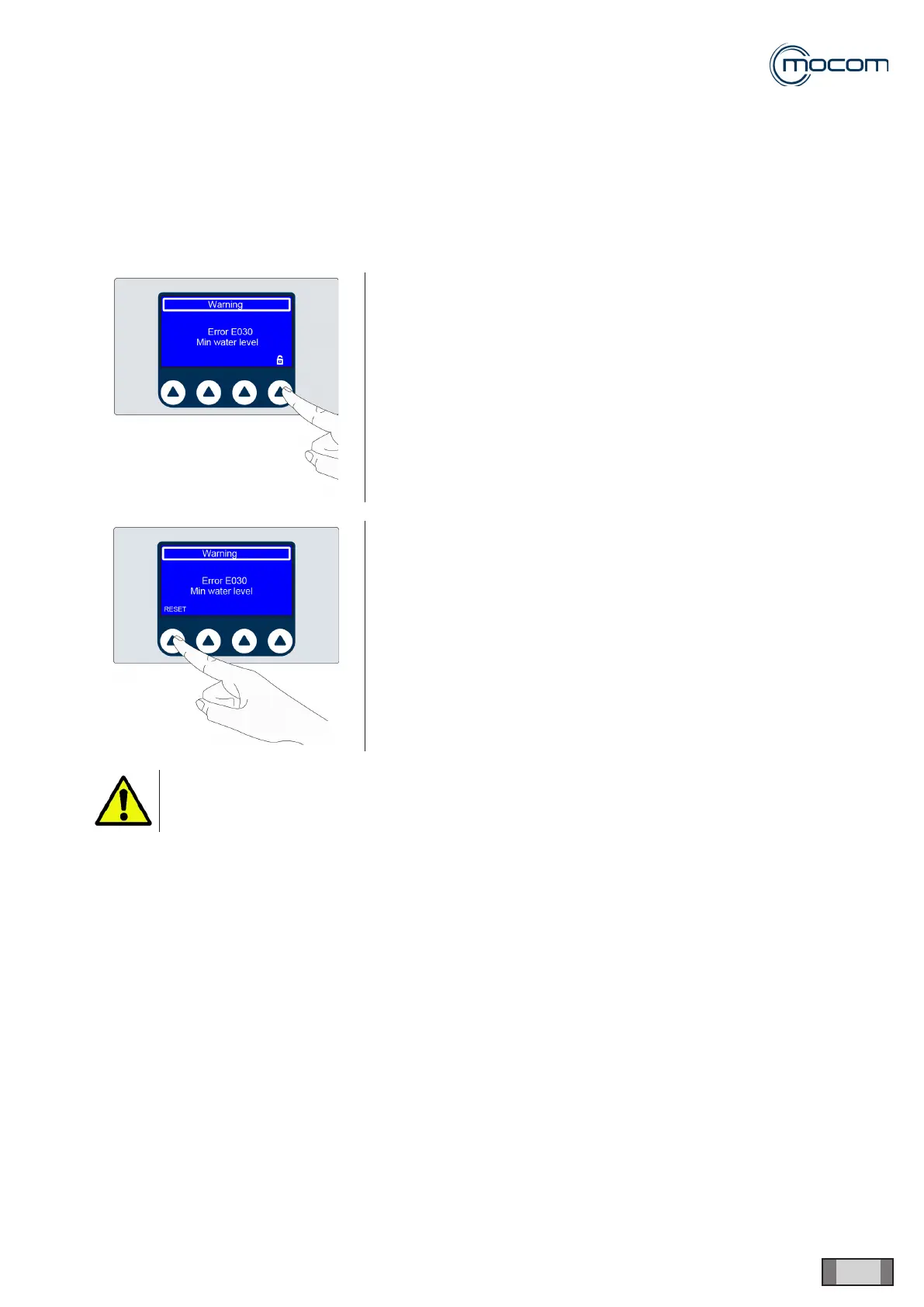
2. Following the on-screen instructions and holding down the RESET button for about 3 seconds:
Holding down the “padlock” button for 3 seconds and the sterilizer door will
open.
Tap and hold the RESET button for 3 seconds and the device goes back to
the initial menu.
After the RESET and any technical operation necessary to eliminate the
fault, the device will be ready to run a new program.
Never turn off the device until after you have done the reset.



 To Next Page