89
EN
TECHNICAL MANUAL - B CLASSIC / B FUTURA / S CLASSIC
SYSTEM RESET
6. NETWORK CONNECTION - USER INTERFACE
It is possible to obtain from remote information on the device and its operation,
managing many functionalities of the SERVICE menu already present on the
machine.
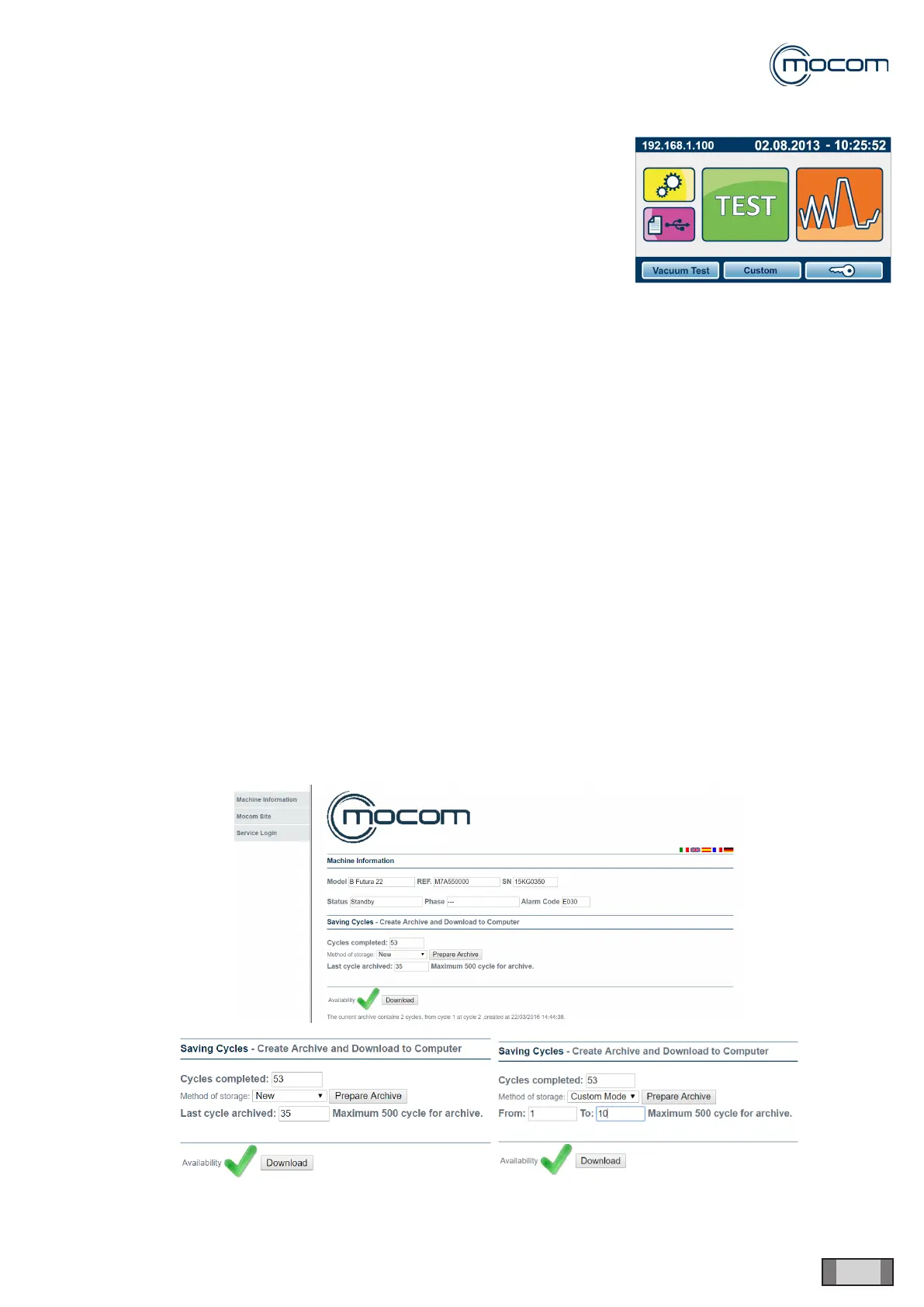
Connect the autoclave (Futura models only) to the network through the Ethernet cable or Wi-Fi to access from PC an
on-line page with the autoclave IP address showing:
- Machine information;
- Mocom website (if internet connection is active);
- Service Login (reserved to authorised technicians, access with password):
- Cycle management;
- Diagnosis;
- Settings;
- Reports,
- Logout.
Machine information
The user can select the language among those available and obtain the following information on the device:
- Model;
- Reference Number;
- Serial number;
- Status;
- Stage;
- Alarm code.
Under section “Cycle Saving - Create archive and Download on Computer” the user can view:
- Completed cycles
- Last archived cycle.
The user can also request their ling by selecting the method and, if available, download the relevant les.



 To Next Page