88
EN
B CLASSIC / B FUTURA / S CLASSIC - TECHNICAL MANUAL
TECHNICAL DATASHEET
When the updated is completed, the autoclave is restart-
ed automatically and the display screen will default to the
standard START menu.
- Switch off the autoclave
- Remove the USB pendrive
- Switch on the autoclave
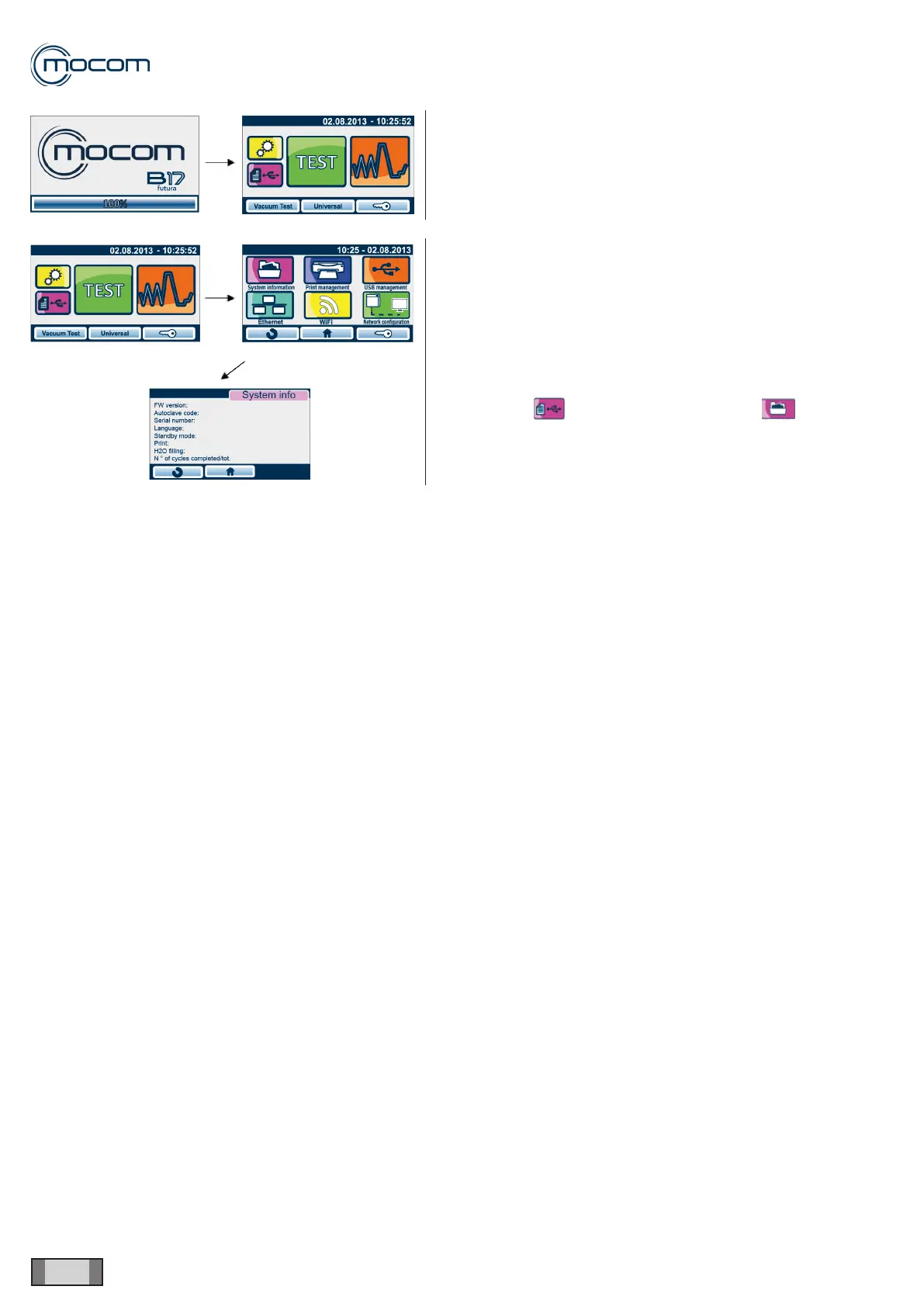
To conrm that the update process was completed suc-
cessfully, go to:
Menu DATA > SYSTEM INFORMATION >
and determine which FW version is installed.



 To Next Page