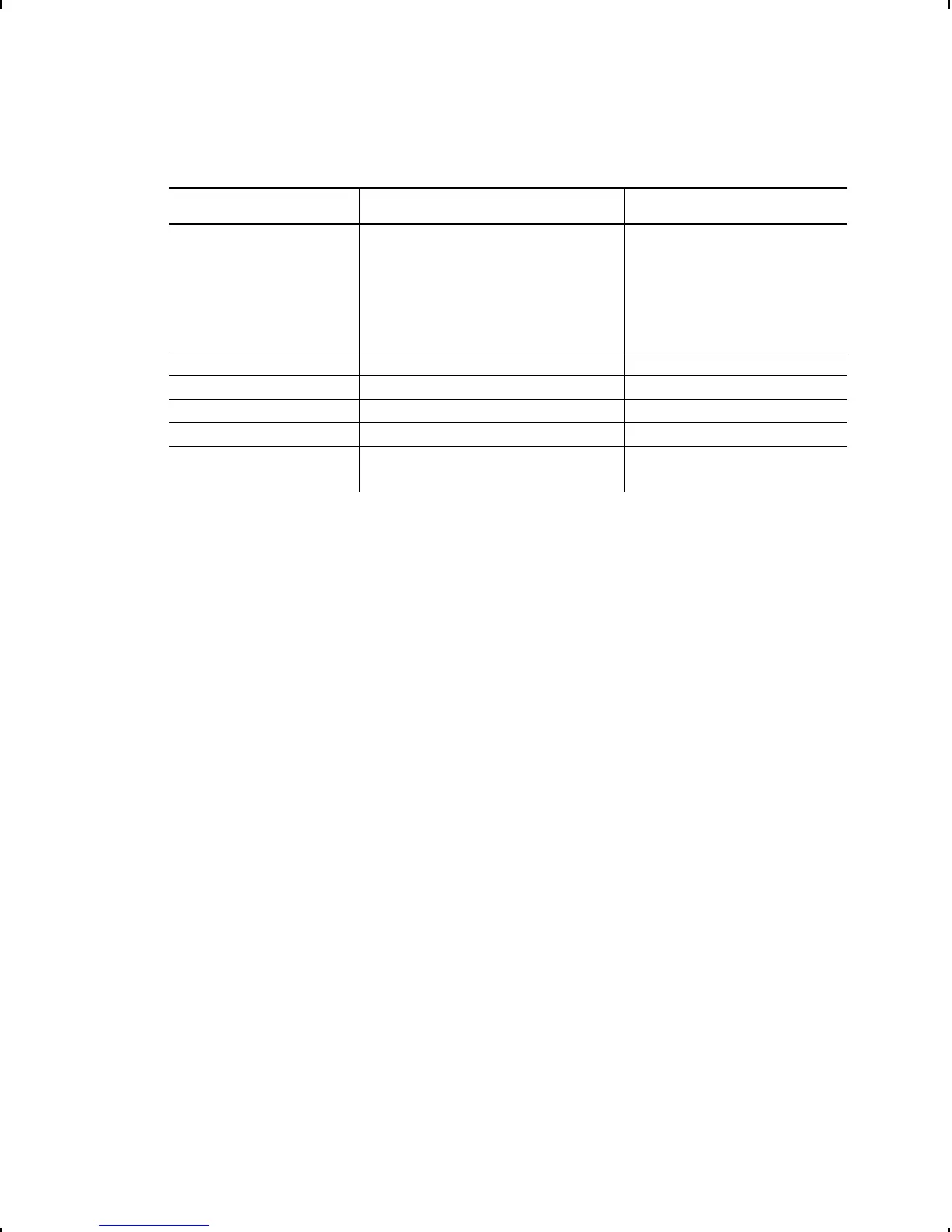
The monetary formatting options are listed in the table below.
Option Choices Default
Monetary sign None/USA/UK/Japan/
Germany/France/Spain/
Italy/Sweden/Finland/
Austria/India/Russia/
Korea/Thailand/China/
Euro-Dollar
USA
Secondary Sign No/Yes No
Decimal Places 0/1/2/3 2
Slashed Zero No/Yes No
Power-up Mode Online/Offline Online
Prompt Set English/French/German/
Spanish
English
The monetary sign, secondary sign, and decimal places options
are used in conjunction with option 42. Refer to the Packet
Reference Manual for more information.
The settings for Monetary Sign, Secondary Sign, Slashed Zero,
and Decimal Places are applied when a format is downloaded.
Changing the settings does not affect batches already in the
printer.
7-2 Setting Defaults



 To Next Page