Cleaning the Printhead and Platen Roller
The rate and frequency at which you print determines how often
you must clean the printer.
You may need to clean the printhead and platen roller:
u
if there is any adhesive build-up in
the supply path
u
daily if your printer is in an excessively
dirty, hot, or humid environment
u
when you see voids in the print as shown:
To clean the printer:
1. Turn off printer.
2. Unplug the power cord.
3. Remove the cover.
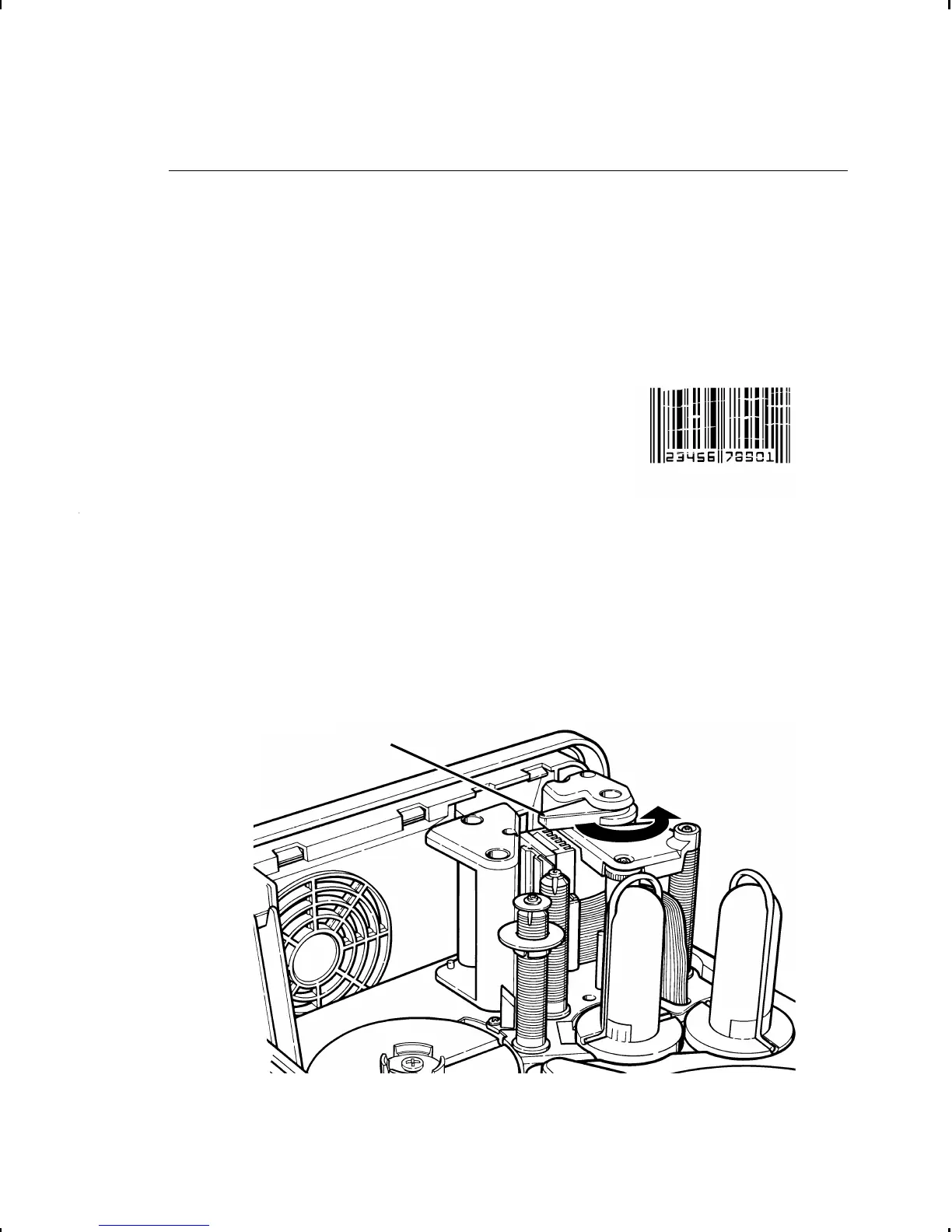
4. Turn the printhead lever counterclockwise to open the
printhead.
Printhead
Lever
9-2 Cleaning



 To Next Page