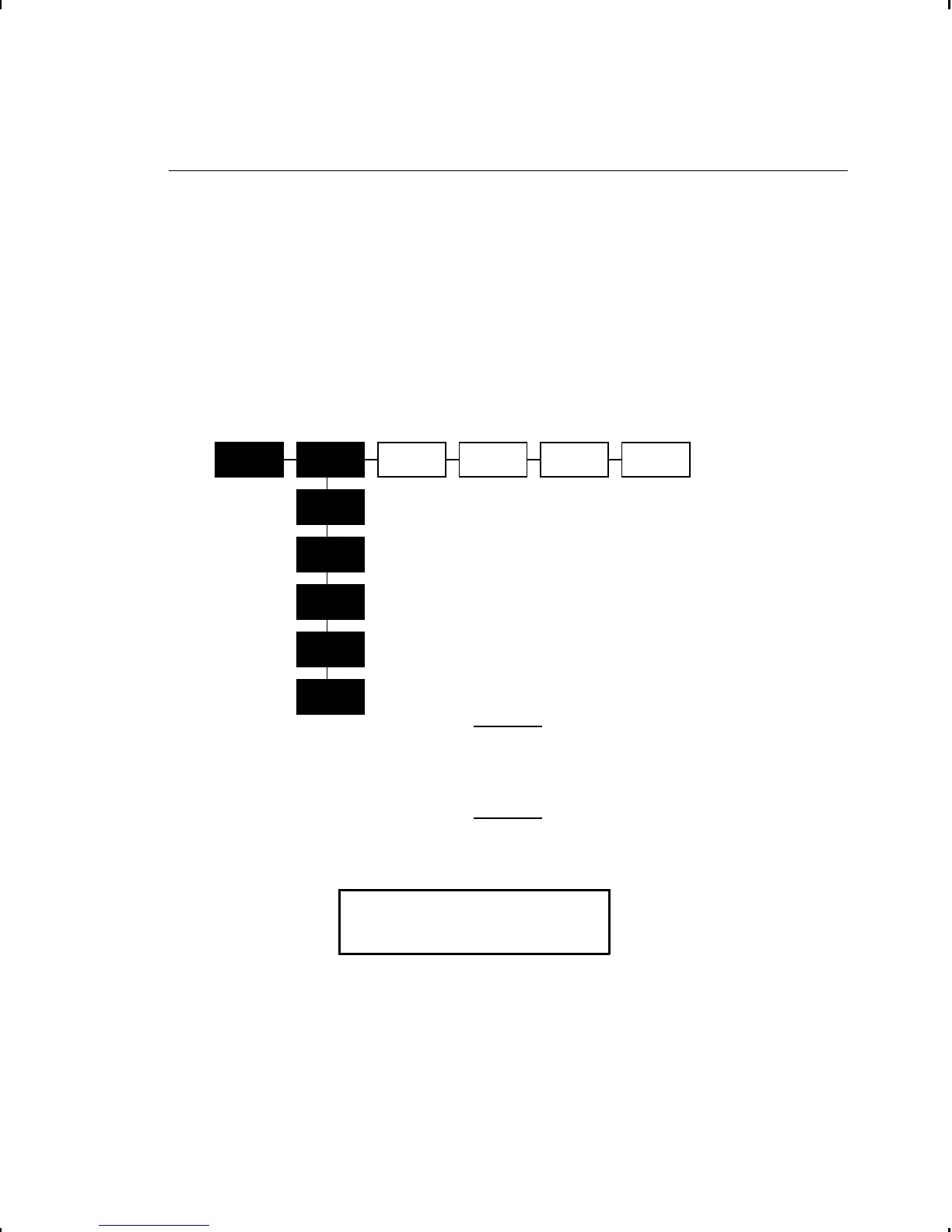
Canceling a Paused Batch
You can cancel a paused batch, delete a format, graphic, or font
in memory, or all the batches waiting to print. If password
protection has been enabled for formats, graphics, fonts, or flash,
you must enter a password before they can be deleted. If
password protection has not been enabled, you will not be
prompted for a password to delete formats, graphics, fonts, or
clear flash. See "Using Password Protection" in Chapter 10 for
more information.
Before any format, graphic, or font in memory
can be deleted, you must cancel all batches.
1. Press P to interrupt printing. You will see
PAUSE MENU
l Print Mode r
u
If you want to cancel only the paused batch, skip step 3.
u
If you want to cancel all the batches, skip step 2.
CANCEL
BATCH
CANCEL
ALL
PRINT
MODE
RESTART
BATCH
SETUP DIAG.
PAUSE MENU
CANCEL
BATCH
CANCEL
FORMAT
CANCEL
GRAPHIC
CANCEL
FONT
CLEAR
FLASH
8-4 Printing



 To Next Page