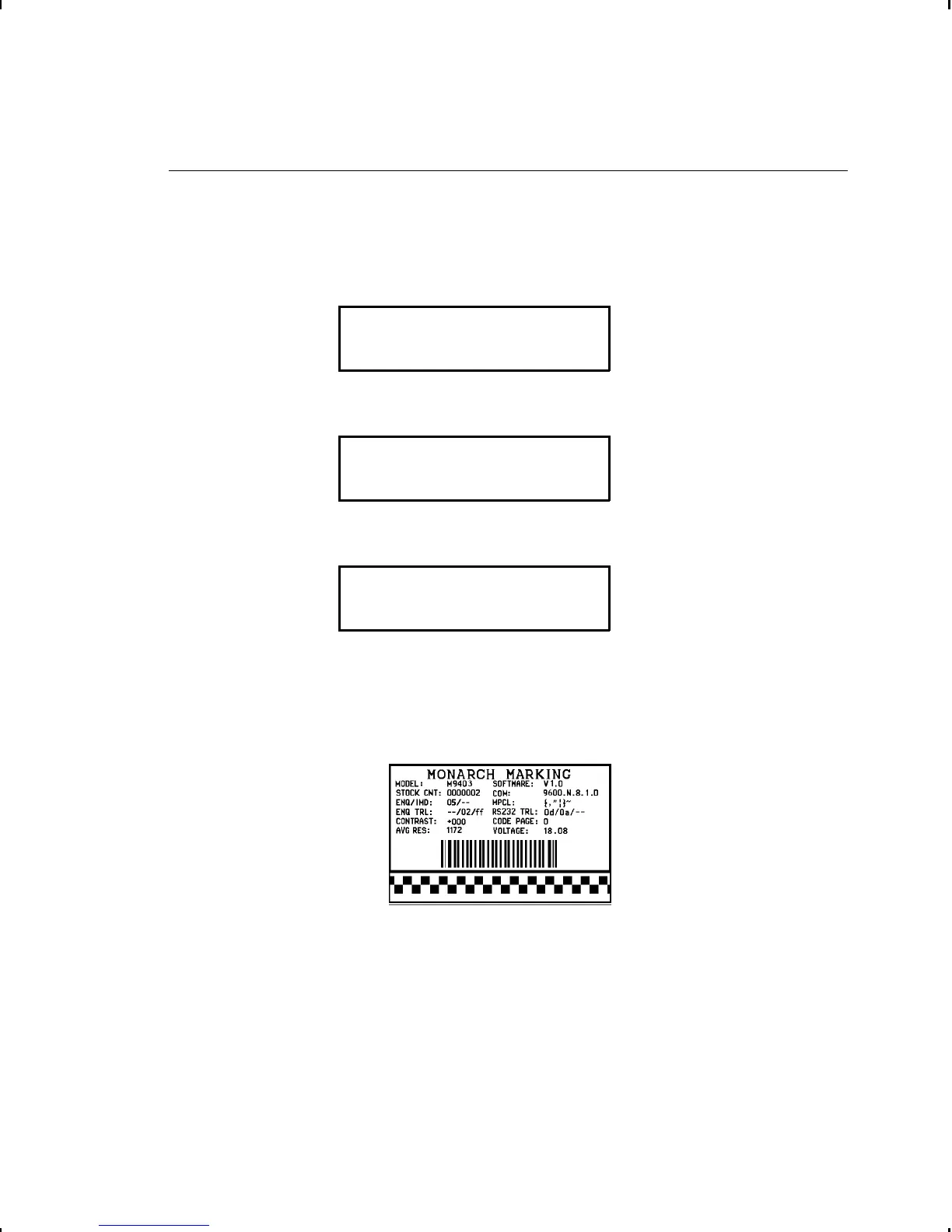
Printing a Test Label
See "Printing a Test Label" in Chapter 3 for more information. If
you need to call Technical Support, print a test label.
1. From the Diagnostic Menu, press L or R until you see
DIAGNOSTICS
l User Diag r
2. Press E and L or R until you see
USER DIAG
l Test Label
3. Press E. You will see
PRINT QUANTITY
[1/999]: +1
4. Select the number of labels you want to print using
L or R. Press E.
The test label should look like this:
10-4 Diagnostics



 To Next Page