Page 16
CREASING / FOLDING
Setting the Delivery Conveyor System.
WARNINGS:-
1. The Machine will start if the delivery unit is not in its up position.
1. With the machine switched (see page 18), move the Selection Switch to the left
(one click at a time) until the display contains the words .
2. Move the Selection Switch down to or .
3. Move the Selection Switch to the right to toggle between or
.
When using the ‘Set by Position’ mode of operation; the Roller Position and Shingle Length
must be adjusted manually to suit the job, as described below.
1. With the machine switched (see page 18), move the Selection Switch to the left
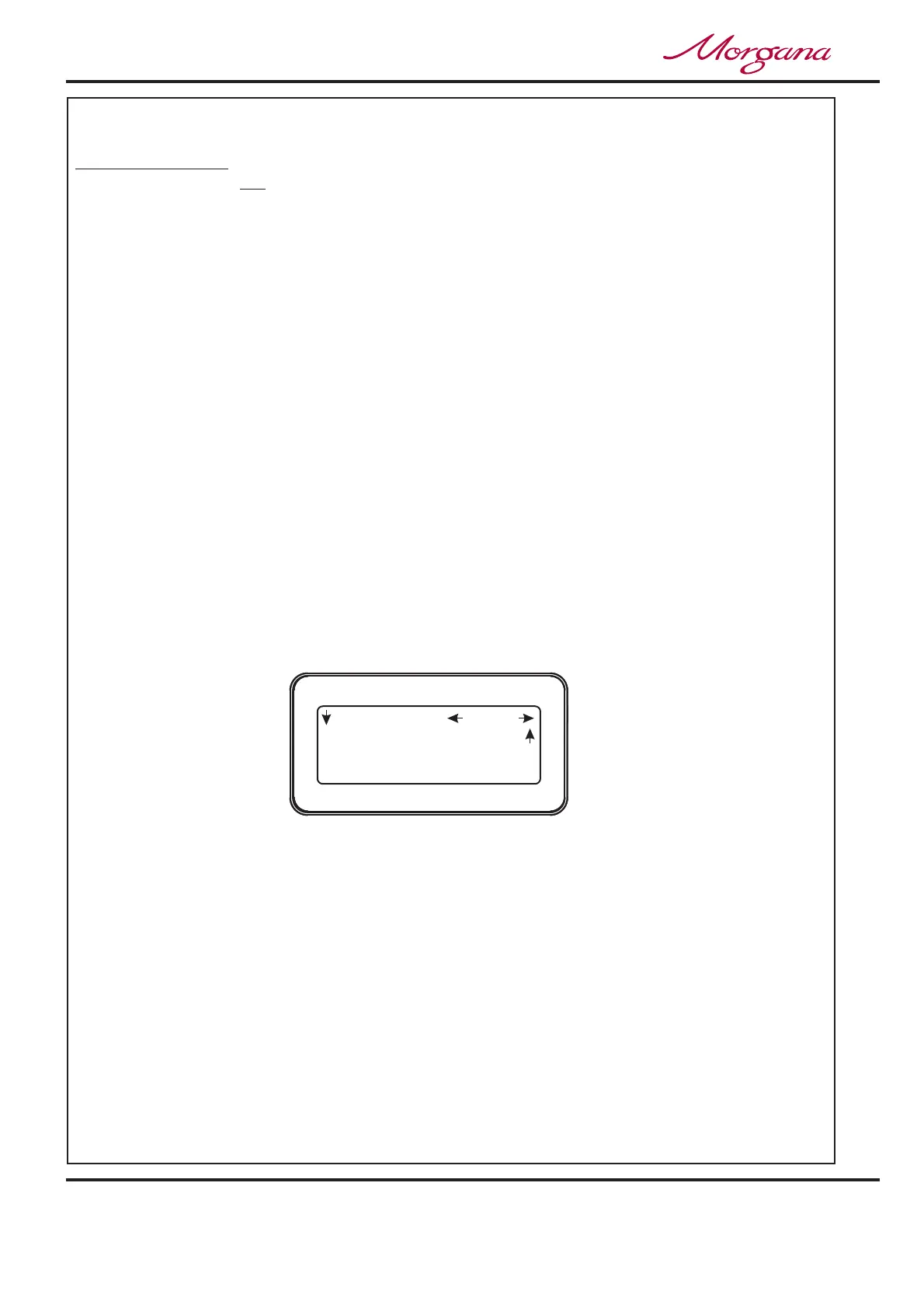
(one click at a time) until the display contains the words , as shown below.
2. Move the Selection Switch down to or and then rotate the Selection
Switch to adjust its value.
3. When the optimum settings for the roller position and shingle length are achieved they
can be stored with the job (see on page 20).
not
Turning the delivery system ‘ON’ or ‘OFF’
Adjusting the Roller Position and Shingle Length. (See FIG 17.1)
.
If the delivery is turned off the roller will feed to the far end of the belt conveyor and park
there until turned on again.
If the delivery is turned on when using the ‘Set by Fold’ mode of operation; the Roller
Position and Shingle Length are automatically set, relative to the paper length and type of
fold selected.
ON
Select Tools
Delivery is ON Delivery is OFF
Delivery is ON Delivery
is OFF
ON
Set Delivery
Shingle Roller
Storing the Program
Shingle 26.0
Home
More
Set Delivery
Roller 61.9
Operating the Digifold



 To Next Page