Page 25
SYSTEM
1st Crease 105.0
Home
More
Set Creases
2nd Crease 210.0
Back
Set Creases
Tens Decimals
(1st Crease 105.0)
2nd Crease 210.0
Back
Set Creases
Tens Decimals
(2nd Crease 210.0)
3rd Crease 0.0
Adjust
Set Creases.
Tens Decimals Tens Decimals
Tens Decimals Tens Decimals
Adjust
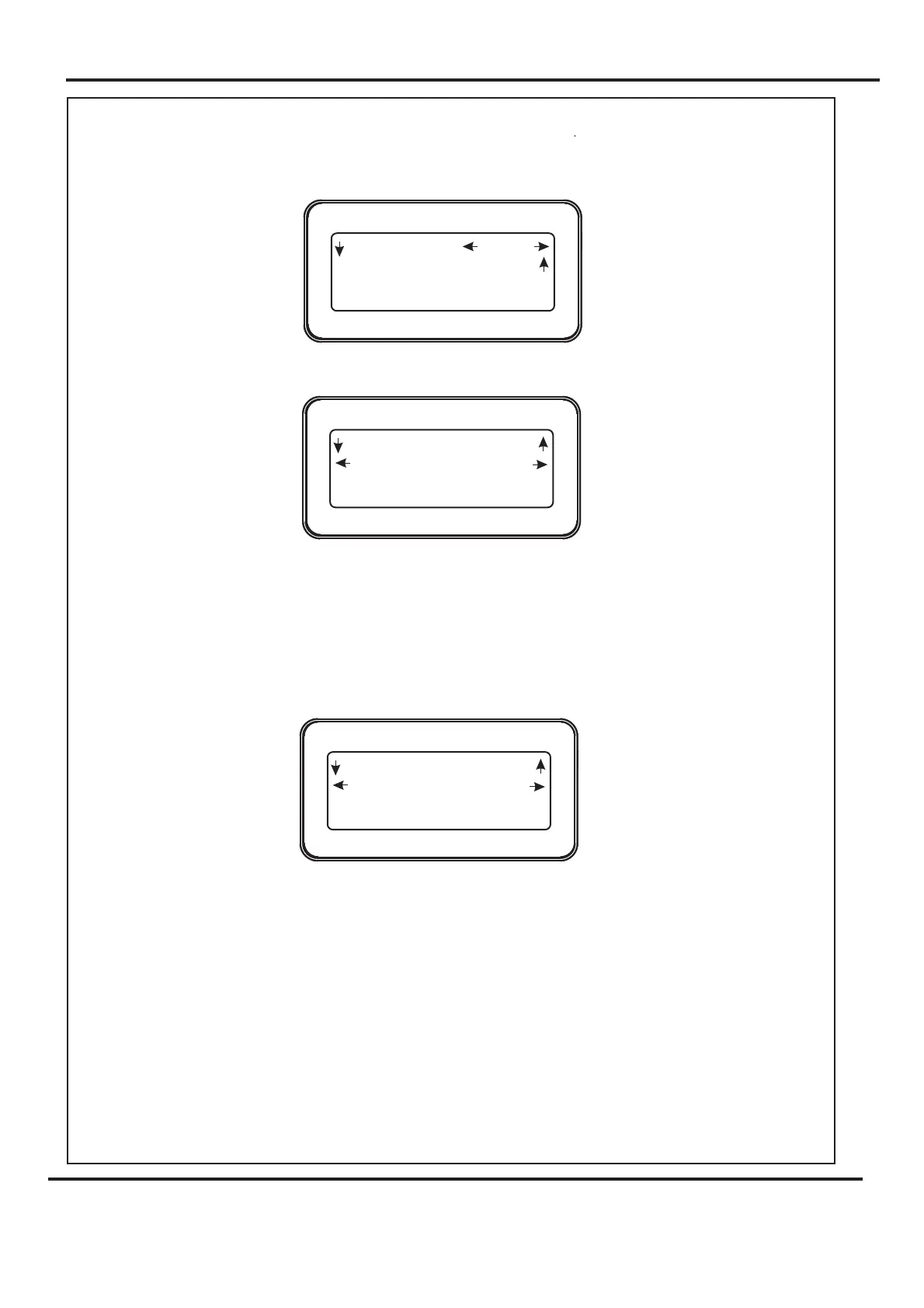
Setting the Crease Positions.
4. Move the Selection Switch to the left (one click at a time) selecting until the
display shows the words as shown below.
5. Move the Selection Switch down to select the 1st Crease.
6. The 1st Crease position can then be adjusted by moving the Selection Switch to the
left to select or to the right to select . The or
(whichever has been selected) can then be adjusted by rotating the Selection Switch,
(clockwise to increase or anti-clockwise to decrease).
7. Move the Selection down to select the 2nd Crease position.
8. The 2nd Crease position can then be adjusted by moving the Selection Switch to the
left to select or to the right to select . The or
(whichever has been selected) can then be adjusted by rotating the Selection Switch,
(clockwise to increase or anti-clockwise to decrease).
9. Further creases can be set in this way, up to a maximum of nine creases.
10. Move the Selection Switch up (one click at a time) until the display shows the word
.
Digifold 5000P
Operating the Digifold



 To Next Page