Page 19
SYSTEM
Paper Type 2
Paper Type 3
Back
Tens Decimals
Set Paper
Paper Length 210.3
Paper Type 2
Paper Length 190.0
Home
More
Set Paper
Back
Tens Decimals
Set Paper
Paper Length 210.3
(Crease/Fold)
Home
More
Set Process
Crease Only
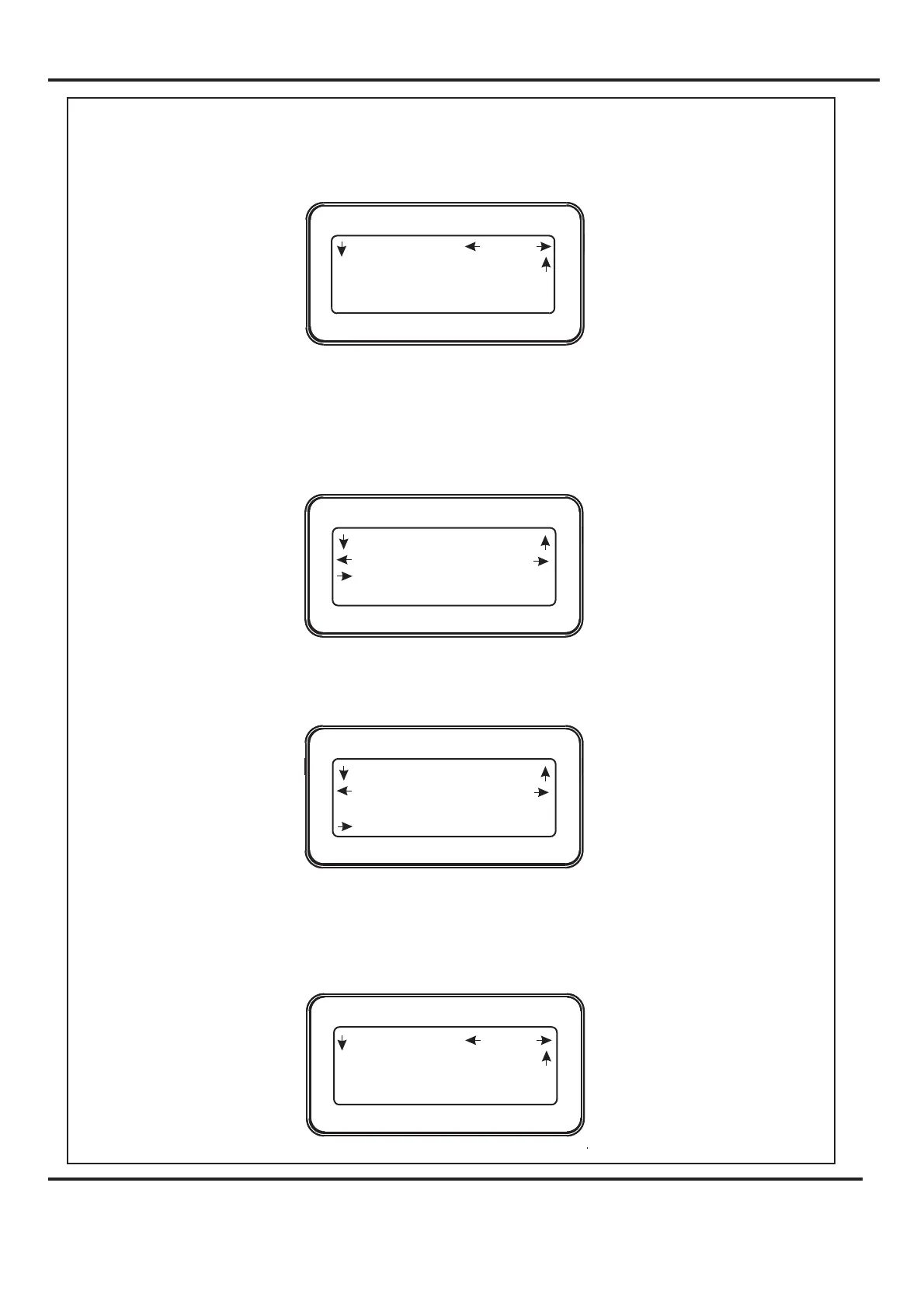
Setting the Paper Length
Setting the Process (
2. Following the arrows on the display unit; move the Selection Switch to the right
(one click at a time) until the display contains the words .
3. Move the Selection Switch down to select .
4. The paper length can now be set by moving the Selection Switch to the left to select
or to the right to select . The or (whichever has been
selected) can then be adjusted by rotating the Selection Switch, (clockwise to
increase or anti-clockwise to decrease).
5. Move the Selection Switch down to select .
Move the Selection Switch to the right to select .
or
Set Paper
Paper Length
Tens Decimals Tens Decimals
Paper Type
More
Crease & Fold, Crease Only, Fold Only No Crease or Fold).
6. The Paper Type can now be set to 0, 1, 2 or 3 by rotating the Selection Switch.
7. Move the Selection Switch up two clicks to the top level display menu.
8.
Digifold 5000P
Operating the Digifold



 To Next Page